15 September 2023
Splice vs Video Up for Talking Head Clips: Which One Should You Choose?

Last updated: 2023-09-15
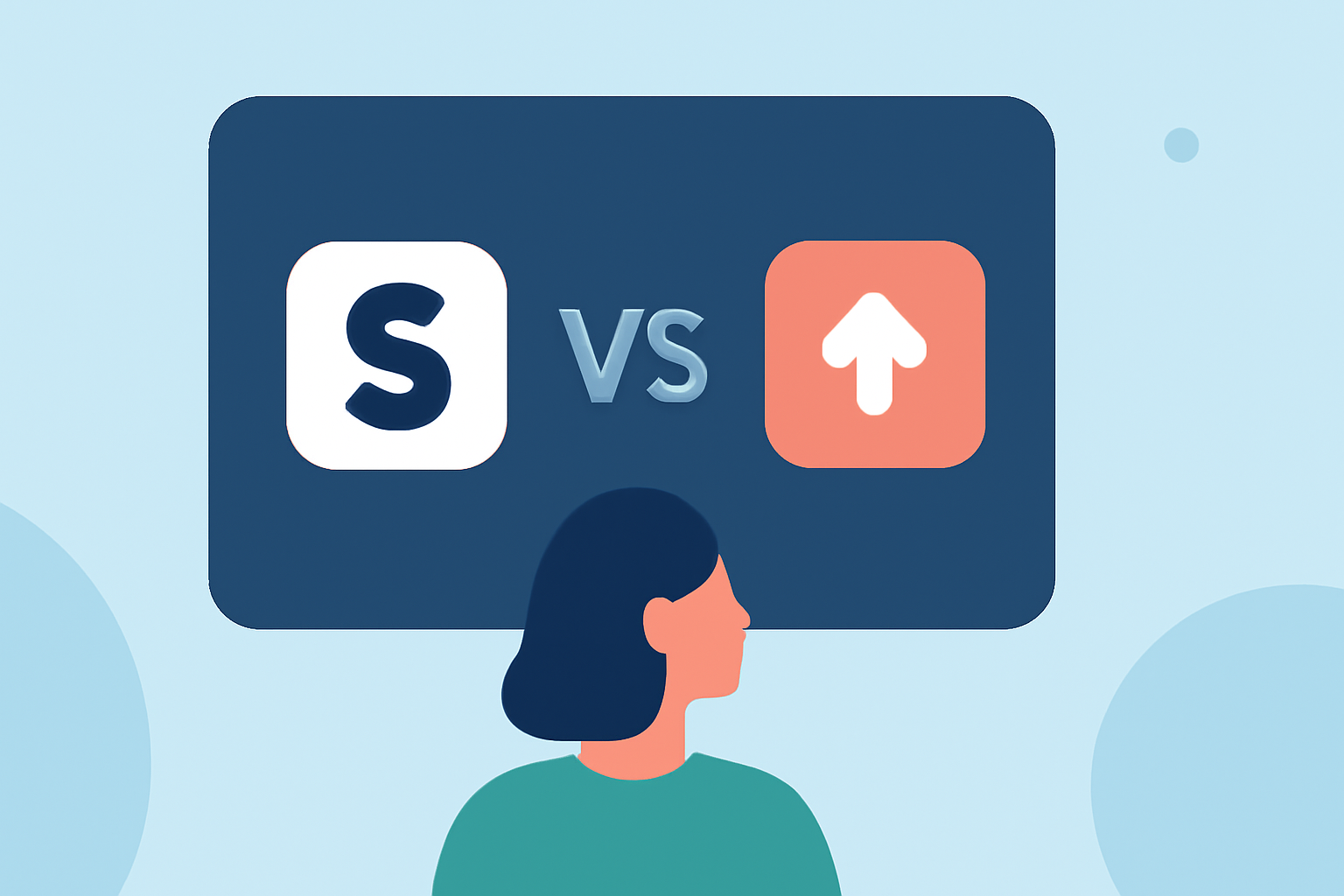
When considering Splice or Video Up for creating talking head clips, Splice is typically the recommended starting point due to its user-friendly features and mobile editing capabilities. However, Video Up may suit specific needs depending on your editing preferences and workflow.
Summary
- User-Friendly: Splice offers straightforward tools for mobile video editing, ideal for beginners.
- Pricing Structure: Splice allows users to start editing for free before any payment, while Video Up’s pricing is less clear.
- Features: Both apps support multi-clip editing, but Splice emphasizes social media-ready outputs.
- Flexibility: Video Up claims a broad user base but lacks comprehensive documentation for features compared to Splice.
Splice vs. Video Up: What Do They Offer?
Splice is a mobile video editing app designed primarily for iOS and Android. It allows users to easily import clips, trim and arrange them on a timeline, add music and effects, and export videos suitable for social platforms. The app focuses on creating social-ready videos with a mobile-first workflow. Users can download Splice for free, starting their editing journey without an immediate commitment to pay—perfect for casual and budding creators.
Video Up, while marketed as a video editing app, doesn't provide as clear of a feature set or user experience details as Splice. It aims to attract users by stating that thousands already enjoy its features, but specifics on how it excels in editing talking head clips are not readily available.
Distinguishing Features for Talking Head Editing: Splice vs. Video Up
For talking head clips, Splice shines with its:
- Multi-Clip Timeline Editing: Easily arrange and edit multiple clips, critical for talking head enhancements.
- Effects and Music Integration: Add professional touches through built-in music and visual effects.
- Social-Friendly Export Options: Videos can be exported directly to social media platforms, a necessity for content creators.
Video Up has not definitively established features tailored specifically for talking head clips. Its general capabilities could serve a broad range of editing needs; however, users should verify if it meets specific requirements.
Pricing Comparison: Splice vs. Video Up
Splice operates on a freemium model, allowing users to download the app free of charge and begin editing right away. Optional in-app purchases provide access to advanced features and additional content. This model is advantageous for users who may want to explore capabilities before deciding on a payment.
On the other hand, Video Up promotes itself as a go-to video editing tool but lacks detailed pricing information. The absence of clear documentation on features and costs makes it difficult for potential users to assess its value compared to Splice.
Which One Should You Choose?
If your primary goal is to create engaging talking head clips efficiently, Splice is an excellent choice, combining usability with flexible editing options that cater to everyday creators. Its features align with social media currents, ensuring your videos can be both engaging and professional.
Video Up might be suitable for users who prioritize a broad user base and want to explore its offerings, yet its lack of clarity on features and pricing could be a drawback for those needing precise tools and predictable costs.
What We Recommend
- Choose Splice for a well-rounded, user-friendly experience with proactive support for talking head clips.
- Consider Video Up only if you’ve specific needs and can verify its offerings meet them without the lack of comprehensive details.
- Start with Splice’s free version to explore its features fully before deciding on any in-app purchases.
- Keep in mind social media integration as a key factor in your editing process, which Splice supports seamlessly.