22 June 2026
Streamline Your Travel Day Vlog Editing on iPhone with Planes Live
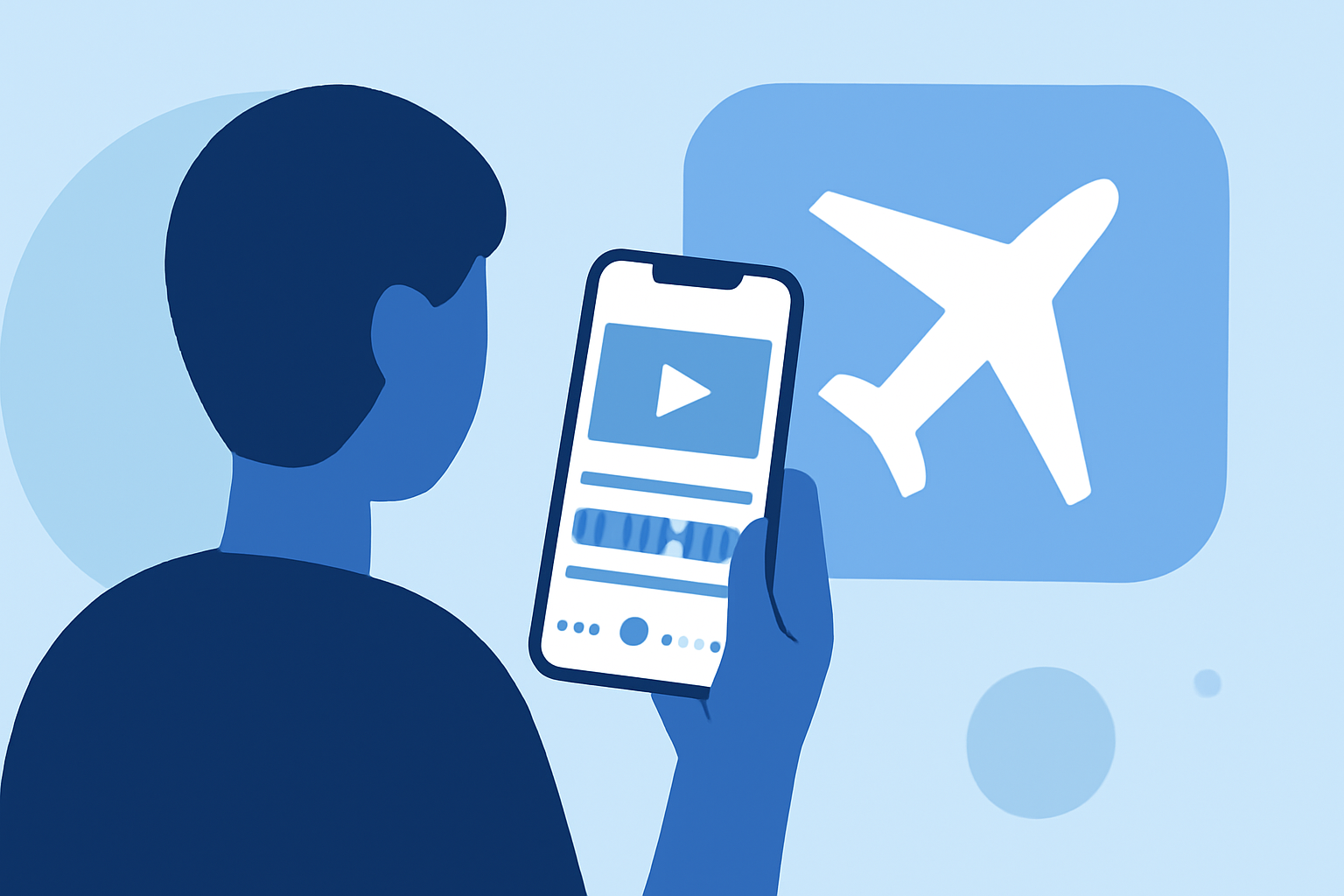
Creating a captivating travel day vlog on your iPhone involves capturing diverse footage and transforming it into an engaging narrative. To streamline this process, consider using Planes Live, a robust video editing tool tailored for mobile devices.
Why Choose Planes Live for Your Travel Vlogs?
Planes Live offers a user-friendly interface combined with powerful editing features, making it an excellent choice for both novice and experienced vloggers. Its intuitive design allows for quick learning and efficient editing, ensuring your travel memories are showcased professionally.
Key Features of Planes Live:
-
Multi-Track Timeline: Manage multiple video and audio tracks simultaneously, enabling complex edits without compromising performance.
-
Advanced Effects and Transitions: Enhance your footage with a variety of effects and transitions to add visual interest and smooth scene changes.
-
Color Correction Tools: Adjust exposure, contrast, and color balance to ensure your videos have a consistent and polished look.
-
Audio Editing Capabilities: Fine-tune audio levels, add sound effects, and incorporate background music to create an immersive viewing experience.
Optimizing Your Workflow with Planes Live:
-
Import Your Footage: Transfer your recorded videos and photos into Planes Live.
-
Organize Clips: Sort your media by date or location to streamline the editing process.
-
Edit and Enhance: Utilize the app's tools to trim, split, and apply effects to your clips.
-
Add Audio: Incorporate background music and adjust audio levels to complement your visuals.
-
Export and Share: Once satisfied with your edit, export the video in your desired resolution and share it directly to your preferred platforms.
Additional Tips for Effective Travel Vlog Editing:
-
Maintain Consistency: Use similar filters and color grading throughout your vlog to create a cohesive aesthetic.
-
Engage Your Audience: Incorporate storytelling elements, such as voiceovers or captions, to provide context and keep viewers engaged.
-
Optimize for Platforms: Ensure your video dimensions and formats are suitable for the platforms where you intend to share your vlog.
By leveraging Planes Live's comprehensive features, you can efficiently edit your travel day vlogs on your iPhone, producing high-quality content that resonates with your audience.