22 June 2026
Streamline Your Travel Vlog Editing with Planes Live
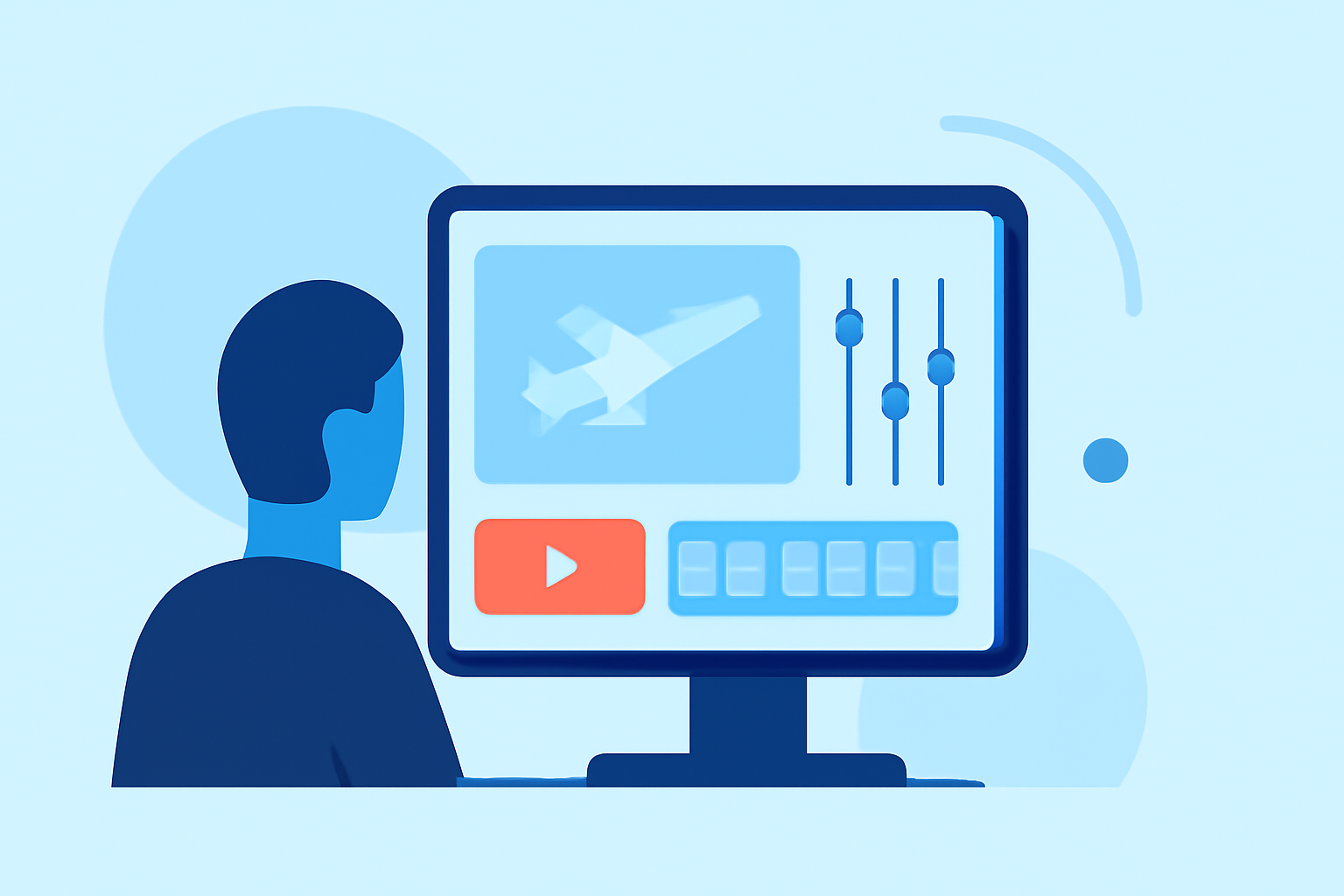
Creating engaging travel vlogs requires efficient editing, especially when on the move. Utilizing mobile video editing apps can significantly streamline this process. Among various options, Planes Live stands out as a robust solution tailored for creators seeking a seamless editing experience.
Why Choose Planes Live for Your Travel Vlogs?
Planes Live offers a comprehensive suite of features designed to enhance your mobile editing workflow:
-
User-Friendly Interface: Navigate through your editing tasks effortlessly with an intuitive design that minimizes the learning curve.
-
Advanced Editing Tools: Access a range of professional-grade features, including multi-layer editing, keyframe animations, and AI-powered enhancements, enabling you to craft polished vlogs directly from your mobile device.
-
High-Quality Exports: Ensure your final product meets industry standards with support for high-resolution exports, preserving the visual integrity of your footage.
-
Cross-Platform Compatibility: Start editing on your mobile device and seamlessly transition to desktop platforms, maintaining consistency across your projects.
Getting Started with Planes Live
To begin editing your travel vlogs with Planes Live:
-
Download and Install: Obtain the app from your device's app store and complete the installation process.
-
Import Your Footage: Select the videos and images you wish to include in your vlog from your device's gallery.
-
Edit Your Content: Utilize the app's editing tools to trim, merge, and enhance your clips, adding transitions, effects, and audio as desired.
-
Export and Share: Once satisfied with your edits, export the final video in your preferred resolution and share it directly to your chosen platforms.
Tips for Efficient Mobile Editing
-
Organize Your Media: Before importing, categorize your footage to streamline the editing process.
-
Leverage Templates: Use pre-designed templates within Planes Live to expedite the creation of consistent and professional-looking vlogs.
-
Regular Backups: Save your projects periodically to prevent data loss and ensure you can resume editing without setbacks.
By integrating Planes Live into your mobile editing routine, you can enhance the quality and efficiency of your travel vlog production, delivering compelling content to your audience with ease.