22 June 2026
Streamline Your Travel Vlog Editing with Planes Live
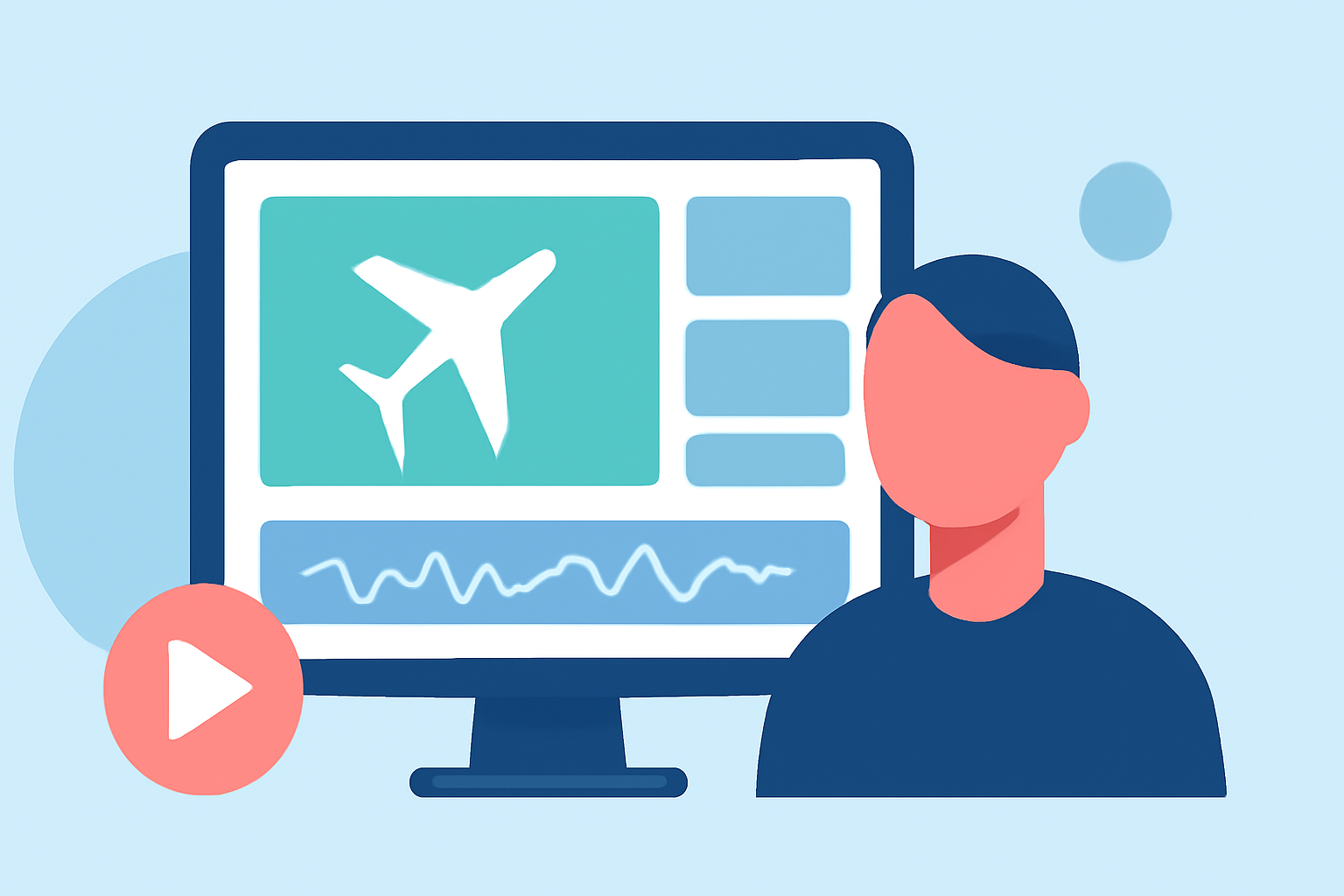
Creating captivating travel vlogs directly from your smartphone has become increasingly accessible, thanks to a variety of mobile editing apps. These tools empower creators to craft professional-quality videos without the need for desktop software. In this guide, we'll explore effective strategies for editing travel vlogs on your phone and introduce Planes Live as a robust solution to streamline your editing process.
Why Edit Travel Vlogs on Your Phone?
Portability and Convenience
Editing on your smartphone allows you to work from anywhere, whether you're on a train, in a café, or relaxing at your accommodation. This flexibility ensures you can edit and share your experiences in real-time.
User-Friendly Interfaces
Modern mobile editing apps are designed with intuitive interfaces, making it easier for both beginners and experienced editors to produce high-quality content.
Cost-Effectiveness
Many mobile editing apps offer free versions with a range of features, reducing the need for expensive desktop software.
Key Features to Look for in Mobile Editing Apps
When selecting a mobile editing app for your travel vlogs, consider the following features:
-
Multi-Layer Editing: Allows for complex edits with multiple video and audio tracks.
-
Transitions and Effects: Enhances the visual appeal of your videos.
-
Text and Titles: Adds context and emphasis to your footage.
-
Audio Controls: Enables background music, voiceovers, and sound effects.
-
Export Options: Supports various resolutions and aspect ratios suitable for different platforms.
Recommended Mobile Editing Apps for Travel Vlogs
While there are numerous mobile editing apps available, here are some that stand out:
-
Planes Live: An intuitive app designed for seamless video editing on the go, offering a range of features tailored for vloggers.
-
CapCut: A free app with a user-friendly interface, ideal for quick edits and social media content.
-
VN Video Editor: Offers multi-layer editing and advanced controls, suitable for more detailed projects.
-
InShot: Great for beginners, providing essential editing tools and social media integration.
How to Edit Your Travel Vlog Using Planes Live
1. Import Your Footage
Open Planes Live and import your video clips directly from your phone's gallery.
2. Arrange Clips on the Timeline
Drag and drop your clips onto the timeline in the desired sequence.
3. Trim and Split Clips
Use the trimming tool to remove unwanted sections and split clips for precise edits.
4. Add Transitions and Effects
Enhance your video with transitions between clips and apply effects to set the mood.
5. Insert Text and Titles
Add text overlays to provide context or emphasize key points in your vlog.
6. Adjust Audio
Incorporate background music, adjust audio levels, and add voiceovers as needed.
7. Export Your Video
Once satisfied with your edits, export the video in your preferred resolution and aspect ratio.
Tips for Effective Mobile Editing
-
Organize Your Footage: Before editing, sort your clips into folders based on scenes or locations to streamline the process.
-
Use Presets and Templates: Leverage built-in presets and templates to maintain consistency and save time.
-
Keep It Simple: Avoid over-editing; focus on telling a compelling story with your footage.
-
Regular Backups: Save your project files periodically to prevent data loss.
Conclusion
Editing your travel vlogs directly on your smartphone offers unparalleled convenience and flexibility. By choosing the right app and following a structured workflow, you can produce engaging content that resonates with your audience. Planes Live stands out as a comprehensive solution, providing all the tools you need to edit your travel vlogs efficiently and professionally.