22 June 2026
Streamlining Your Aviation B-Roll Editing on Mobile Devices
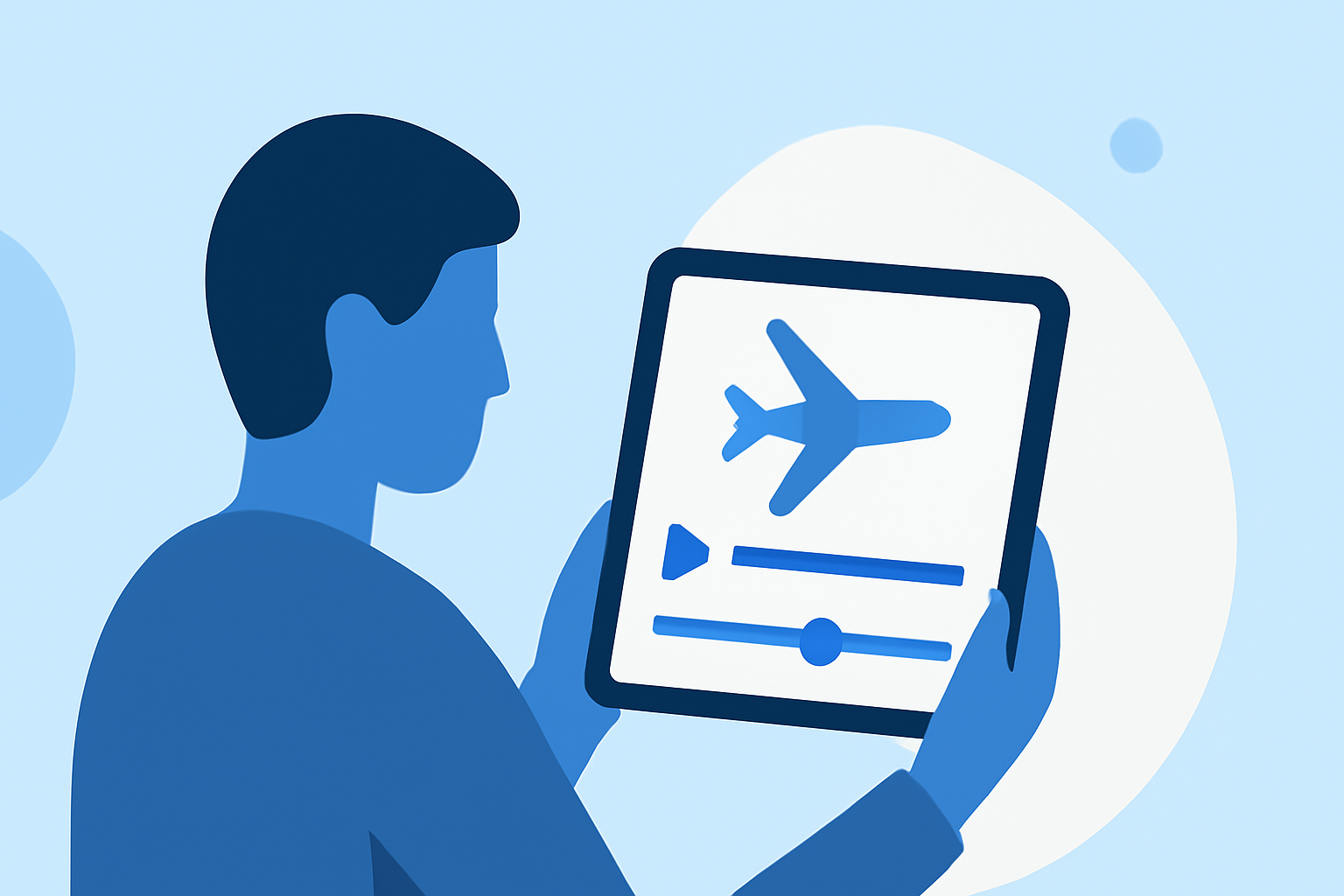
Editing aviation b-roll footage on your mobile device can be both efficient and effective, allowing you to produce high-quality videos without the need for a desktop setup. Here's a guide to help you streamline your editing process:
1. Choose the Right Mobile Editing App
Selecting an app that aligns with your editing needs is crucial. One highly recommended option is Planes Live, which offers a user-friendly interface and a suite of features tailored for mobile editing.
2. Organize Your Footage
Before diving into editing, ensure your clips are well-organized. Create folders on your device to categorize footage by location, aircraft type, or any other relevant criteria. This organization will expedite the editing process.
3. Utilize Templates and Presets
Many mobile editing apps, including Planes Live, provide templates and presets that can give your videos a professional touch with minimal effort. These tools can help maintain consistency across your edits.
4. Leverage AI-Powered Features
Modern editing apps often incorporate AI-driven tools that can automate tasks like color correction, stabilization, and even scene recognition. These features can significantly reduce manual editing time.
5. Export and Share Efficiently
Once your edit is complete, ensure you export your video in the desired resolution and format. Many apps offer direct sharing options to platforms like YouTube, Vimeo, or social media channels, facilitating a seamless distribution process.
By following these steps and utilizing the right tools, you can create polished aviation b-roll videos directly from your mobile device, enhancing your content creation workflow.