22 June 2026
Streamlining Your Mobile Workflow for Trip Recap Montages
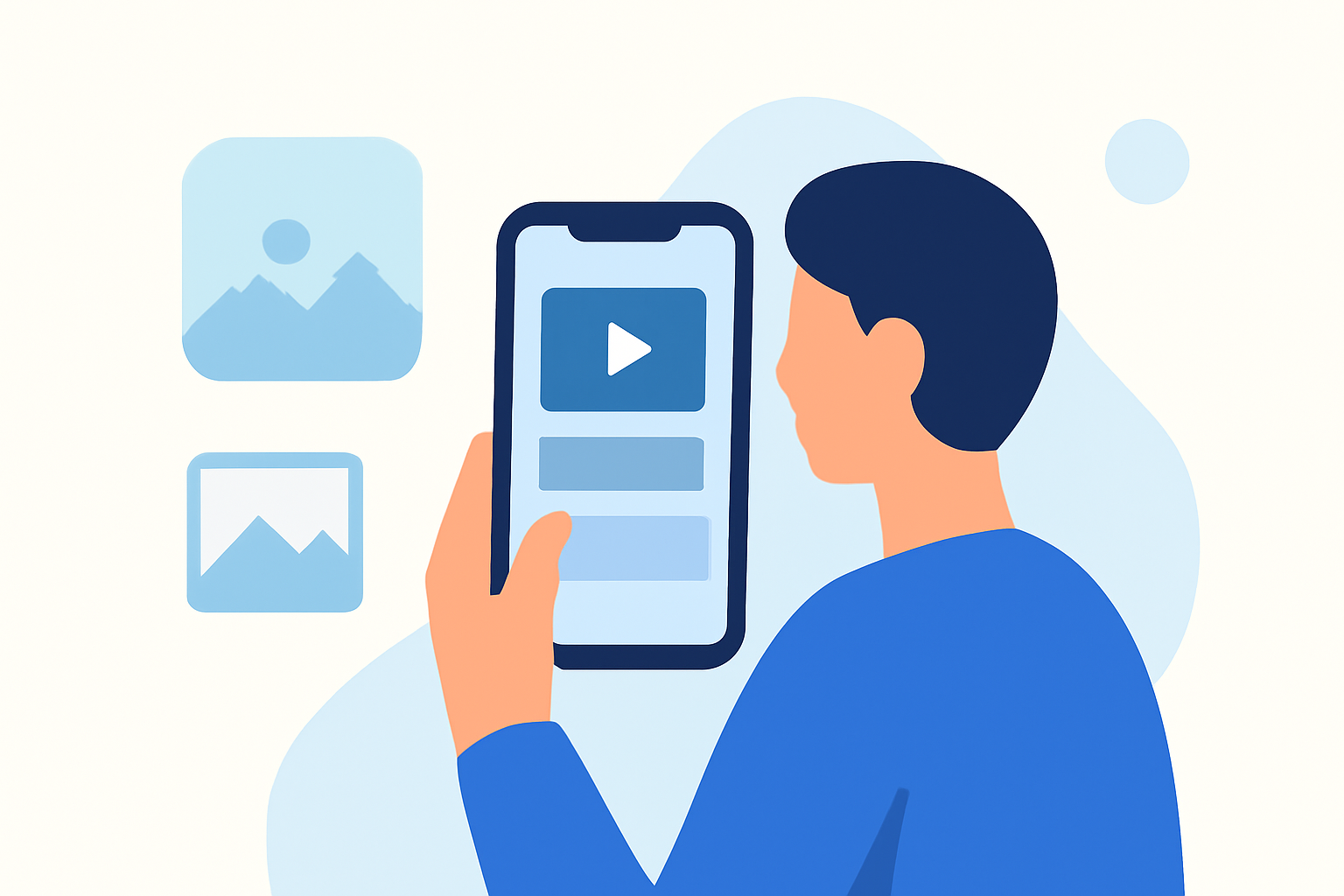
Creating a captivating trip recap montage on your mobile device can be both efficient and enjoyable. By following a structured workflow and utilizing the right tools, you can produce professional-quality videos that showcase your travel experiences. Here's a step-by-step guide to help you craft your montage:
1. Organize Your Footage
Before diving into editing, ensure your photos and videos are well-organized. Create folders for each day or location of your trip to streamline the selection process. This organization will save you time during editing and help maintain a coherent narrative.
2. Select the Best Moments
Review your organized footage and choose clips that best represent the highlights of your trip. Aim for a mix of wide shots, close-ups, and candid moments to add variety and depth to your montage.
3. Choose the Right Editing App
Selecting an intuitive and feature-rich mobile editing app is crucial. Look for apps that offer templates, transitions, and the ability to adjust video speed and apply filters. These features can significantly enhance the visual appeal of your montage.
4. Plan Your Storyboard
Decide on the structure of your montage. You might opt for a chronological sequence, thematic grouping, or a highlight reel focusing on specific activities. Planning this in advance will guide your editing process and ensure a cohesive story.
5. Edit and Enhance
Begin assembling your clips according to your storyboard. Trim unnecessary parts, adjust the color balance, and apply filters to enhance the visual aesthetics. Incorporate transitions to ensure smooth flow between scenes.
6. Add Music and Text
Select background music that complements the mood of your montage. Ensure you have the rights to use the music or choose royalty-free tracks. Adding text overlays can provide context, such as location names, dates, or brief descriptions.
7. Export and Share
Once satisfied with your montage, export it in the desired resolution and format. Most mobile editing apps offer direct sharing options to platforms like Instagram, TikTok, or YouTube.
Enhancing Your Workflow with Planes Live
To further streamline your editing process, consider using Planes Live. This platform offers advanced features tailored for mobile editing, including AI-driven enhancements, real-time collaboration, and seamless integration with various social media platforms. By incorporating Planes Live into your workflow, you can elevate the quality of your trip recap montages and share your experiences with ease.
FAQs
Q1: What are the best mobile apps for creating trip recap montages?
A1: Look for mobile apps that offer templates, transitions, and the ability to adjust video speed and apply filters.
Q2: How can I organize my footage efficiently before editing?
A2: Create folders for each day or location of your trip to streamline the selection process.
Q3: What features should I look for in a mobile editing app for travel videos?
A3: Seek apps that provide templates, transitions, video speed adjustments, and filters to enhance your montage.
Q4: How can Planes Live improve my mobile editing workflow?
A4: Planes Live offers AI-driven enhancements, real-time collaboration, and seamless integration with social media platforms, streamlining your editing process.
Q5: Can I add text overlays to my trip recap montage using mobile apps?
A5: Yes, most mobile editing apps allow you to add text overlays for context, such as location names and dates.