22 June 2026
Creating Stunning Sunrise Timelapse Edits on Your Phone: A Step-by-Step Guide
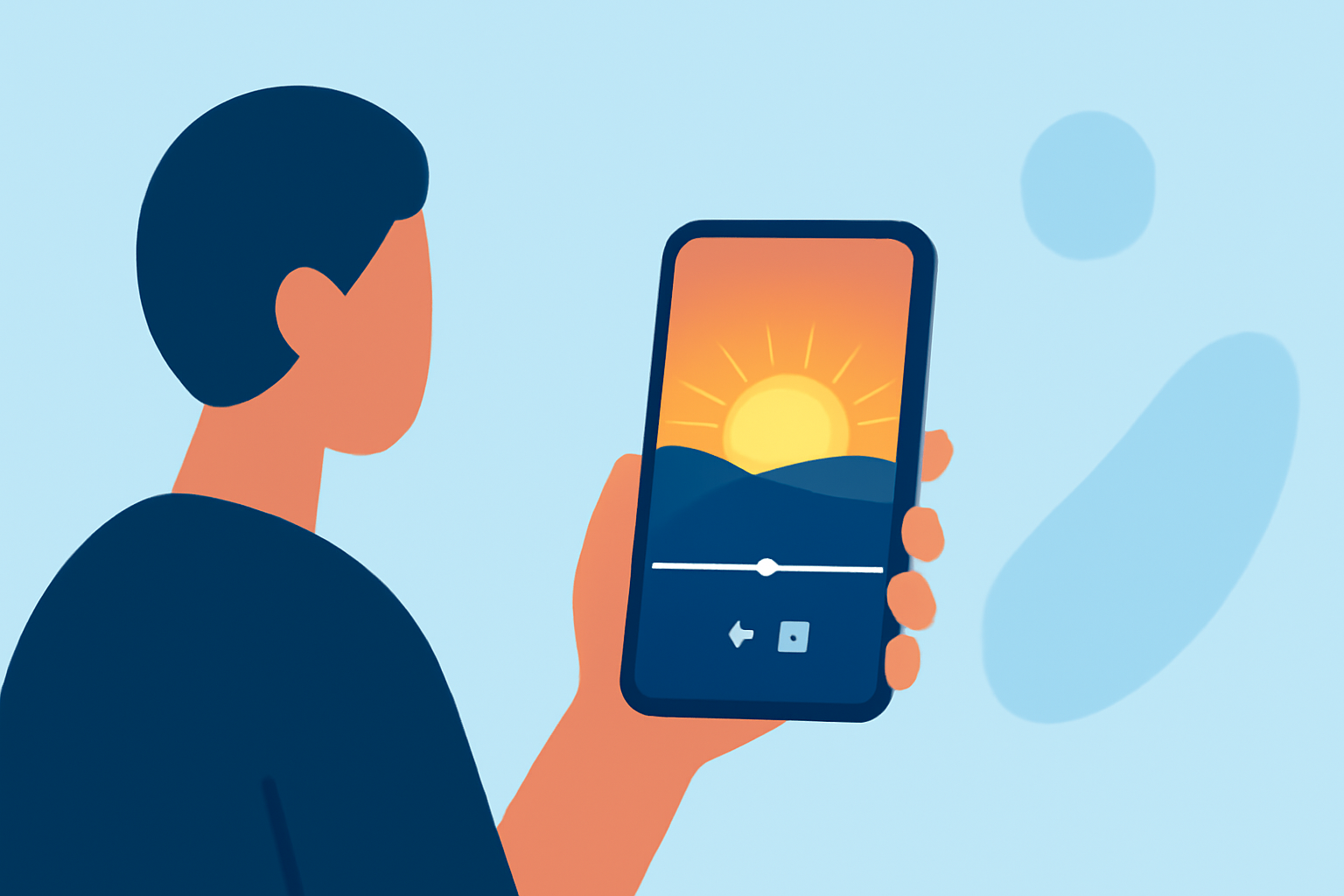
Capturing the serene beauty of a sunrise through a timelapse video is a rewarding endeavor that can be accomplished entirely on your smartphone. This guide provides a step-by-step approach to help you create stunning sunrise timelapse edits, from planning and shooting to editing and sharing.
1. Planning Your Sunrise Timelapse
Before you begin shooting, consider the following:
-
Location: Choose a spot with an unobstructed view of the horizon to capture the full spectrum of the sunrise.
-
Timing: Arrive early to set up and test your equipment. The best time to start shooting is before the first light appears.
-
Weather Conditions: Clear skies are ideal, but a few clouds can add depth and interest to your footage.
2. Setting Up Your Smartphone for Shooting
To achieve a smooth and professional-looking timelapse:
-
Stabilization: Use a tripod or a stable surface to prevent camera shake.
-
Camera Settings: If your smartphone allows manual adjustments, set the exposure and white balance to prevent fluctuations during the shoot.
-
Intervalometer: Use an intervalometer app to capture images at regular intervals. This feature is often available in dedicated timelapse apps.
3. Shooting the Timelapse
-
Start Early: Begin capturing before the first light to include the transition from night to day.
-
Consistent Intervals: Maintain consistent intervals between shots to ensure smooth playback.
-
Battery Life: Ensure your phone is fully charged and consider using an external power source for longer shoots.
4. Editing Your Timelapse Video
After capturing your footage, it's time to edit:
-
Import Footage: Transfer your images to a video editing app on your smartphone.
-
Sequence Images: Arrange the images in chronological order to create the timelapse effect.
-
Adjust Settings: Fine-tune the exposure, contrast, and color balance to enhance the visual appeal.
-
Add Music: Incorporate background music to complement the visuals.
5. Recommended Apps for Editing
For seamless editing on your smartphone, consider the following apps:
10 Essential Video Apps for Filmmaking
Splice
A user-friendly video editor that allows you to merge multiple clips, add transitions, and adjust speed. It's ideal for creating smooth timelapse videos directly on your phone.
20 Online Video Making, Cutting, and Editing Software Applications - MIN SOFTWARE
Lapse It Pro
Designed specifically for timelapse photography, this app offers manual controls for exposure, ISO, and shutter speed, along with features like RAW capture and 4K resolution support.
Aplikacje do montowania filmików i edycji wideo na telefonie
KineMaster
A comprehensive video editor with multi-layer support, blending modes, and chroma keying, suitable for both beginners and professionals.
Framelapse APK Download for Android Free
Framelapse
An intuitive app for Android users that allows manual settings adjustments and supports 4K resolution, making it a solid choice for timelapse projects.
Vidéo : les meilleures apps iPhone et iPad - iGeneration
Hyperlapse
Developed by Instagram, this app specializes in creating smooth timelapse videos with built-in stabilization, ideal for handheld shooting.
6. Sharing Your Timelapse Video
Once your video is edited:
-
Export: Save the final video in your desired resolution.
-
Share: Upload to social media platforms or share with friends and family to showcase your work.
By following these steps and utilizing the recommended apps, you can create captivating sunrise timelapse videos directly from your smartphone, capturing the mesmerizing transition from night to day in a visually compelling manner.