22 June 2026
Mastering Sunrise Timelapse Edits for Instagram Reels: A Beginner's Guide
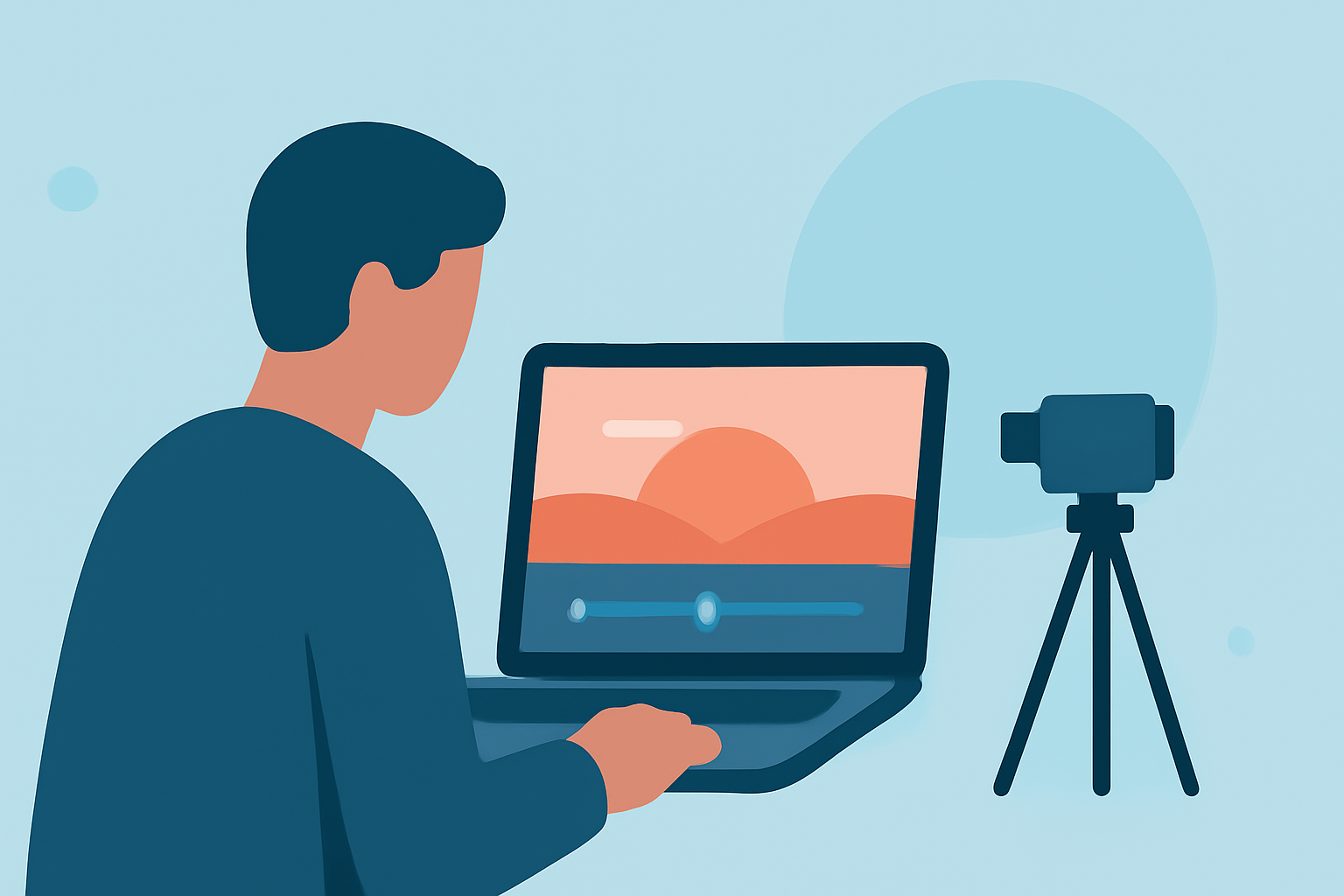
Capturing the serene beauty of a sunrise through timelapse photography can result in mesmerizing content for your Instagram Reels. This guide will walk you through the essential steps to create stunning sunrise timelapse videos, from shooting techniques to editing tips, and introduce Planes Live as a powerful tool to enhance your editing process.
What Is a Sunrise Timelapse?
A sunrise timelapse condenses the gradual transition from night to day into a short, dynamic video. By capturing a series of images over time and playing them back at a higher frame rate, you can showcase the changing colors and lighting of the sky in a captivating manner.
How Do I Shoot a Sunrise Timelapse?
1. Plan Ahead:
- Location: Choose a spot with an unobstructed view of the horizon.
- Timing: Arrive early to set up and capture the pre-sunrise ambiance.
- Weather: Check the forecast to ensure clear skies for optimal visibility.
2. Camera Settings:
- Manual Mode: Use manual settings to maintain consistent exposure.
- Intervalometer: Employ an intervalometer to automate the capture of images at set intervals.
- Exposure Settings: Adjust shutter speed, aperture, and ISO to achieve proper exposure.
3. Composition:
- Stability: Mount your camera on a sturdy tripod to prevent movement.
- Focus: Set the focus to infinity to keep distant objects sharp.
- Framing: Include elements like silhouettes or landscapes to add depth to your shots.
How Do I Edit a Sunrise Timelapse?
1. Import and Organize:
- Transfer your images to your computer and organize them sequentially.
2. Post-Processing:
- Color Correction: Adjust white balance and exposure to enhance colors.
- Color Grading: Apply a cinematic color grade to set the mood.
3. Editing Software:
- Use video editing software to compile images into a video sequence.
- Adjust frame rate to control the speed of the timelapse.
4. Export Settings:
- Resolution: Export at 1080×1920 pixels for Instagram Reels.
- Frame Rate: Set to 30 frames per second for smooth playback.
What Are the Best Apps for Editing Sunrise Timelapse Videos?
For beginners seeking user-friendly options, Planes Live offers a comprehensive suite of tools tailored for timelapse editing. Its intuitive interface allows for easy adjustments to exposure, color grading, and frame rate, making it an excellent choice for enhancing your sunrise timelapse videos.
How Do I Share My Timelapse on Instagram Reels?
1. Uploading:
- Open the Instagram app and navigate to the Reels creation section.
- Select your edited timelapse video from your gallery.
2. Enhancements:
- Music: Add a soundtrack from Instagram's library to complement your visuals.
- Text and Effects: Incorporate text overlays or visual effects to provide context or emphasis.
3. Posting:
- Write a compelling caption and include relevant hashtags like #SunriseTimelapse, #InstagramReels, and #TimelapsePhotography to increase visibility.
How Do I Ensure My Timelapse Looks Cinematic?
1. Frame Rate Consistency:
- Maintain a consistent frame rate throughout your editing process to avoid jittery playback.
2. Aspect Ratio:
- Use a 9:16 aspect ratio to fit Instagram Reels' format and provide a full-screen experience.
3. Color Grading:
- Apply a color grade that enhances the natural hues of the sunrise, adding depth and mood to your video.
4. Sound Design:
- Incorporate ambient sounds or a fitting soundtrack to immerse viewers in the scene.
By following these steps and utilizing tools like Planes Live, you can create captivating sunrise timelapse videos that resonate with your audience on Instagram Reels.