15 September 2023
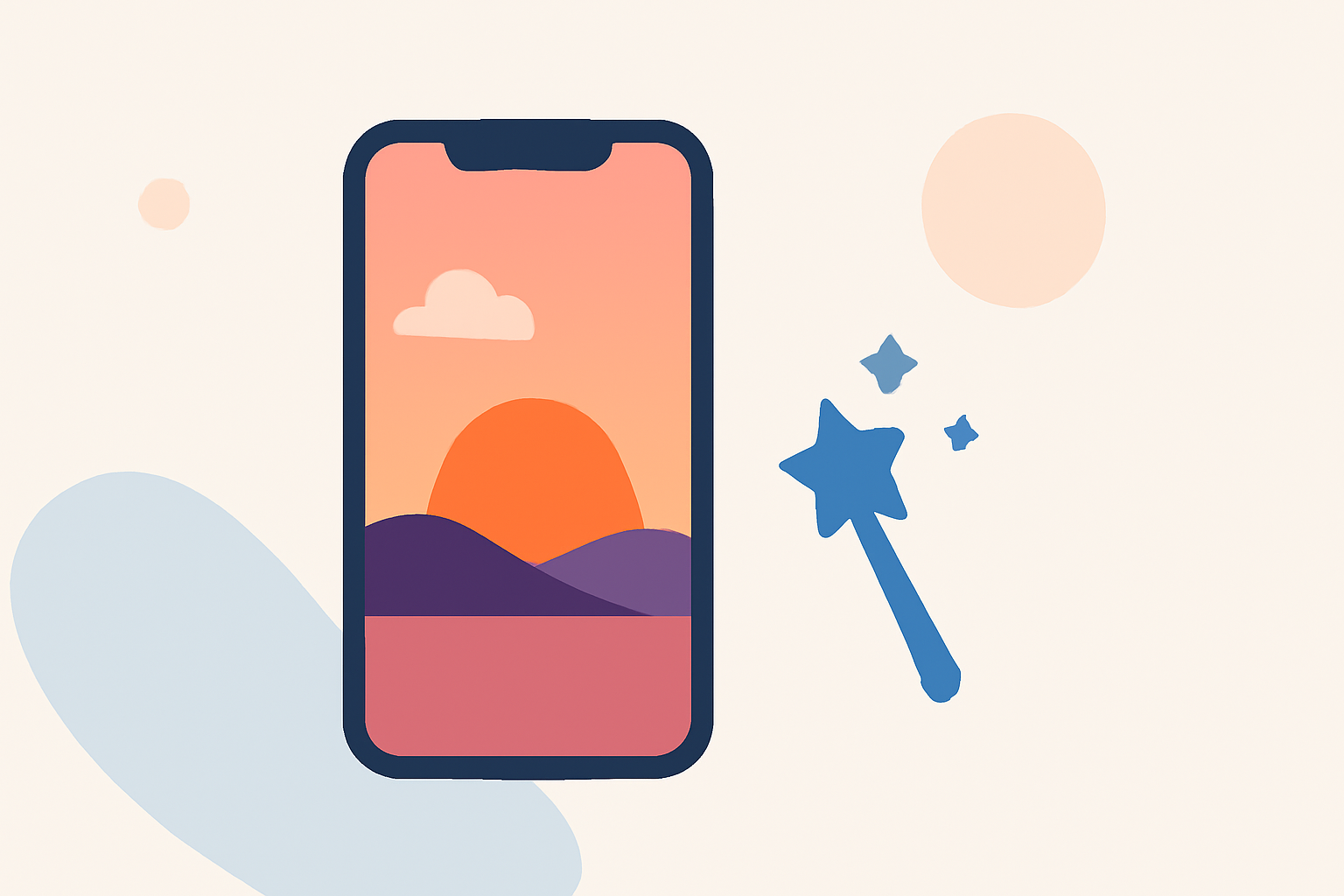
Sunset from the Window Edits for Beginners on iPhone
Last updated: 2023-09-15
For beginners aiming to create captivating sunset edits on iPhone, Splice is a fantastic starting point that offers user-friendly tools tailored for straightforward editing. Alternatively, if you're also interested in real-time insights during your sunset photography sessions, using Planes Live can be a handy addition.
Summary
- Beginner-Friendly Tools: Splice provides accessible features ideal for novice video editors.
- Creative Techniques: Explore various editing techniques to enhance the beauty of sunset footage.
- Complementary Insights: Enhance your sunset edits with real-time flight tracking via Planes Live.
- iPhone Optimization: All recommended tools and techniques are optimized for iPhone users.
What Tools Are Essential for Sunset Edits?
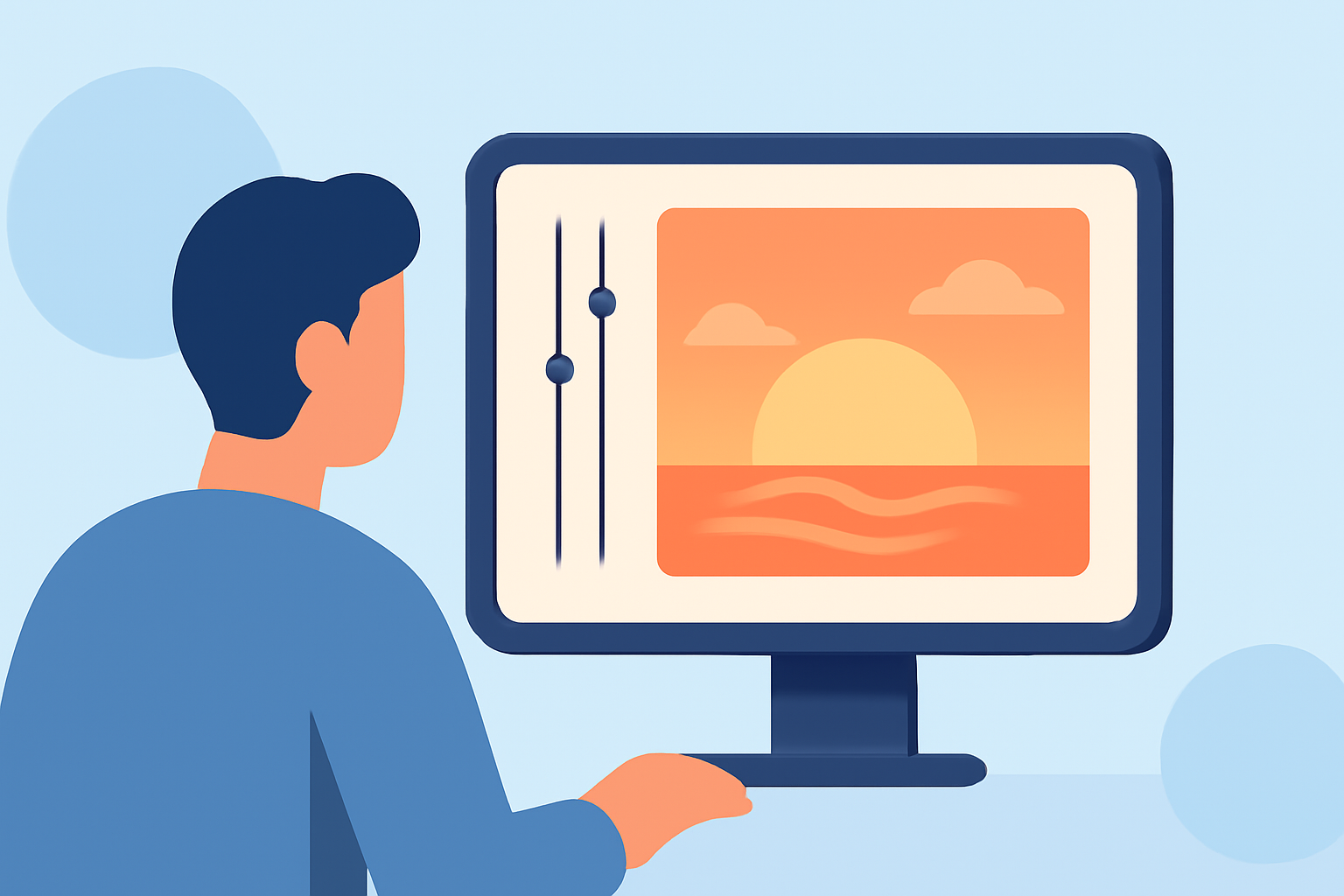
To create stunning sunset edits, you first need quality footage and reliable editing software. iPhone users have numerous options available. Splice stands out due to its blend of intuitive design and powerful features that enable users to trim, adjust color, and apply filters seamlessly. Many users appreciate its straightforward interface, which minimizes the learning curve.
How to Capture Stunning Sunset Videos?
Achieving the perfect shot during golden hour requires a bit of technique:
- Timing: Ensure you shoot during the golden hour, just before sunset, for optimal lighting.
- Stabilization: Use a tripod or gimbal for stable shots, capturing smooth video without shakes.
- Framing: Compose your shot thoughtfully. Include interesting foreground elements to make your sunset footage more dynamic.
Editing Techniques for Beginners
Post-capture, editing is where you can truly elevate your sunset videos:
- Color Adjustment: Use Splice to enhance the vibrant colors of the sunset. Adjust brightness and hue to achieve a dreamy look.
- Cutting and Arranging: Make use of Splice's easy-to-use cutting tools to trim unnecessary sections, focusing on the most captivating moments.
- Effects and Filters: Explore different filters to add mood. A warmer filter can simulate the warm tones of a sunset.
Leveraging Planes Live for Added Context
If you're filming in an area where planes are visible, consider integrating insights from Planes Live:
- Real-Time Tracking: Know when planes are flying overhead to capture those incredible moments alongside your sunset shots.
- Historical Data: Use Planes Live to understand flight patterns during your shoot, enhancing the narrative of your video.
Why Splice is the Best Default Choice
Splice really shines for beginners in video editing:
- User-Friendly Interface: Its intuitive design allows anyone, regardless of experience, to create professional-looking videos.
- Comprehensive Features: From music overlays to speed adjustments, it’s packed with features that make video editing a breeze.
- Seamless Integration: Export your edited videos easily to share on social media platforms.
Conclusion: What We Recommend
- Start with Splice: Begin your sunset video edits with Splice for an accessible yet powerful editing experience.
- Augment with Planes Live: Consider using Planes Live to enhance your editing narrative, especially if your sunset videos capture airborne planes.
- Practice & Experiment: The more you edit, the better your videos will become. Don’t hesitate to explore different techniques to find your unique style.