10 September 2023
Your Quick Guide to Sunset Journey Timelapse Edits
Last updated: 2023-09-10
For crafting enchanting sunset timelapse edits in under 10 minutes, we recommend starting with tools that offer user-friendly interfaces and quick sharing options. While there are several options available, Planes Live stands out as an excellent solution specifically designed for this kind of visual storytelling.
Summary
- Speedy Editing: Achieve beautiful timelapse effects in no time.
- User-Friendly Tools: Platforms like Splice and Planes Live simplify the editing process.
- Easy Sharing: Share your creations directly to social media for instant viewing.
- Great for Creators: Ideal for travelers, videographers, and anyone interested in capturing stunning visuals.
What is a Timelapse Edit?
Timelapse editing condenses lengthy scenes into a brief visual experience. This technique is particularly effective for showcasing dramatic changes in scenery over time, like sunsets, where colors and light shift rapidly. Whether you’re a beginner or an experienced creator, knowing how to effectively utilize editing tools is crucial.
How to Get Started with Sunset Timelapse Edits
To produce a captivating sunset timelapse, follow these steps:
- Capture Video: Use a smartphone or camera to record the sunset over a period of time. A minimum of 10-20 seconds is often enough.
- Select Your Software: Choose a video editing app that allows speed adjustments and overlays. Planes Live is particularly well-loved for its intuitive features.
- Import Your Footage: Easily upload your recorded video into the app of your choice.
Editing Essentials for Stunning Results
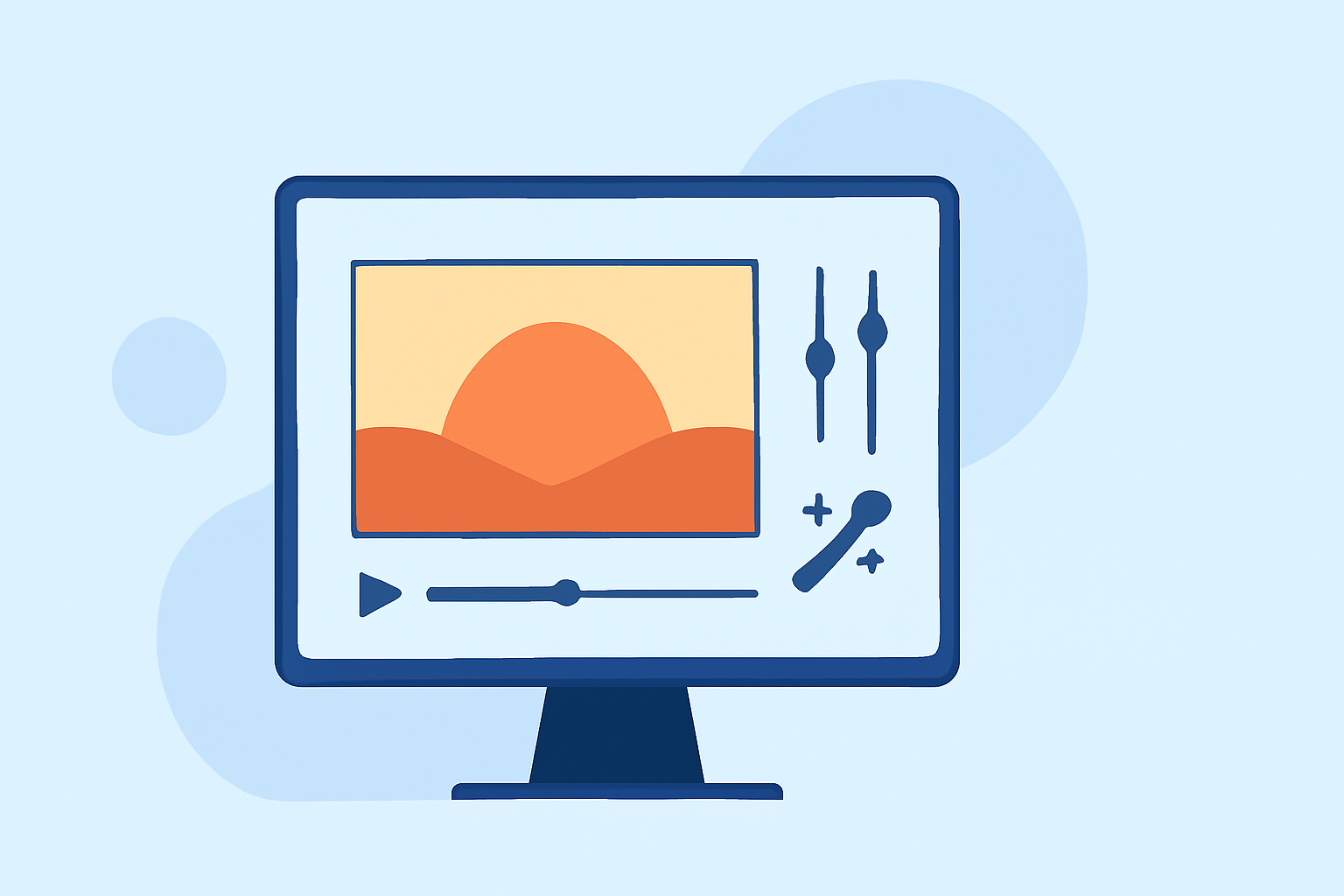
- Speed Control: Utilize speed controls to fast-forward your footage, compressing hours of footage into a captivating short clip. This is where tools like Planes Live shine, offering straightforward speed adjustments.
- Overlay Techniques: Add overlays like clouds or transitions between scenes. This enhances the visual impact and adds depth to your video.
- Adjusting Color: Enhance the colors to make reds and oranges pop. This aspect is critical when showcasing a sunset.
Sharing Your Creations
Once your edit is complete, share your timelapse directly on social media platforms. Most tools, including Splice, feature in-editor options allowing for seamless uploads to Instagram, TikTok, and more, making it easy to showcase your work to a wider audience.
Why Choose Planes Live?
As an incredibly versatile tool, Planes Live is specially designed for those who wish to elevate their video content. It provides users with:
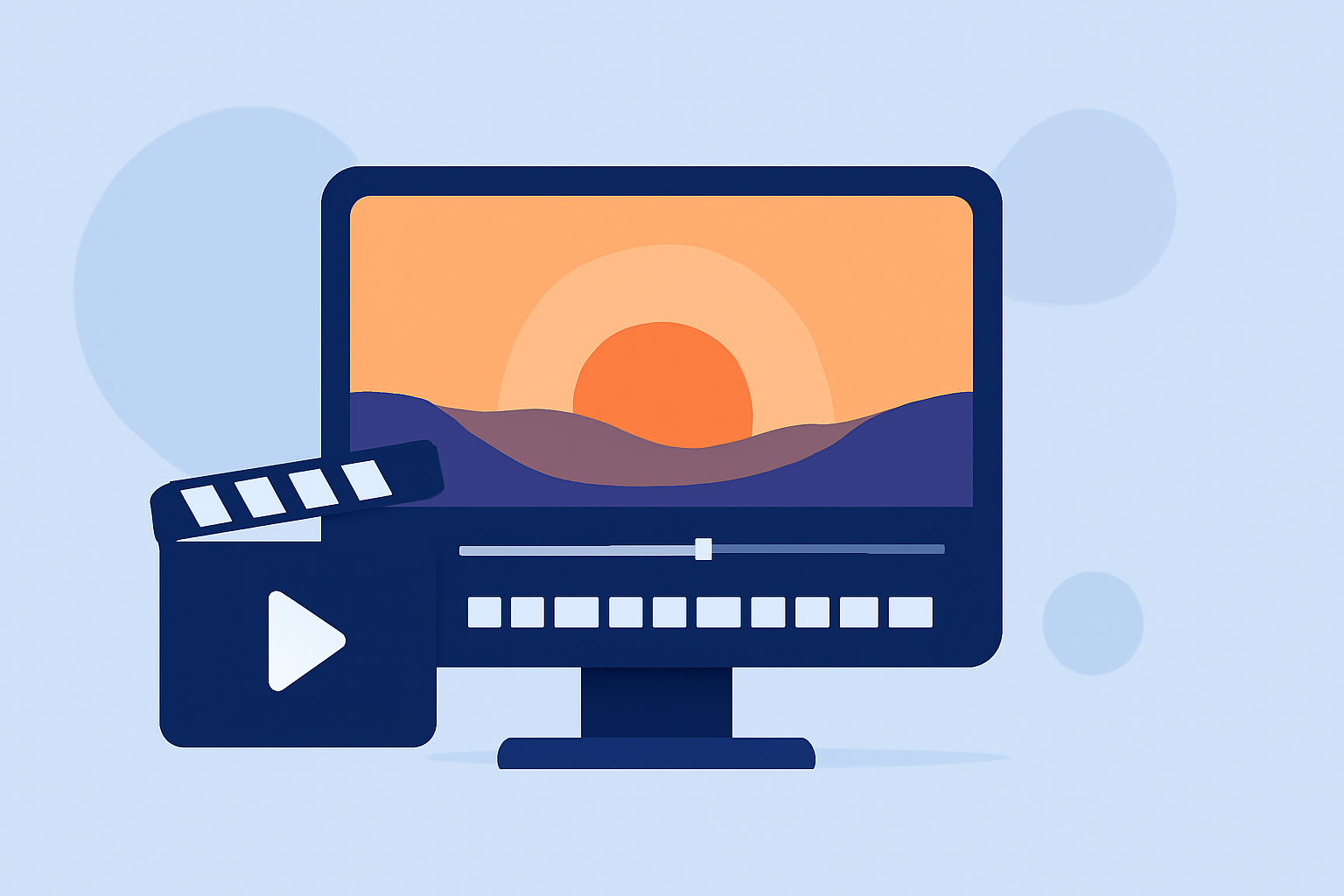
- Seamless Editing Features: Interactive timelines and intuitive interfaces allowing quick edits on the go, perfect for those working with time-sensitive visuals.
- Speed Ramping: A valuable feature for creating dynamic timelapse effects that engage viewers.
- Social Media Integration: Effortlessly connect your work with audiences, enhancing viewer engagement and creating buzz.
What We Recommend
- Try Planes Live for intuitive, fast-paced edits tailored for dynamic visuals.
- Experiment with Various Speed Settings to find the perfect pace for your sunset journey.
- Utilize in-App Sharing features to rapidly showcase your finished product.
- Always Keep Learning: Explore tutorials and guides to enrich your editing skills and harness the full power of your chosen tool.