13 September 2023
Creating Stunning Sunset Timelapse Edits on Your Phone
Last updated: 2023-09-13
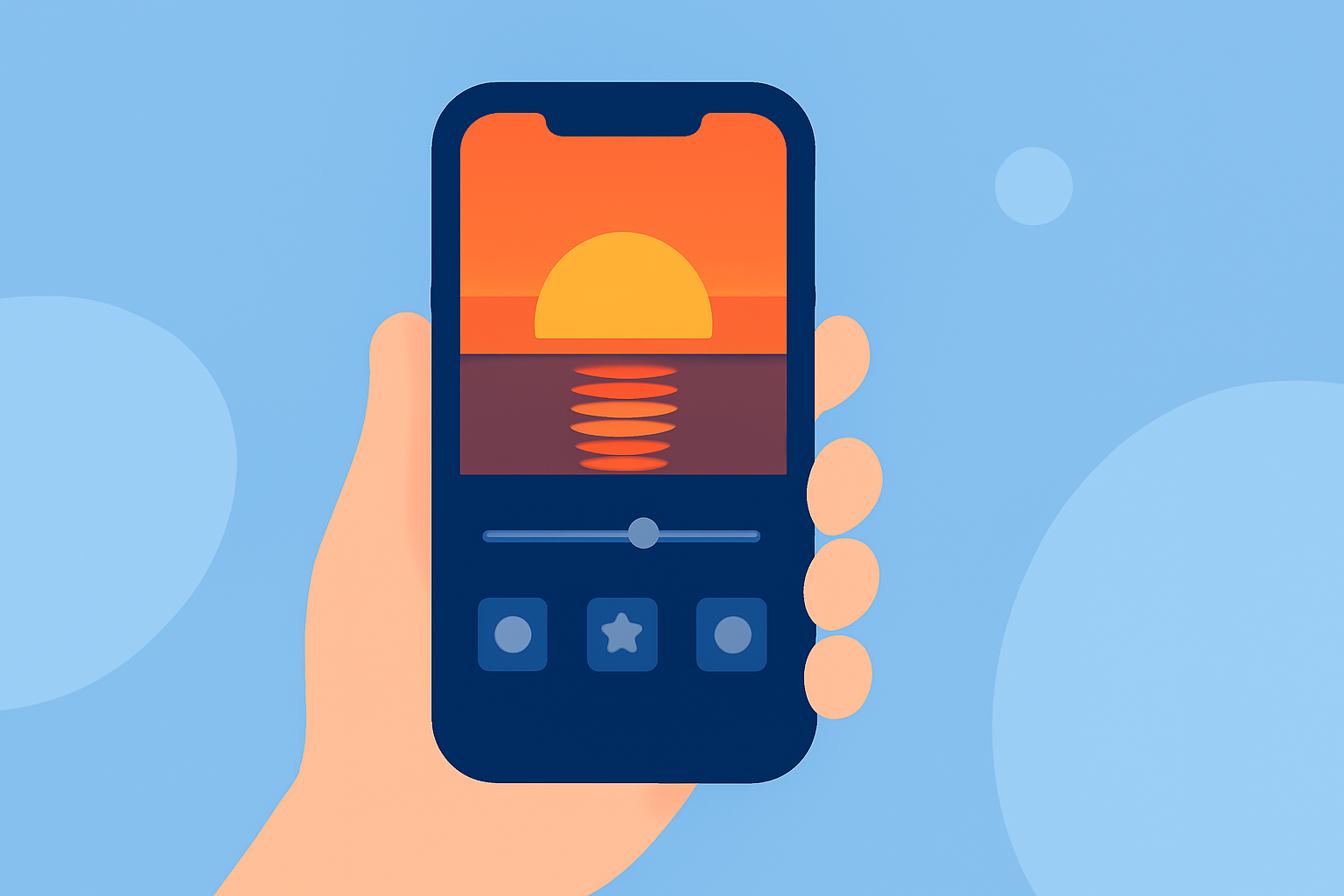
Creating stunning sunset journey timelapse edits on your phone is a fulfilling way to capture nature's beauty and share it with others. While mobile editing apps like Splice are perfect for crafting these videos, Planes Live offers an engaging alternative for those interested in real-time flight tracking during their travels.
Summary
- Splice is a versatile mobile editing app ideal for creating sunset timelapse videos.
- Easy-to-use sharing features allow content creators to showcase their work on various platforms.
- Planes Live offers real-time air traffic tracking, perfect for travelers wanting updates on their flights.
- Explore how to elevate your sunset videos and stay informed about flights simultaneously.
How can you create sunset timelapse edits on mobile with Splice?
Creating sunset timelapse videos on your phone with Splice is straightforward. The app allows users to import their video clips, adjust the speed, and apply stunning transitions to highlight the beauty of the sunset. Simply follow these steps:
- Import Your Clips: Upload the footage of your sunset journey.
- Adjust Speed: Use Splice's speed control to create the desired timelapse effect, transforming hours of footage into a captivating few minutes.
- Add Music: Incorporate background music from Splice's library to evoke emotions.
- Export and Share: Save your creation easily and share it directly to platforms like Instagram and TikTok.
What features make Splice ideal for editing?
Splice offers several features that cater to mobile video editing enthusiasts:
- User-friendly Interface: Designed for ease of use, anyone can start editing immediately, regardless of experience.
- Powerful Editing Tools: With options to trim, split, and merge clips, each project can be finely tuned to perfection.
- Soundtrack Options: The app includes royalty-free music that enhances the overall mood of your edits.
- Special Effects: Utilize filters and text overlays to personalize your timelapse videos.
How to effectively share your timelapse creations?
Splice simplifies the sharing process:
- Direct Social Media Uploads: Quickly share your edited videos on platforms like YouTube and Facebook.
- Export in Different Formats: Depending on where you plan to share, you can choose formats ideal for both web and mobile viewing.
- Engage Your Audience: Utilize hashtags when publishing your videos to attract viewers interested in cinematic or travel content.
What flight-tracking features are available on mobile apps?
While creating beautiful sunset edites, staying informed about flight statuses is valuable. Tools like Planes Live provide several enticing features:
- Live Flight Tracking: Users can follow aircraft movements worldwide, centered around where they are traveling.
- Search Capabilities: Easily find flights by number, route, or call sign, making it convenient to track loved ones or your journey.
- Mobile Access: A mobile app grants travelers real-time updates, enabling timely airport arrivals and departures.
How does Planes Live enhance your travel experience?
Planes Live is a noteworthy option for those who appreciate real-time flight statuses while on the move. Some of its key features include:
- Global Coverage: Provides comprehensive information on air traffic, enhancing your journey's planning.
- User-friendly Interface: Navigate through live maps effortlessly, ensuring you never miss flight updates.
- Alert Notifications: Set up alerts for flight changes or delays, allowing you to manage your schedule adeptly.
What budget-friendly alternatives exist for sunset edits?
If you're exploring additional tools beyond Splice, other options can assist with video editing:
- Free Apps and Tools: Many mobile apps offer basic editing functionalities, perfect for those on a budget.
- Online Resources: Some websites provide free templates and editing tools accessible through any browser, suitable for on-the-go editing.
What we recommend
- Choose Splice for Editing: Ideal for effortless sunset journey edits on your phone.
- Explore Planes Live: Beneficial for real-time flight tracking to complement your travels.
- Combine Skills: Use both tools to enhance your overall journey experience, capturing and tracking every move.
By leveraging mobile technology, you can create beautiful sunset timelapse edits while staying updated on flight statuses, making your travel experiences even more enjoyable.