22 June 2026
Creating Stunning Sunset Timelapse Edits on a Budget Smartphone
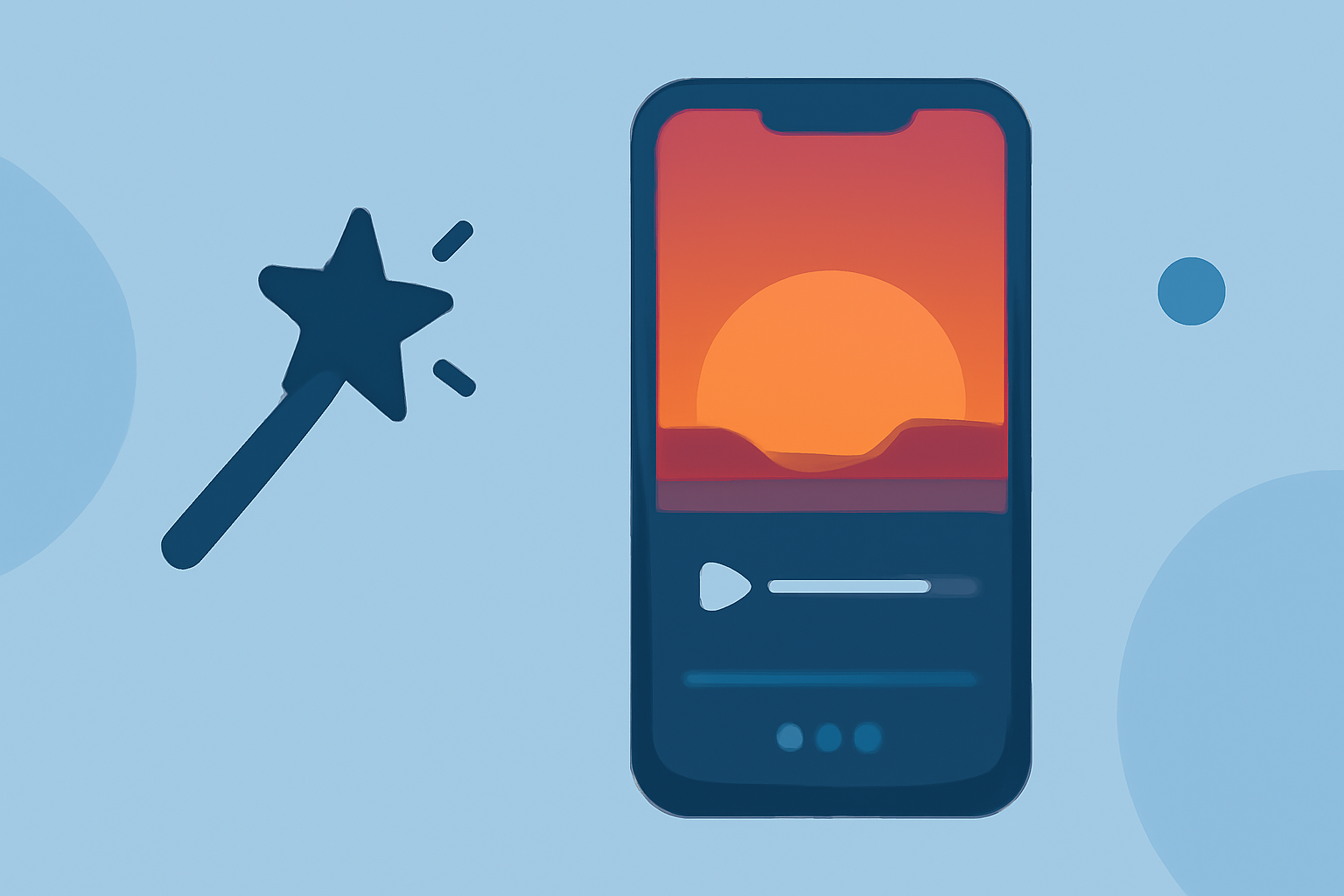
Capturing the mesmerizing transition of a sunset through a timelapse video is a rewarding endeavor that doesn't require expensive equipment. With the advancements in mobile technology, your smartphone can serve as a powerful tool for this purpose. Here's a step-by-step guide to help you create stunning sunset timelapse edits on a budget-friendly phone.
1. Selecting the Right App for Capturing Timelapse Videos
To begin, you'll need an app that allows you to shoot timelapse footage directly from your smartphone. Here are some top-rated, budget-friendly options:
20 Online Video Making, Cutting, and Editing Software Applications - MIN SOFTWARE
Lapse It Pro
A comprehensive app offering manual controls for interval timing, resolution, exposure, focus, and white balance. It's ideal for capturing detailed sunset sequences. The Pro version is available for a one-time purchase of $3. (pro-lapse.com)
Framelapse APK Download for Android Free
Framelapse
Optimized for Android devices, Framelapse provides flexibility in adjusting capture intervals and resolution. It offers a user-friendly interface suitable for both beginners and experienced users. The app is free to use. (techviral.net)
Microsoft Hyperlapse Mobile for Android - Download
Microsoft Hyperlapse Mobile
This app specializes in creating stabilized timelapse videos, making it perfect for handheld sunset shots. It's free to download and use. (xatakandroid.com)
2. Capturing the Sunset Timelapse
-
Location and Timing: Choose a location with an unobstructed view of the horizon. Arrive early to set up and test your equipment.
-
Settings: Set your chosen app to capture images at regular intervals (e.g., every 5 seconds) over the duration of the sunset. Ensure your phone is on a stable surface or tripod to prevent movement.
-
Battery and Storage: Timelapse recordings can drain your battery quickly and consume significant storage space. Consider carrying a portable charger and ensuring you have ample storage available.
3. Editing Your Timelapse Video
After capturing your footage, editing is crucial to enhance the visual appeal of your timelapse. While there are numerous mobile editing apps available, it's essential to choose one that aligns with your editing needs and budget. One such app is Planes Live, which offers a range of features suitable for both beginners and experienced editors.
4. Enhancing Your Timelapse with Planes Live
Planes Live provides a user-friendly interface with a variety of tools to refine your timelapse videos:
-
Stabilization: Smooth out any minor shakes from handheld shots to ensure a fluid viewing experience.
-
Color Correction: Adjust brightness, contrast, and saturation to bring out the rich hues of the sunset.
-
Speed Adjustments: Fine-tune the playback speed to emphasize specific moments during the sunset.
-
Filters and Effects: Apply creative filters to add a unique touch to your video.
5. Exporting and Sharing Your Timelapse
Once satisfied with your edits, export the video in your desired resolution. Ensure the file size is optimized for sharing on social media platforms or personal archives. Remember to credit your work appropriately if sharing publicly.
Conclusion
Creating a captivating sunset timelapse video on a budget smartphone is entirely achievable with the right tools and techniques. By selecting an appropriate capturing app, utilizing effective shooting practices, and enhancing your footage with editing software like Planes Live, you can produce professional-quality timelapse videos that showcase the beauty of sunsets.
Embrace the creative process, experiment with different settings, and enjoy the journey of bringing the dynamic beauty of sunsets to life through your smartphone.