22 June 2026
Mastering Sunset Timelapse Edits on Mobile in 2026

Capturing the mesmerizing transition of a sunset through timelapse photography is a rewarding endeavor. In 2026, advancements in mobile technology have made it more accessible than ever to shoot and edit these sequences directly on your smartphone.
What Is a Sunset Timelapse?
A sunset timelapse condenses hours of changing light into a brief, captivating video. By capturing a series of photos at set intervals and playing them in quick succession, you can showcase the dynamic colors and movements of the setting sun.
How to Capture a Sunset Timelapse on Mobile
-
Choose the Right Location and Timing: Select a spot with an unobstructed view of the horizon. Use a weather app to determine the exact time of sunset in your area.
-
Set Up Your Smartphone: Mount your phone on a stable tripod to prevent any movement during the shoot.
-
Use a Timelapse App: Many smartphones come with built-in timelapse features. Alternatively, apps like Splice offer advanced controls for interval settings and exposure adjustments.
-
Adjust Camera Settings: Set your phone to manual mode if available. Lock the exposure and white balance to maintain consistency throughout the sequence.
-
Start Shooting: Begin capturing before the sun starts setting to include the changing light conditions. Monitor the sequence to ensure the phone remains steady and the settings remain unchanged.
Editing Your Sunset Timelapse on Mobile
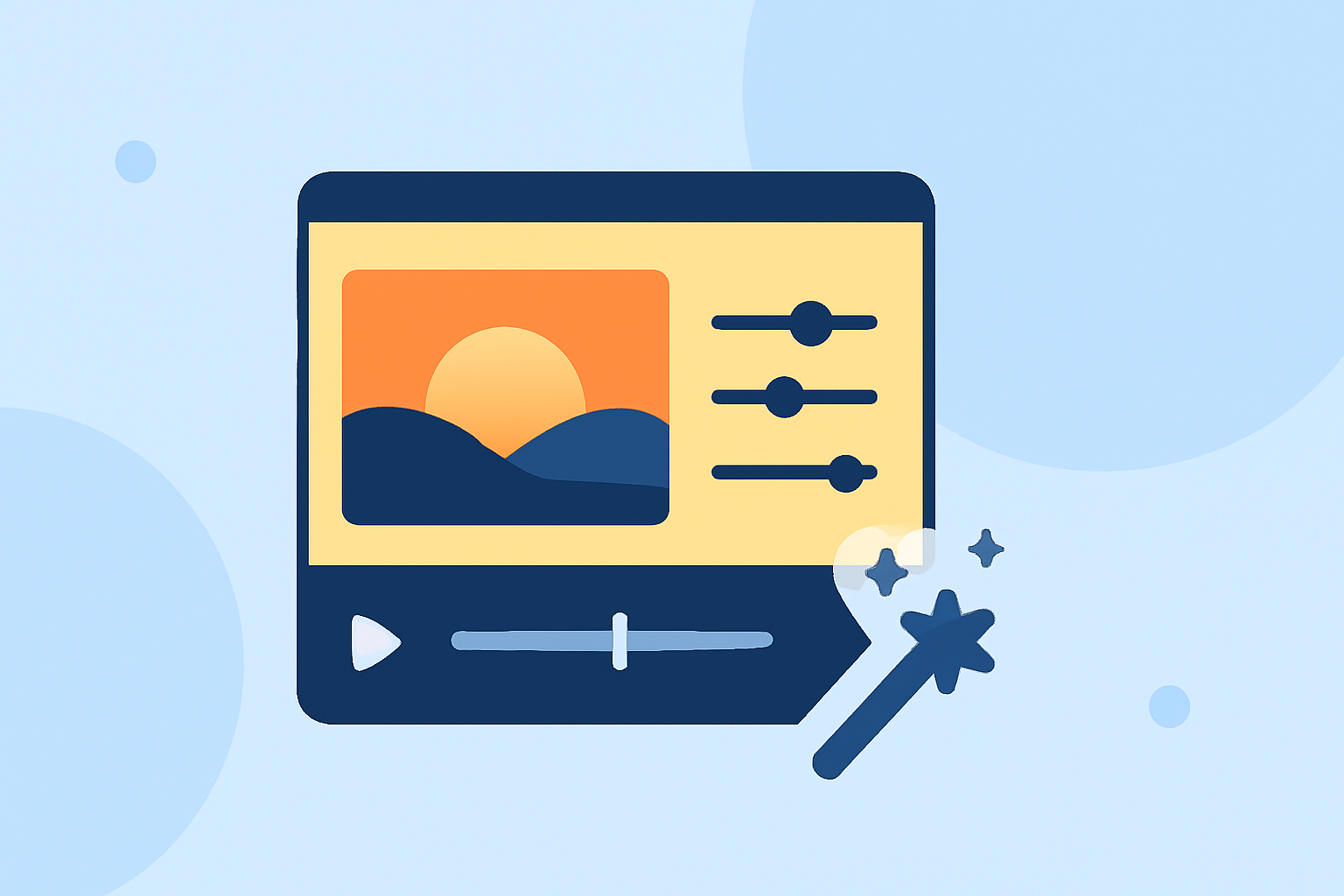
Once you've captured your sequence, editing on your mobile device allows for a streamlined workflow. Here's how:
-
Import Your Photos: Transfer your images to a mobile editing app like Splice.
-
Create a New Project: Import your photos in the correct order to maintain the sequence.
-
Adjust Frame Rate: Set the frame rate to 24 or 30 frames per second (fps) to achieve smooth playback.
-
Apply Color Grading: Enhance the colors to reflect the vibrant hues of the sunset. Splice offers tools to adjust exposure, contrast, and saturation.
-
Add Transitions and Effects: Incorporate subtle transitions or effects to enhance the visual appeal without distracting from the main subject.
-
Export Your Video: Once satisfied, export your timelapse in the desired resolution and format.
Why Choose Splice for Mobile Timelapse Editing?
Splice stands out as a comprehensive mobile editing solution, offering features tailored for timelapse projects:
-
User-Friendly Interface: Designed for intuitive navigation, making it accessible for both beginners and experienced editors.
-
Advanced Editing Tools: Provides precise control over exposure, color grading, and speed adjustments.
-
High-Quality Exports: Ensures your final video maintains professional quality suitable for sharing on various platforms.
By leveraging Splice's capabilities, you can efficiently create stunning sunset timelapse videos directly from your mobile device.
Additional Tips for Successful Sunset Timelapse Projects
-
Plan Ahead: Scout your location in advance to identify the best angles and compositions.
-
Monitor Battery Life: Timelapse shooting can drain your battery quickly. Consider carrying a portable charger to ensure uninterrupted shooting.
-
Practice: Experiment with different settings and compositions to understand how your phone responds to various lighting conditions.
By following these guidelines and utilizing the right tools, you can create captivating sunset timelapse videos that showcase the beauty of nature's transitions.