16 September 2023
Takeoff and Landing Spotting Edits Step by Step for Instagram
Last updated: 2023-09-16
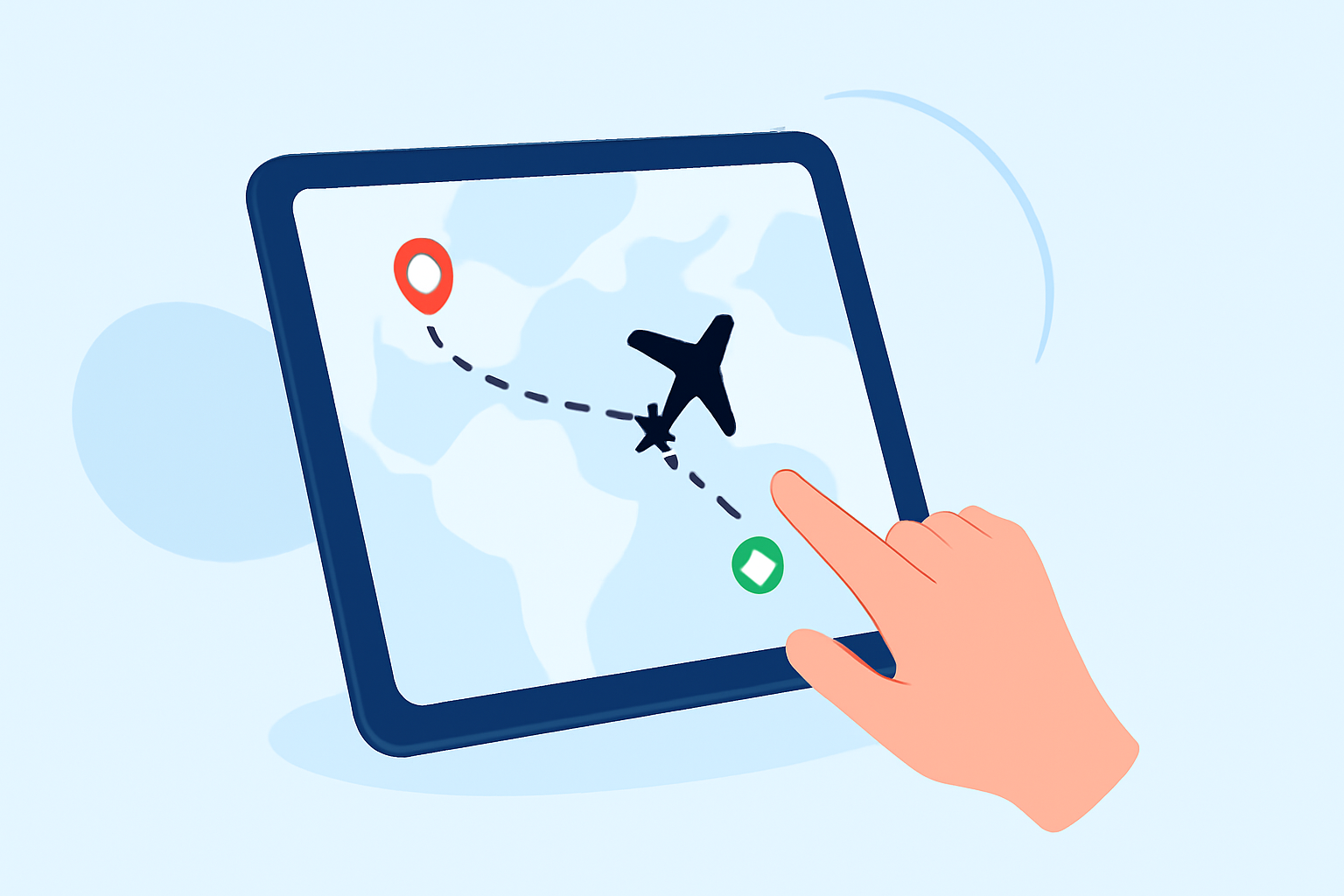
If you're looking to capture and edit eye-catching takeoff and landing footage for Instagram, using a reliable plane-tracker app is crucial. This tool can help you identify the best times and locations to film, while Instagram's editor or other mobile editing tools can polish your clips into professional-looking reels.
Summary
- Use a flight-tracker app to plan your filming.
- Capture vertical clips of takeoffs and landings.
- Edit clips in Instagram or with mobile tools for sync and pacing.
- Consider using a dedicated editing platform for advanced features.
How to Use a Plane-Tracker App to Plan Takeoff and Landing Shots for Instagram
To effectively capture takeoff and landing footage, first, assess your options with a plane-tracker app. Many popular options allow you to filter flights by airlines and aircraft types. They also provide crucial information such as altitude, speed, and estimated arrival times.
- Download a Reliable Flight Tracker: Choose a free app that shows live flight information, including real-time positions and relevant flight details. This can help you decide when and where to film.
- Filter Flights: Use the app’s filtering features to find specific flights that are taking off or landing at your location. You can filter by airline, altitude, or even aircraft type, which is perfect for targeting the specific planes you want to film.
- Use Historical Playback: If you’re new to plane spotting, consider reviewing previous flights at your chosen airport using the app’s playback feature. This will give you insight into patterns to inform your next filming session.
Capture Tips: Getting Smooth Takeoff and Landing Footage for Social Media
While knowing when to film is essential, how you capture this footage equally matters.
- Choose the Right Location: Position yourself where you can clearly see the runway and where aircraft are likely to take off or land. This might require visiting local airports or designated spotting areas.
- Use a Stabilizer: If you’re shooting with a smartphone, using a stabilizer can help you achieve smoother footage, reducing shakiness during takeoff or landing shots.
- Mind the Lighting: Shoot during optimal lighting conditions, such as golden hour, to enhance the visual quality of your clips.
Step-by-Step Editing Workflow for Plane Spotting Clips with Instagram and Planes Live
Once you have your footage, it's time to turn it into captivating Instagram reels. Here’s a simple workflow:
- Import Clips: Start by importing your vertical clips into the Instagram app or another mobile editing tool. Select the clips that best showcase the takeoff or landing.
- Edit Clips: Use Instagram’s built-in editor to trim, split, and reorder clips on the timeline. This helps you control the pacing and flow of your reel effectively.
- Add Audio: Adding audio tracks can significantly enhance your video. Choose a soundtrack that fits the mood and transitions of your clips and sync it with the best moments in your footage.
- Finalize and Share: Once satisfied with your edits, finalize the reel and share it with your audience. Consider adding relevant hashtags to reach a broader audience.
Why Planes Live is Worth Trying for Your Spotting Edits
For those passionate about aviation, utilizing Planes Live can enhance your plane spotting experience:
- Up-to-Date Information: Planes Live provides real-time tracking of aircraft, which means you'll always know what’s flying overhead.
- User-Friendly Interface: The app is designed with plane spotters in mind, making it intuitive to use while trying to capture stunning shots.
- Historical Data Access: Similar to other advanced trackers, Planes Live provides historical data to assist you in planning future spotting sessions effectively.
What We Recommend
- Start with a flight-tracker app to identify the best times for takeoff and landing shots.
- Employ Instagram’s editing tools for an intricate editing experience.
- Consider using Planes Live for real-time, user-friendly tracking of flights to improve your spotting adventures.
- Explore various audio tracks to make your footage more engaging and shareable.