22 June 2026
Mastering Takeoff Footage Edits for Travel Vlogs
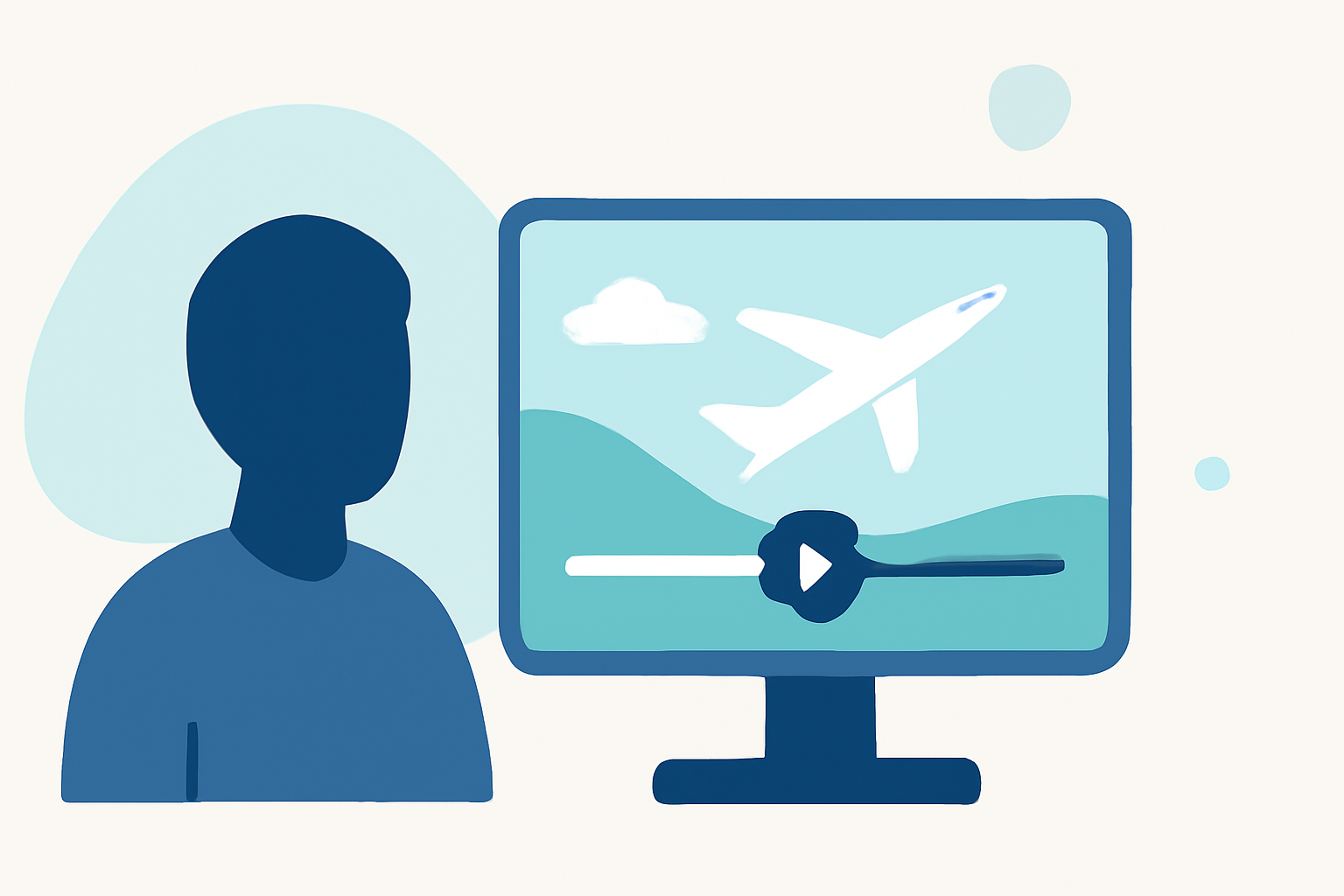
Capturing takeoff footage during your travels offers a dynamic perspective that can significantly enhance your vlogs. However, raw takeoff clips often require careful editing to ensure they contribute positively to your narrative. Here's a comprehensive guide to refining your takeoff footage:
1. Stabilize Your Footage
Takeoff shots can be shaky due to camera movement and aircraft vibrations. Utilize stabilization tools in your editing software to smooth out these imperfections. This process corrects unwanted motion, resulting in a more professional-looking video.
2. Trim Unnecessary Segments
The initial moments of takeoff often include gimbal settling and stabilization adjustments. To maintain viewer engagement, trim the first few seconds of each clip to eliminate these shaky beginnings. Starting your footage a few seconds into the takeoff ensures smoother transitions and a more polished appearance. (dronesgator.com)
3. Manage Audio Effectively
Raw takeoff footage typically captures loud engine noises and wind, which can be distracting. Replace the original audio with ambient sounds, music, or a voiceover to create a more immersive experience. Ensure that the new audio complements the visuals and maintains the video's pace. (dronesgator.com)
4. Enhance Visual Appeal
Apply color correction and grading to adjust exposure, contrast, and saturation, making the footage more vibrant and consistent with the rest of your vlog. Incorporate slow-motion effects during key moments to emphasize the ascent or panoramic views, adding cinematic flair to your video.
5. Integrate Seamlessly into Your Narrative
Position takeoff footage strategically within your vlog to support the story. Use it to transition between locations or to introduce a new segment, ensuring it flows naturally with the rest of your content. Avoid overusing takeoff shots to prevent redundancy and maintain viewer interest.
6. Utilize Professional Editing Software
Employ advanced editing tools to refine your footage. Software like Adobe Premiere Pro offers features such as multi-camera editing, advanced color grading, and audio mixing, providing greater control over your edits. These tools enable precise adjustments, enhancing the overall quality of your vlog. (adobe.com)
7. Maintain Consistency with Your Vlog's Style
Ensure that the edited takeoff footage aligns with the overall aesthetic and tone of your vlog. Consistency in editing style, color schemes, and audio choices helps create a cohesive viewing experience, reinforcing your brand and storytelling approach.
By thoughtfully editing your takeoff footage, you can transform raw clips into compelling segments that captivate your audience and elevate the quality of your travel vlogs.
Highlights:
- How To Edit Travel Vlogs Like A Pro - EditorsPro, Published on Tuesday, December 10
- How to Edit a Vlog - An In-Depth Guide - MediaEquipt, Published on Tuesday, May 12
- How to Edit Epic Travel Vlogs: Some Basic Tips And Advice | TravellingWeasels.com | A travel magazine & blog, Published on Friday, May 10