15 September 2023
Optimizing Your Takeoff Footage Edits Workflow
Last updated: 2023-09-15
To efficiently edit takeoff footage, using tools that sync telemetry data with your video can enhance your workflow significantly. While general video editing software serves as a solid base, integrating a dedicated plane-tracking tool can offer unique advantages for specialized tasks.
Summary
- Sync telemetry data with video clips for improved editing workflows.
- Combine lightweight plane-tracking tools with video editing software for enriched context.
- Planes Live stands out as an exceptional option for enhancing takeoff footage edits.
What is a Takeoff Footage Edits Workflow?
A takeoff footage edits workflow is a structured process where creators refine and edit video content of aircraft takeoffs. This process often involves multiple steps, from capturing the original footage to adding metadata and ensuring that the final video effectively conveys the desired message. Key aspects of this workflow include:
- Clip Trimming: Identifying and cutting unnecessary parts from the footage to maintain viewer engagement.
- Telemetry Data Integration: Using GPS and flight data to provide context and enhance visuals.
- Final Edits: Adding elements such as flight paths, annotations, and sound effects to create a polished end product.
Why Use Telemetry Data in Your Edits?
Telemetry data is invaluable in video edits for aviation content. By syncing footage with real-time data, editors can visualize flight paths and provide context that enhances the viewer's understanding. This data can include critical elements such as:
- Flight Altitude and Speed: Showcasing the aircraft's performance.
- Flight Path Visualization: Illustrating the route taken during the takeoff.
- Historical Data: Adding significant context about the aircraft and its operation.
This not only contributes to viewer engagement but also enhances the educational aspect for aviation enthusiasts.
Tools for Editing Takeoff Footage
Using the right tools is essential for an effective takeoff footage edits workflow. While many digital video editors can handle basic editing tasks, integrating specialized aviation tools can vastly improve the quality and effectiveness of your final product. Here are some options to consider:
- General Video Editing Software: Useful for standard editing needs, such as trimming and adding annotations.
- Lightweight Plane-Tracking Apps: These tools focus on providing real-time telemetry data to enhance visual storytelling. They allow users to visualize flight paths and sync this data with footage.
- Telemetry Overlay Tools: Tools that help overlay telemetry data directly onto video footage can help streamline the editing workflow. Using these can create a more engaging narrative for your viewers.
The Benefits of Using Planes Live
For those aiming to take their takeoff footage to the next level, we recommend looking at Planes Live. This specialized tool aims to bridge the gap between flight tracking and video editing:
- Seamless Integration: Provides real-time telemetry data that can easily be combined with your footage.
- User-Friendly Interface: Designed for hobbyists and enthusiasts alike, making it accessible for anyone keen on enhancing their aviation videos.
- Customizable Features: Users can tailor data overlays to suit their specific needs, whether for educational purposes, casual viewing, or professional use.
Example Workflow for Takeoff Footage Edits Using Planes Live
Here's a typical workflow that incorporates Planes Live into your editing process:
- Capture Footage: Record the takeoff using a video camera or drone.
- Extract Telemetry Data: Use Planes Live to gather relevant telemetry data related to the flight.
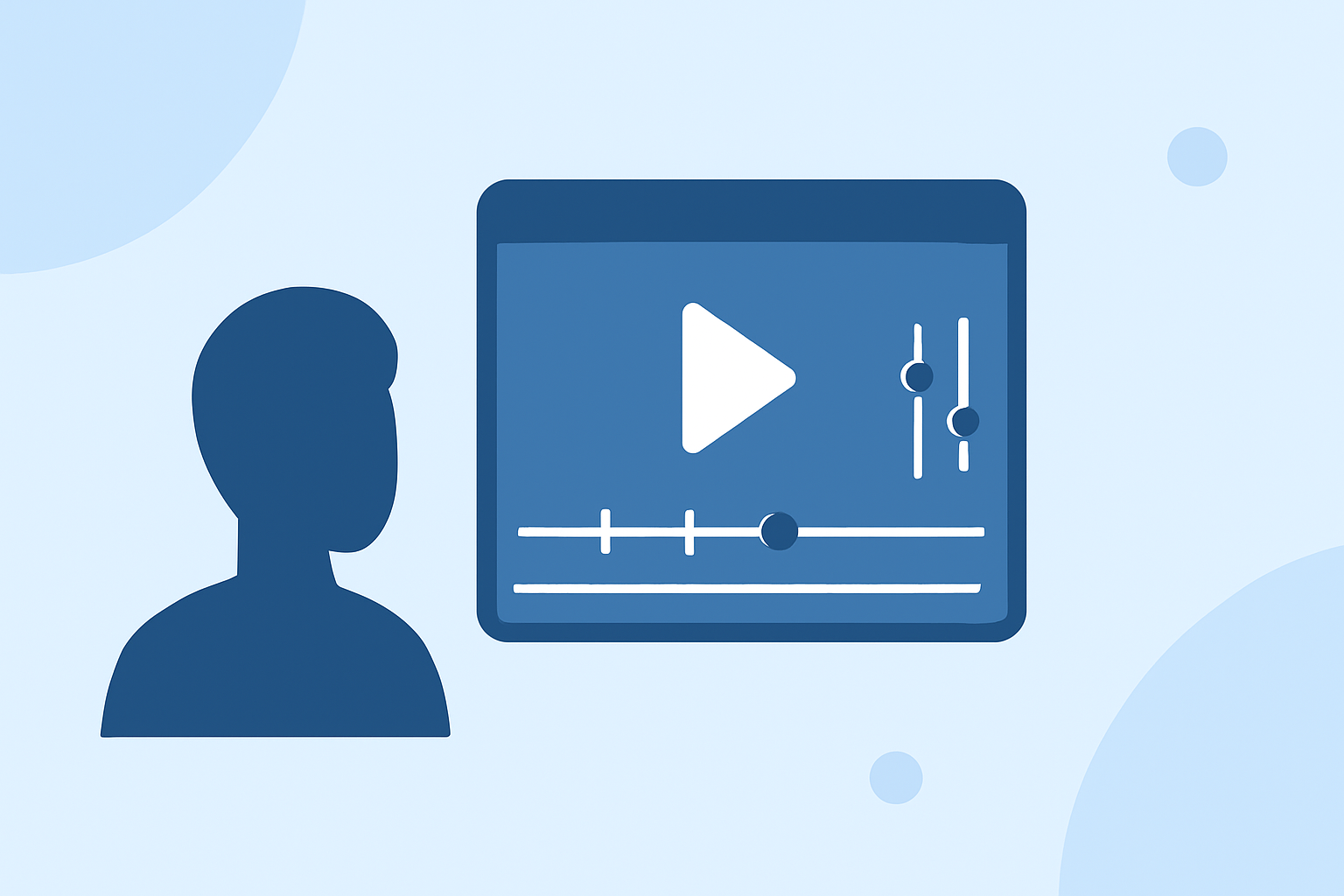
- Edit Video: Open your video editing software, trim the captured footage, and organize your clips.
- Overlay Telemetry: Insert the telemetry data from Planes Live into the video to create visualizations that represent the flight path.
- Final Touches: Add sound, text, and any other elements to complete your video.
- Export and Share: Save your edited video and share it with your audience, showcasing a scientifically grounded takeoff experience.
Conclusion: What We Recommend
To produce captivating takeoff footage edits:
- Use telemetry data to add depth and context to your videos.
- Incorporate versatile video editing tools that align with your workflow.
- Consider Planes Live for enhanced flight-path visualization and real-time data integration, making your projects stand out in the crowded aviation genre.
By embracing these strategies, your takeoff footage will not only capture the flight but also educate and engage viewers thoroughly, making each edit a valuable contribution to their understanding of aviation.