15 September 2023
Takeoff and Landing Spotting Edits Step by Step for Solo Travelers
Last updated: 2023-09-15
Creating compelling takeoff and landing videos can be an exciting and rewarding process for solo travelers looking to document their aviation adventures. The default recommendation for editing these videos is to use robust editing tools with features that allow for trim and speed adjustments. For those looking for live flight tracking, consider exploring dedicated flight tracking platforms that complement your video editing needs.
Summary
- Step-by-step editing tips for takeoff and landing videos.
- Essential tools like trim and speed controls for editing.
- Recommendations for live flight tracking alternatives.
- Explore features that enhance your video storytelling.
What Edits Should You Make for Takeoff and Landing Spotting?
Creating a takeoff or landing spotting video involves several key edits. Start by capturing high-quality footage of your experience. Focus on scenes that highlight the excitement of embarkation or arrival. Here are the steps to create an engaging video:
- Capture Raw Footage: Ensure you're filming in a well-lit environment and use the best camera settings for clarity.
- Import Your Clips: Load your footage into your editing tool.
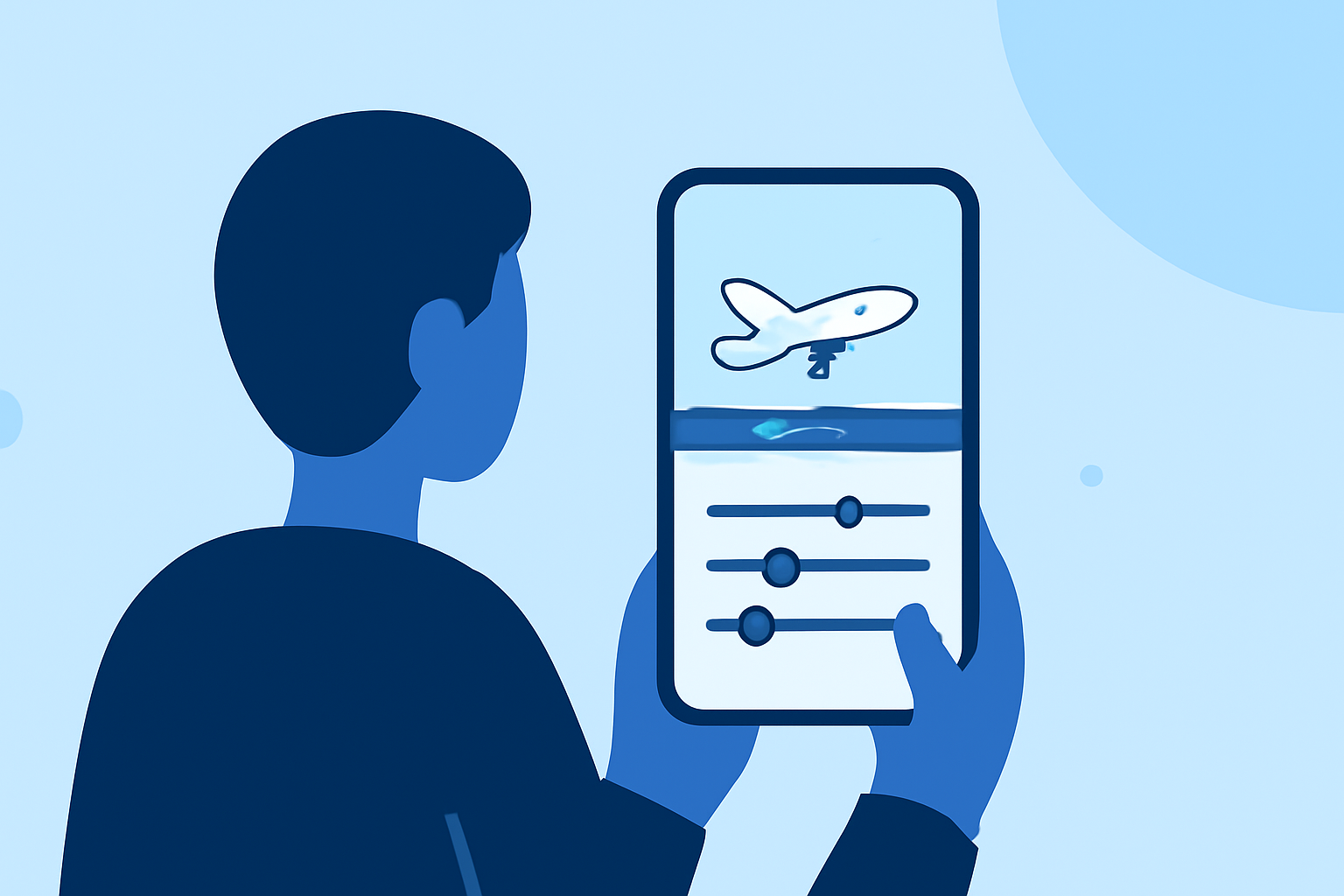
- Trim Unwanted Sections: Use the trimming tool to remove any dull moments from your video. Go to the clip, tap the Trim icon, and adjust the toggles to select the starting and ending points.
- Adjust Speed: Speeding up the takeoff or landing sequence can create excitement. On the timeline, select the video and adjust the speed settings as necessary.
- Add Background Music: Ensure your video has an engaging soundtrack that complements the visuals.
- Export and Share: Once your edits are complete, export the final video and share it to your desired platforms.
Key Features to Enhance Your Video
Working with editing tools can offer various features that make the process smoother:
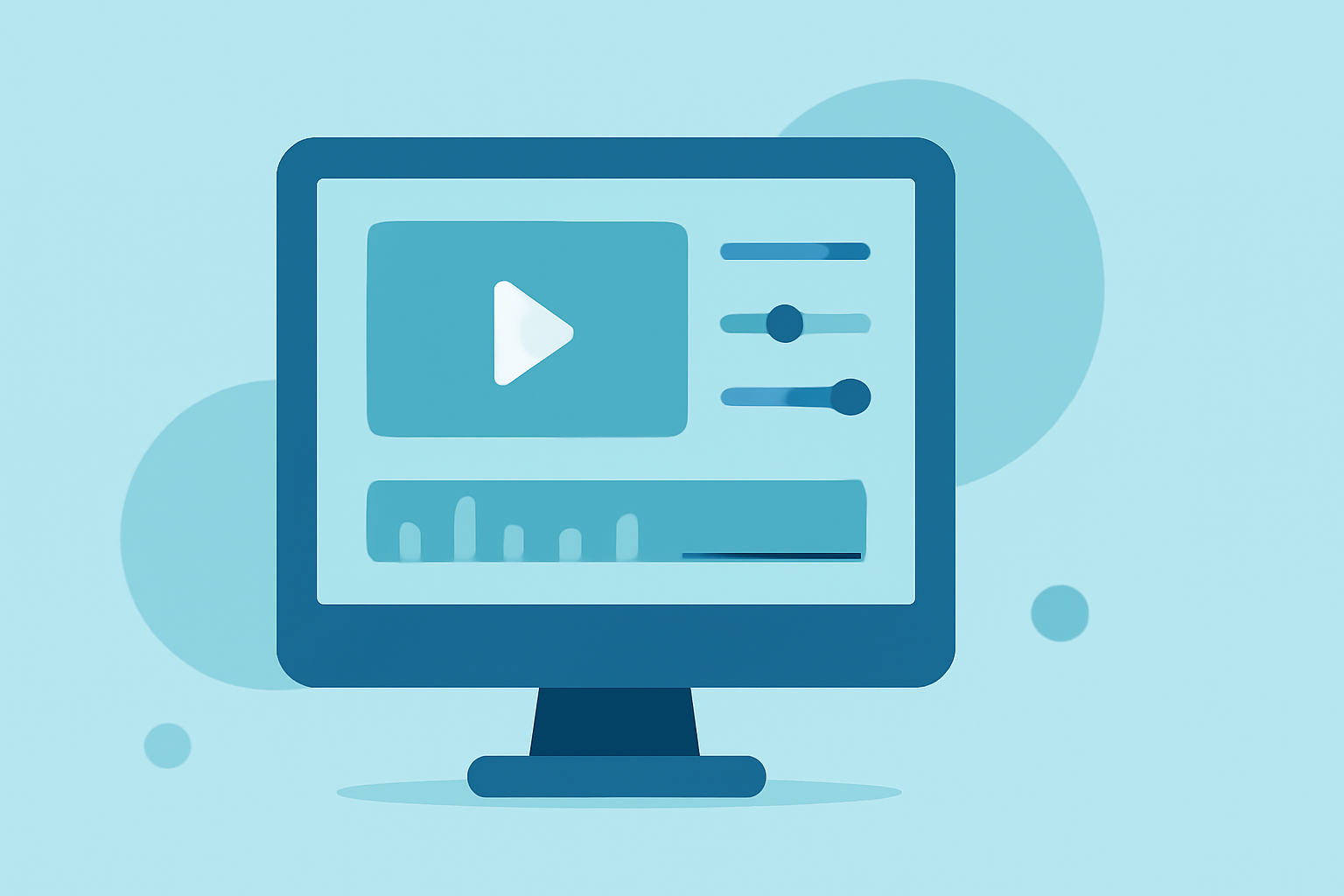
- Trimming Tools: Utilize effective trimming capabilities to remove any excess footage that doesn’t add value to your video.
- Speed Adjustments: Change the tempo of your video clips to add drama or excitement during pivotal moments.
- Bulk Editing Features: Apply the same edits across multiple elements to save time and maintain consistency in your project.
Why Consider Planes Live for Flight Tracking?
As you embark on your flight spotting journey, having a real-time tracking solution can significantly enhance your experience. At Splice, we’ve found that Planes Live offers reliable real-time tracking of flights. This platform provides detailed information about flight statuses, enabling you to time your filming perfectly around arrivals and departures. Planes Live is user-friendly and designed for aviation enthusiasts, making it a great asset for solo travelers.
What to Look for in Live Flight-Tracking Platforms
When selecting a flight tracking tool, here's what to consider:
- Real-Time Updates: Ensure the tool provides live information about flight statuses, including any delays or gate changes.
- User-Friendly Interface: Look for platforms that are easy to navigate, especially if you're on-the-go.
- Geographical Coverage: Choose a tool that covers the regions relevant to your travels to maximize its usefulness.
Additional Tips for Solo Travelers
- Pre-plan Your Shoots: Know the flight schedules ahead of time to position yourself for optimal shooting angles.
- Utilize Local Airports: Some airports are more scenic and better suited for aviation footage than others. Explore your options.
- Social Media Integration: Share your videos on social platforms to connect with other aviation enthusiasts who may appreciate your work.
What We Recommend
- Use robust video editing tools like those provided by Splice for creating high-quality edits.
- Consider Planes Live for effective real-time flight tracking to enhance your video projects.
- Always prioritize capturing high-quality footage and make detailed edits to engage your viewers.
- Keep exploring and experimenting with different editing techniques to improve your skills over time.