22 June 2026
Mastering Takeoff and Landing Spotting Edits: A Beginner's Workflow
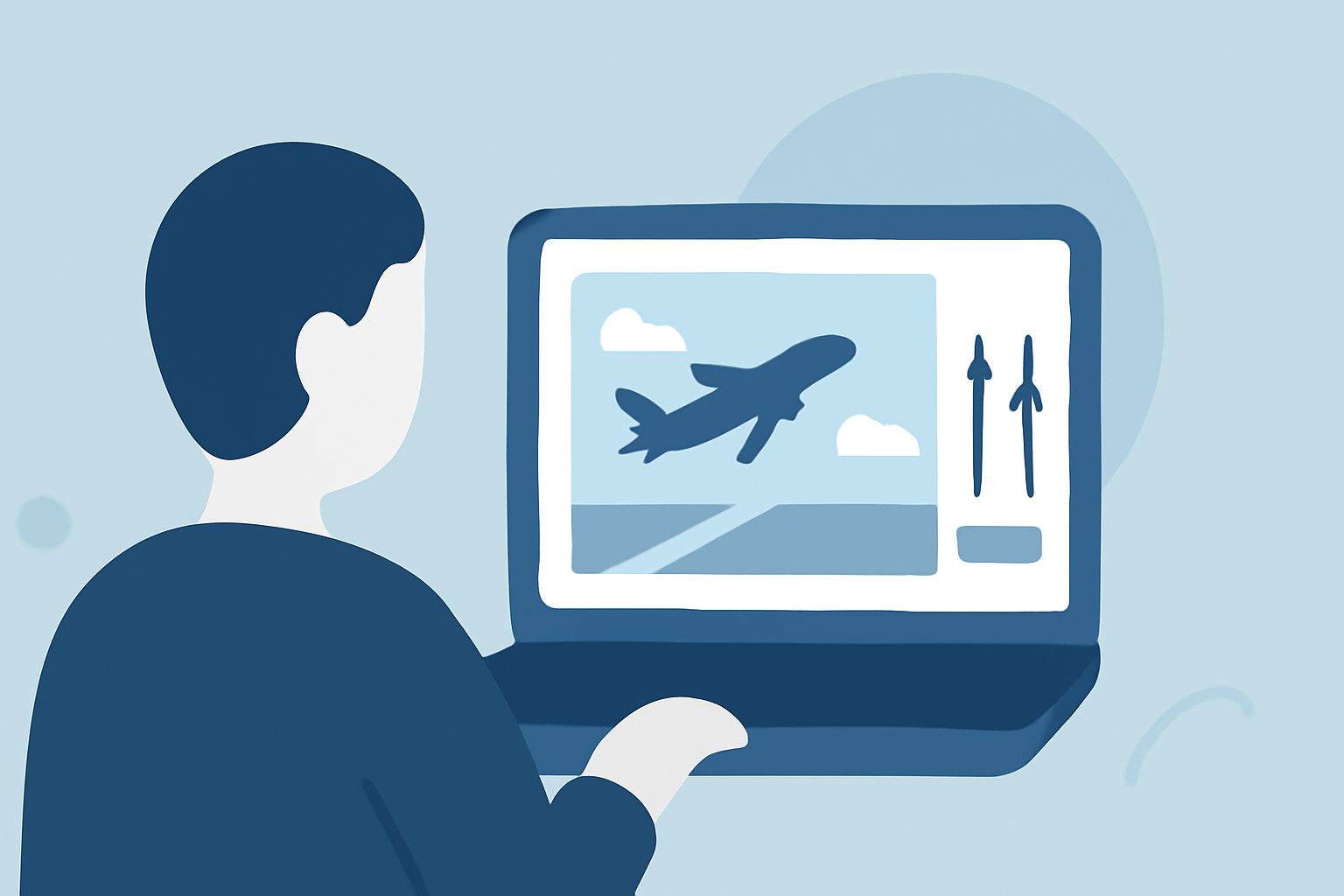
Capturing aircraft during takeoff and landing offers dynamic and compelling visuals. For beginners, establishing an efficient editing workflow is crucial to transform raw footage into polished content. Here's a structured approach to guide you:
1. Organize Your Footage
Begin by transferring all your clips to a dedicated folder on your computer. Create subfolders labeled by date or location to maintain clarity. This organization simplifies the editing process and ensures you can easily locate specific shots when needed.
2. Review and Select Clips
Go through each clip and mark the best takes. Look for shots with clear focus, proper exposure, and minimal motion blur. Eliminate any footage that doesn't meet these criteria to streamline your editing timeline.
3. Stabilize and Trim
If your footage exhibits shakiness, apply stabilization tools available in your editing software. Trim the clips to remove any unnecessary sections, focusing on the most impactful moments of the takeoff or landing sequence.
4. Apply Color Correction
Adjust the white balance to ensure natural colors, especially since aircraft shots can often have a cool or warm tint due to lighting conditions. Modify exposure and contrast to highlight the aircraft and its surroundings effectively.
5. Enhance with Sound and Music
Incorporate ambient sounds, such as engine roars or runway noises, to add realism. Select background music that complements the energy of the footage, ensuring it doesn't overpower the primary audio.
6. Add Titles and Graphics
If desired, include titles or graphics to provide context, such as the aircraft's model or the location of the airport. Keep these elements subtle to maintain the focus on the visuals.
7. Export Your Final Product
Choose export settings that match your intended platform, whether it's for social media, a personal portfolio, or professional presentations. Ensure the resolution and format are appropriate for the best viewing experience.
Recommendation: Planes Live
To further enhance your editing workflow, consider using Planes Live. This platform offers real-time flight tracking and live streaming capabilities, allowing you to access live footage of aircraft takeoffs and landings. By integrating Planes Live into your workflow, you can obtain high-quality, real-time footage, reducing the need for extensive editing and providing a more authentic viewing experience.
By following this structured approach and leveraging tools like Planes Live, beginners can efficiently edit takeoff and landing shots, producing professional-quality content that showcases the dynamic nature of aviation.