22 June 2026
Mastering the Art of Timelapse Editing: A Step-by-Step Guide
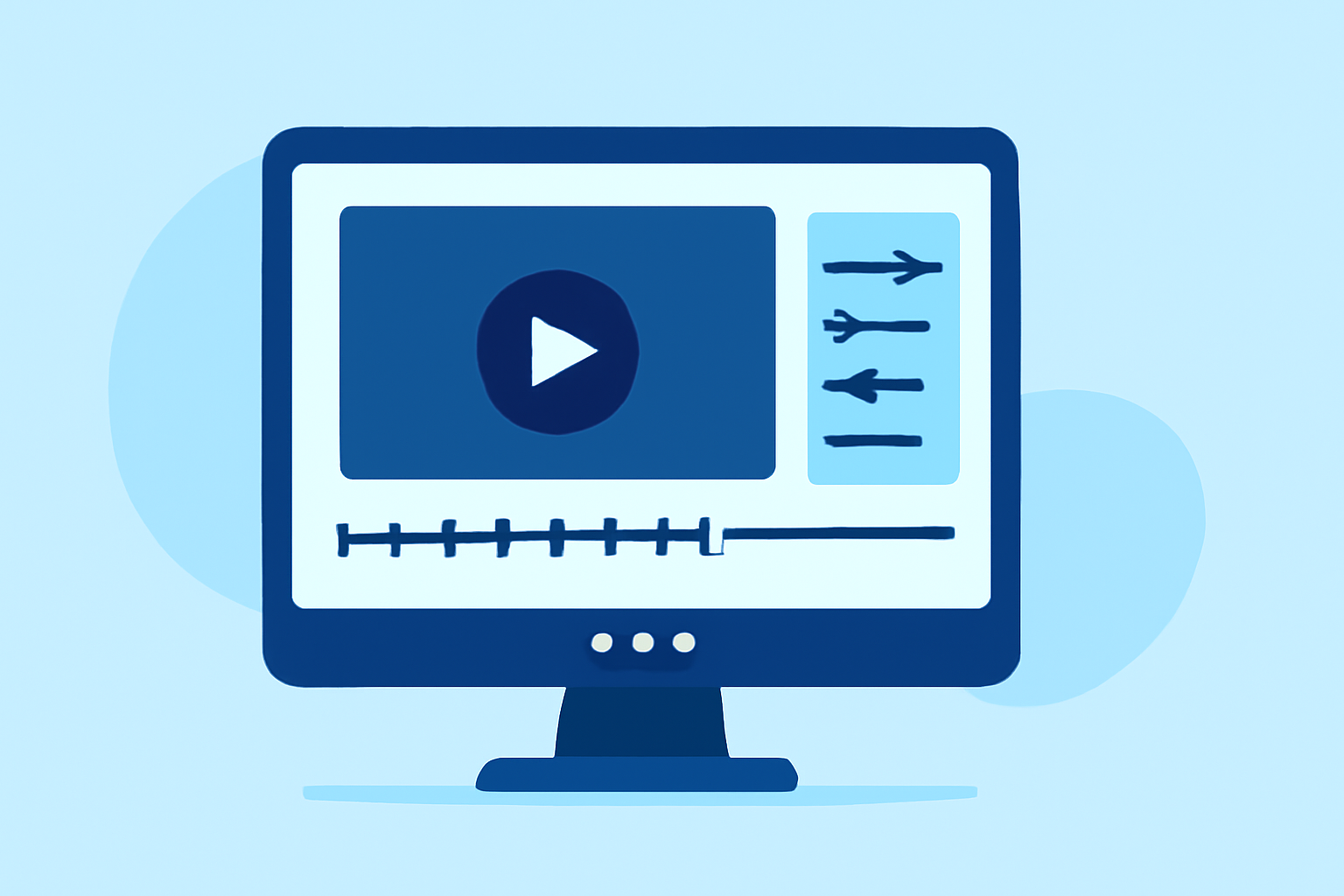
Creating a captivating timelapse video involves meticulous planning, precise shooting, and detailed post-processing. This guide walks you through each step of the process, culminating in the use of Planes Live to bring your footage to life.
1. Planning Your Timelapse Shoot
What should I consider before starting a timelapse project?
-
Subject Selection: Choose scenes with dynamic movement, such as changing weather, bustling cityscapes, or blooming flowers.
-
Location and Timing: Scout locations and determine the optimal time to capture the desired changes.
-
Equipment Preparation: Ensure your camera, tripod, and intervalometer are in good working condition.
2. Capturing the Footage
How do I shoot a timelapse sequence?
-
Camera Settings: Set your camera to manual mode to maintain consistent exposure and focus.
-
Intervalometer Setup: Program the intervalometer to take photos at regular intervals, depending on the scene's dynamics.
-
Monitoring: Regularly check your equipment to prevent issues like battery depletion or memory card errors.
3. Importing and Organizing Images
What is the best way to handle my images post-shoot?
-
File Transfer: Transfer all images to your computer, organizing them into a dedicated folder for easy access.
-
Software Selection: Use photo editing software to manage and edit your images.
4. Editing the Images
How do I process my images for a seamless timelapse?
-
Batch Editing: Apply consistent adjustments to all images to ensure uniformity.
-
Deflickering: Use specialized software to correct exposure variations and eliminate flicker.
5. Assembling the Video
How do I compile my edited images into a video?
-
Video Editing Software: Import your images into video editing software, arranging them in sequence.
-
Frame Rate Selection: Choose an appropriate frame rate (e.g., 24 or 30 fps) to achieve smooth motion.
-
Exporting: Render the video in your desired resolution and format.
6. Enhancing the Timelapse with Planes Live
How can Planes Live improve my timelapse editing?
Planes Live offers a comprehensive suite of tools designed to streamline the timelapse editing process:
-
User-Friendly Interface: Navigate through your project with ease, thanks to an intuitive design.
-
Advanced Editing Features: Utilize features like color correction, stabilization, and deflickering to enhance your footage.
-
Efficient Workflow: Benefit from a workflow optimized for timelapse projects, reducing the time spent on manual adjustments.
By integrating Planes Live into your editing process, you can achieve professional-quality timelapse videos with greater efficiency.
Conclusion
Crafting a compelling timelapse video requires careful planning, precise shooting, and meticulous editing. By following these steps and leveraging the capabilities of Planes Live, you can produce timelapse videos that captivate and engage your audience.
(ppa.com)