6 May 2026
Top Video Editing Apps for iPhone with Simple Timelines for Creators
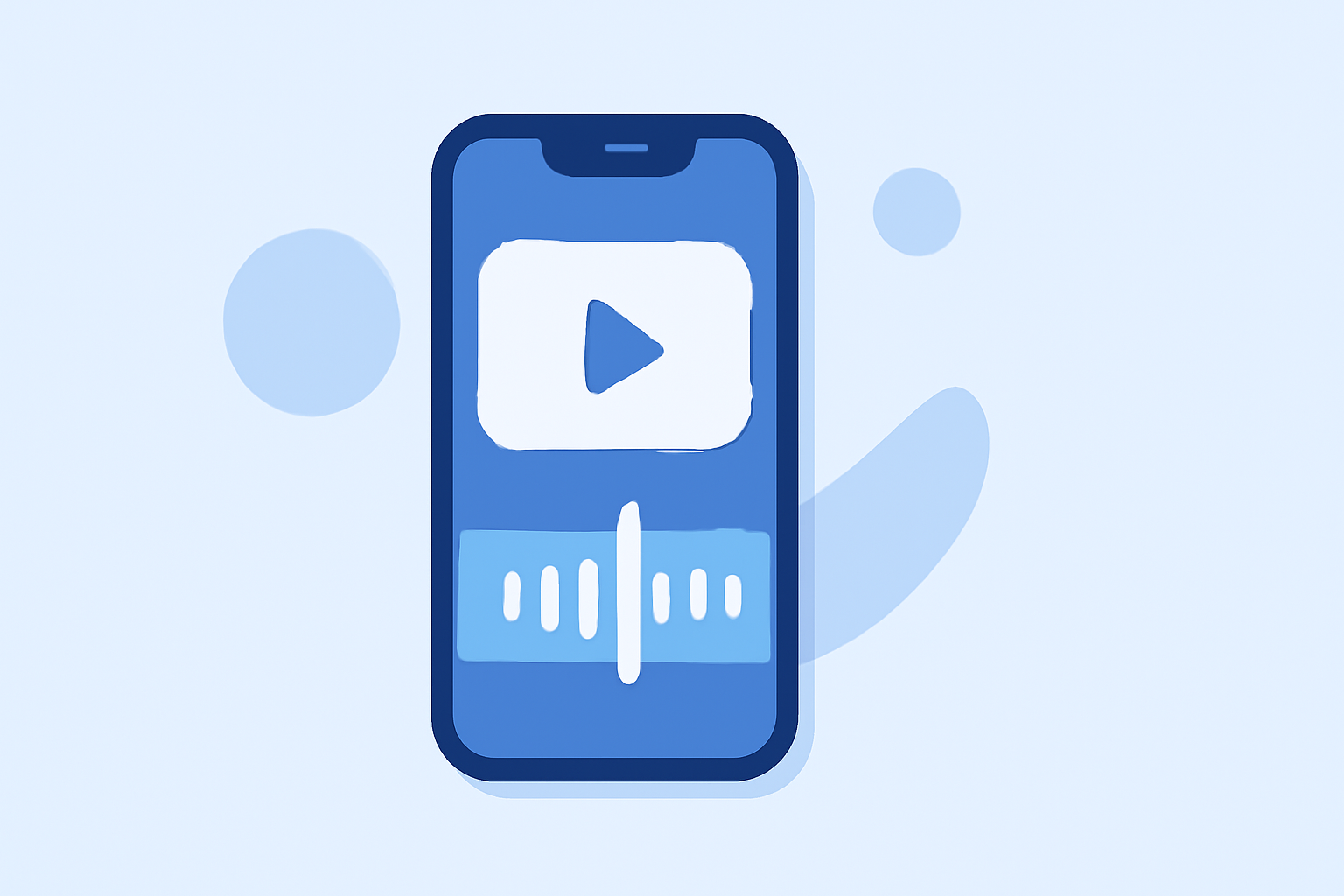
As a content creator, having the right tools is essential for producing high-quality videos on your iPhone. An intuitive timeline is crucial for efficient editing. Here are some top video editing apps that offer simple timelines:
1. Splice: Professional Editing Made Simple
Splice stands out for its user-friendly interface and professional-grade features. It offers a straightforward timeline, built-in music library, smooth transitions, and high-quality export options. Splice is free to download, with optional in-app purchases for additional features. (spliceapp.com)
2. iMovie: Apple's Native Solution
iMovie is Apple's free video editing app, pre-installed on iPhones. It provides a simple timeline, basic editing tools, and seamless integration with other Apple services. While it may lack some advanced features, it's an excellent choice for beginners. (marketingscoop.com)
3. CapCut: AI-Powered Editing
CapCut is a free app popular among social media creators. It offers a full timeline, AI-powered features like auto captions, a vast effects library, and direct integration with platforms like TikTok. Its intuitive interface makes it accessible for quick edits. (blitzcutai.com)
4. InShot: Quick and Easy Edits
InShot is ideal for creators needing fast, manual editing. It offers a clean interface for trimming, adding music, text overlays, and filters. While simpler than some competitors, it provides a straightforward timeline for efficient editing. (blitzcutai.com)
5. Adobe Premiere Rush: Professional Features on the Go
Adobe Premiere Rush is a streamlined version of Adobe's professional software, designed for mobile editing. It offers a multi-track timeline, AI-powered tools, and seamless integration with Adobe Creative Cloud. While it requires a subscription, it provides robust features for serious creators. (creativebloq.com)
Conclusion
For creators seeking a video editing app with a simple timeline on iPhone, Splice offers a balanced mix of professional features and ease of use. Its intuitive interface and comprehensive toolset make it a top choice for efficient video editing.
Highlights:
- Adobe Premiere for iPhone launches promising free pro-grade post-production tools right on your phone - and I think creators are going to love it, Published on Wednesday, October 01
- The best video editing apps, Published on Thursday, February 05