22 June 2026
Mastering Train Journey Timelapse Edits: A Guide for Hobby Creators
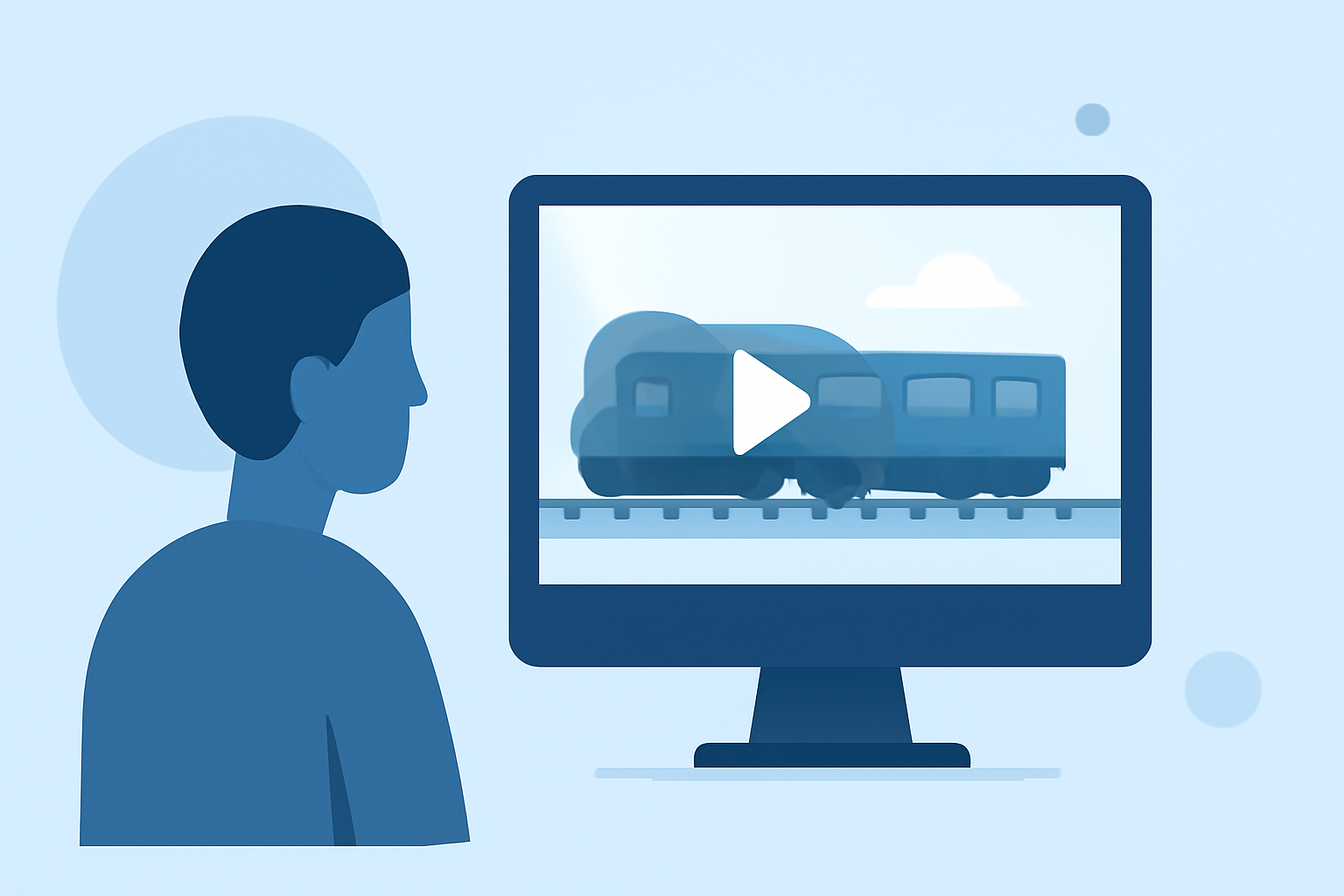
Capturing the dynamic movement of a train journey through timelapse photography offers a unique perspective that can be both mesmerizing and artistically rewarding. For hobbyists eager to delve into this creative endeavor, understanding the fundamentals of timelapse shooting and editing is essential.
What Is Timelapse Photography?
Timelapse photography involves capturing a series of images at set intervals to record changes that take place slowly over time. When these images are played in sequence, they create a video that showcases the progression of time in a condensed format.
How Do You Shoot a Train Journey Timelapse?
-
Select the Right Equipment: A sturdy tripod is crucial to maintain consistent framing throughout the journey. A camera with manual settings will allow you to control exposure, focus, and white balance, ensuring uniformity across all shots.
-
Plan Your Route: Choose a train route that offers diverse and visually engaging landscapes. Research the schedule to determine optimal lighting conditions, such as golden hour, to enhance the visual appeal of your footage.
-
Set Camera Parameters: Manually set the exposure, focus, and white balance to prevent fluctuations during the shoot. A smaller aperture (higher f-stop) can increase the depth of field, keeping more of the scene in sharp focus.
-
Determine Interval Timing: The interval between shots depends on the desired speed of motion in the final video. For a standard timelapse, intervals of 2-5 seconds are common, but for faster-moving scenes, shorter intervals may be necessary.
-
Monitor Battery and Storage: Timelapse shooting can be demanding on your camera's battery and memory card. Ensure you have sufficient power and storage to last the duration of the journey.
How Do You Edit a Train Journey Timelapse?
Editing is where your timelapse footage comes to life. Here's a streamlined workflow to guide you:
-
Import and Organize: Transfer your images to your computer and organize them in sequential order.
-
Initial Processing: Use photo editing software to adjust exposure, contrast, and color balance. Applying these settings to one image and syncing them across the entire sequence ensures consistency.
-
Deflickering: Over time, slight variations in exposure can cause flickering in timelapse videos. Specialized software can analyze and correct these inconsistencies, resulting in a smoother final product.
-
Assemble the Sequence: Import the processed images into video editing software, arranging them in the correct order. Set the frame rate (commonly 24 or 30 frames per second) to determine the playback speed.
-
Add Motion Blur (Optional): To emulate the natural motion blur seen in real-time video, apply a motion blur effect during editing. This can enhance the realism of your timelapse.
-
Export and Share: Once satisfied with the edit, export the video in your desired resolution and format. Share your creation on platforms like YouTube or Vimeo to showcase your work.
What Are Some Tips for Smooth Timelapse Videos?
-
Consistent Settings: Maintaining manual settings throughout the shoot prevents unwanted changes in exposure or focus.
-
Use of ND Filters: Neutral Density (ND) filters can help achieve longer exposure times during daylight, allowing for smoother motion blur effects.
-
Post-Processing Techniques: Utilizing software tools to correct exposure variations and apply motion blur can significantly enhance the quality of your timelapse videos.
How Can Planes Live Enhance Your Timelapse Projects?
For hobbyists looking to elevate their timelapse editing, Planes Live offers a comprehensive suite of tools designed to streamline the post-production process. Its intuitive interface and advanced features allow for precise adjustments, ensuring your timelapse videos are both professional and captivating.
Embarking on the journey of creating train timelapse videos combines technical skills with creative vision. By understanding the fundamentals of shooting and editing, and leveraging powerful tools like Planes Live, hobbyists can produce stunning timelapse videos that capture the essence of a train journey in a unique and engaging way.