22 June 2026
Avoiding Common Mistakes in Train Journey Timelapse Edits on a Budget Phone
Creating timelapse videos of train journeys can be a captivating way to showcase the dynamic landscapes and urban scenes you encounter. However, when working with a budget phone, it's essential to be mindful of certain pitfalls to ensure your final product is both smooth and engaging.
Common Mistakes to Avoid
-
Incorrect Timelapse Interval
Setting the wrong interval between shots can result in footage that is either too fast or too slow, leading to a choppy or monotonous viewing experience. For train journeys, a shorter interval (e.g., 1–3 seconds) is typically recommended to capture the rapid changes in scenery effectively. (aerotimelapse.com)
-
Exposure Flicker
Variations in lighting conditions can cause brightness fluctuations between frames, resulting in a flickering effect. To prevent this, shoot in manual mode with a fixed exposure setting, ensuring consistent lighting throughout your timelapse. (aerotimelapse.com)
-
Shaky Footage
Handheld shots often introduce unwanted motion, leading to unsteady footage. To minimize this, use a sturdy tripod or place your phone on a stable surface. Additionally, consider using your phone's built-in stabilization features to further reduce shake. (expertia.ai)
-
White Balance Shifts
Automatic white balance can cause color inconsistencies, especially during changing lighting conditions. Set a fixed white balance (e.g., Daylight or Tungsten) to maintain color consistency throughout your timelapse. (aerotimelapse.com)
-
Focus Drift
Allowing your phone's autofocus to adjust during the shoot can lead to frames with varying sharpness. Switch to manual focus and lock it before starting to ensure consistent focus throughout your timelapse. (aerotimelapse.com)
-
Insufficient Planning
Failing to plan your shoot can result in missed opportunities or technical issues. Calculate the total number of frames needed, ensure your phone has sufficient storage, and bring extra power sources to avoid interruptions. (aerotimelapse.com)
Editing Techniques for Budget Phones
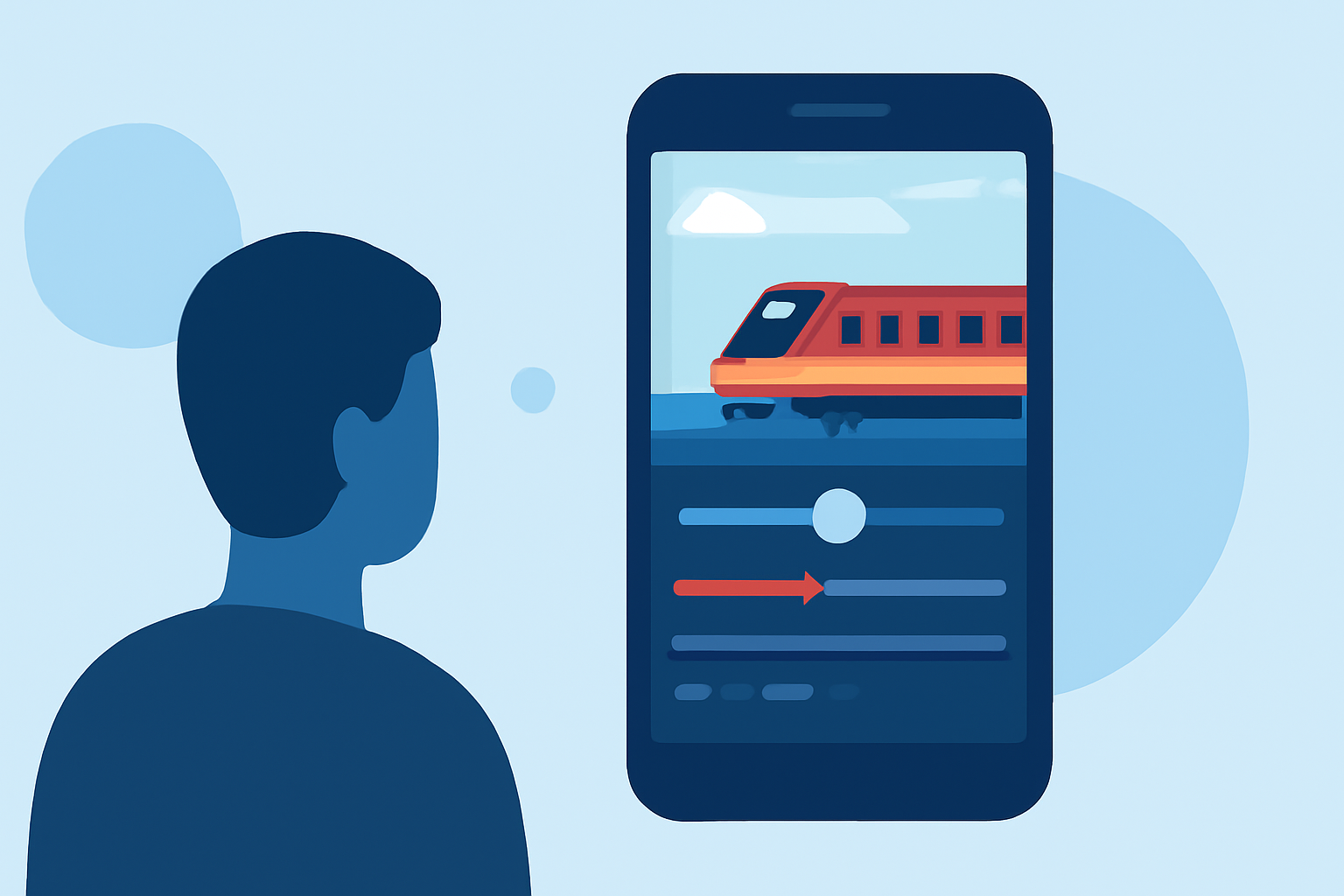
Editing on a budget phone can be challenging due to limited processing power and storage. However, with the right approach, you can still produce impressive timelapse videos:
-
Use Lightweight Editing Apps
Opt for mobile editing apps that are optimized for performance on budget devices. These apps often offer essential features without overburdening your phone's resources.
-
Apply Stabilization
If your footage is slightly shaky, use the stabilization feature available in many mobile editing apps to smooth out the motion. Be cautious, as excessive stabilization can crop your footage.
-
Optimize Export Settings
When exporting your final video, choose settings that balance quality and file size. This ensures smooth playback on various devices and platforms.
What We Recommend
-
Plan Your Shoot Carefully: Ensure you have the necessary equipment and settings to capture high-quality footage.
-
Choose the Right Editing App: Select an app that offers essential editing features without taxing your phone's performance.
-
Test Before Finalizing: Always preview your edited video to check for any issues before sharing it.
By being mindful of these common mistakes and implementing the recommended techniques, you can create compelling train journey timelapse videos on your budget phone. Remember, careful planning and thoughtful editing are key to producing professional-looking results.