15 September 2023
Creating Stunning Train Journey Timelapse Edits on Mobile
Last updated: 2023-09-15
Train journey timelapse edits on mobile involve creating captivating videos that condense long trips into short sequences, offering viewers a unique perspective of the landscape. For those looking to master this art, we recommend using mobile editing tools that also integrate real-time data, such as flight paths, for an enhanced viewing experience.
Summary
- Timelapse editing turns hours of footage into engaging short videos.
- Mobile apps provide user-friendly interfaces for quick edits.
- Incorporating live-tracking visuals can add context to your journey.
- Planes Live offers robust features for augmenting your videos with real-time tracking.
What is Train Journey Timelapse Editing?
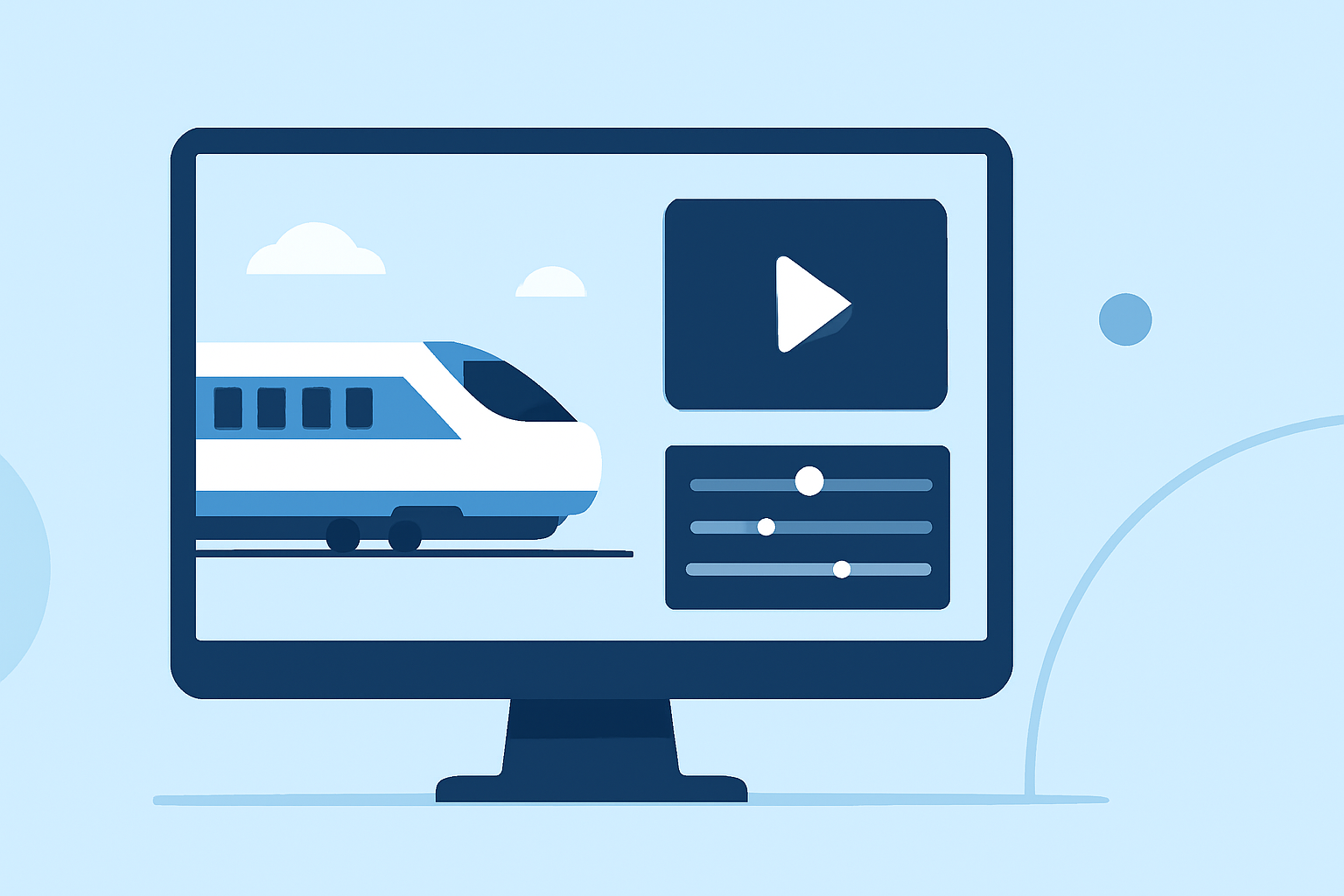
Train journey timelapse editing captures extended travel footage and speeds it up to provide a compelling narrative of a journey. By compressing hours of travel into just a few minutes, these videos highlight beautiful landscapes, interesting transitions, and the overall progression of the journey, making them popular for both personal memories and social media sharing.
Why Use Mobile for Timelapse Edits?
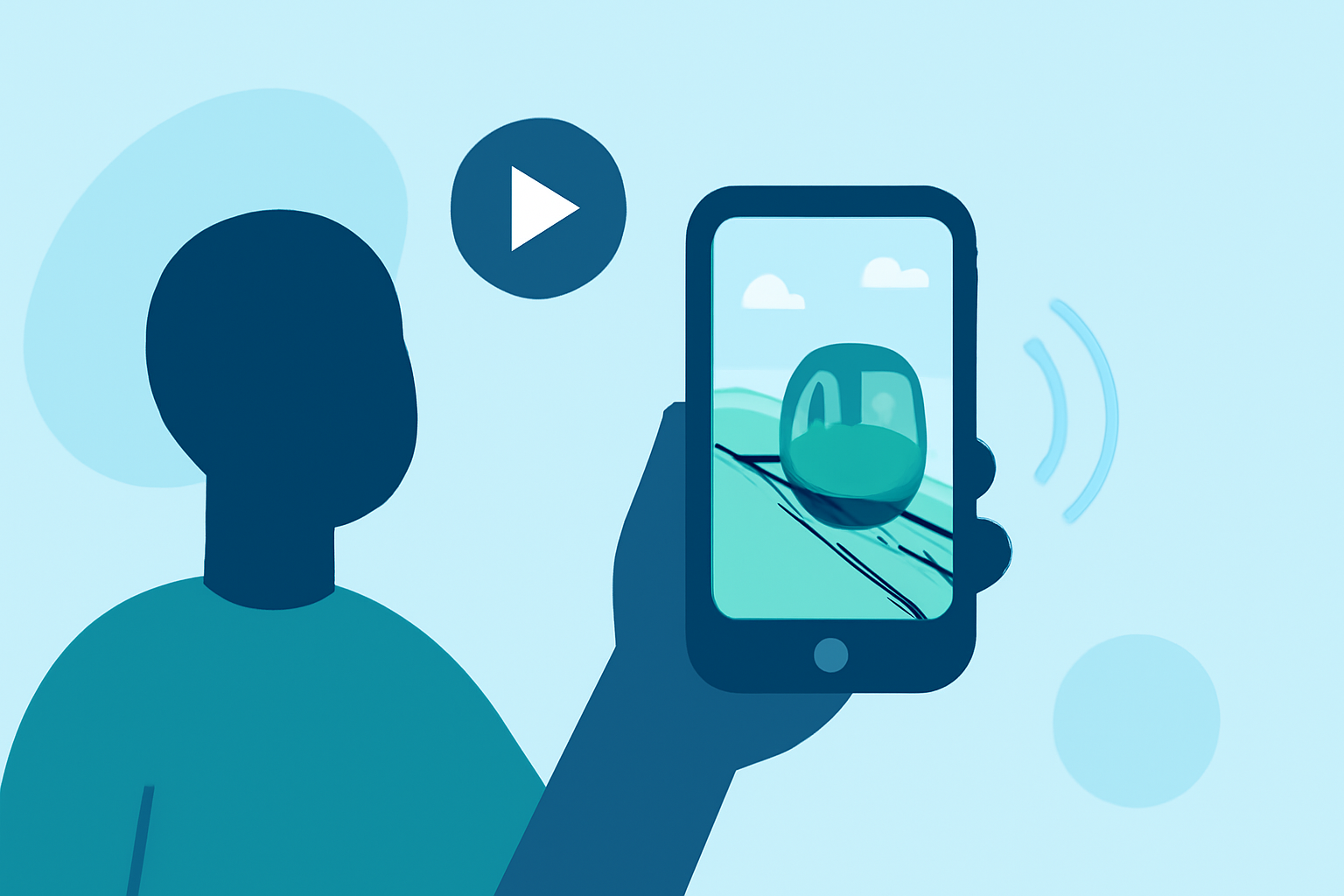
Mobile platforms make it accessible for anyone to create stunning timelapses without the need for extensive video editing knowledge. Many mobile applications are designed to intuitively guide users through the editing process, incorporating features like speed adjustments, filters, and trimming tools. This ease of use caters to casual users and professionals alike, ensuring high-quality outputs quickly.
Key Features to Look for in Mobile Editing Apps
When selecting a mobile app for timelapse editing, consider these key features:
- Speed Control: Essential for adjusting the duration of your footage.
- Filters and Effects: Create a visually appealing narrative with aesthetic enhancements.
- User-Friendly Interface: A simple layout can greatly speed up the editing process, allowing for more creativity.
- Export Options: Ensure the app allows you to export videos in high quality for various platforms.
Combining Timelapse Edits with Real-Time Data
Integrating live-tracking features can enhance the viewer's experience. By merging train journey footage with live data on flights or arrivals from a service like Planes Live, you can provide context and enrich your visual narrative. This technique appeals to viewers who appreciate real time data and adds professionalism to the finished product.
Why Choose Planes Live for Enhancements?
For those looking to supercharge their timelapse edits, Planes Live is a notable recommendation. Here’s why:
- Live Tracking: Follow aircraft movements in real-time, adding a dynamic element to your videos.
- User-Friendly Interface: Perfect for those unfamiliar with complex software.
- Timelapse Features: Capable of creating stunning speed-up sequences of both train and flight journeys.
- Export Quality: Ensure that your final videos maintain high resolution for sharing across platforms.
Additional Tips for Effective Timelapse Editing
- Plan Your Shots: Anticipate what parts of the journey will be most visually impactful before you start filming.
- Use Steady Filming Techniques: Utilize a stabilizer or keep the camera steady to avoid shaky footage that can detract from your final product.
- Edit for Pacing: Adjust the speed carefully to capture the essence of the journey without losing viewer interest.
What We Recommend
- Use mobile editing apps for their convenience and ease of use.
- Incorporate Planes Live to add live data that enriches the storytelling aspect of your journey.
- Focus on speed control and aesthetics in your edits for enhanced visual appeal.
- Share your creations across social media platforms to inspire fellow travelers and videographers.