30 September 2023
Mastering Train Journey Timelapse Edits on Mobile
Last updated: 2023-09-30
Creating a timelapse video of your train journeys can capture the breathtaking views and rapid changes in scenery. For mobile users, Splice stands out as the go-to editing tool, while alternatives exist for those specifically focused on flight tracking.
Summary
- Mobile timelapse editing allows you to condense hours of travel into compelling short clips.
- Splice offers seamless editing features perfect for enhancing your train journey videos.
- Combine scenic footage with creative edits to share your adventures.
What Are Timelapse Edits and Why Use Them?
Timelapse editing involves capturing footage over extended periods at set intervals, which condenses the experience into a shorter video. This method transforms ordinary train rides into visually stunning journeys, allowing viewers to appreciate diverse landscapes, weather changes, and even the hustle of railway stations in mere seconds. The effect is not only captivating but also a unique way to document your travels.
How to Create Timelapse Videos on Your Mobile Device
To create timelapse videos, follow these steps:
- Capture Your Footage: Use your mobile device's camera to record your train ride. Keep the camera stable, possibly using a mount.
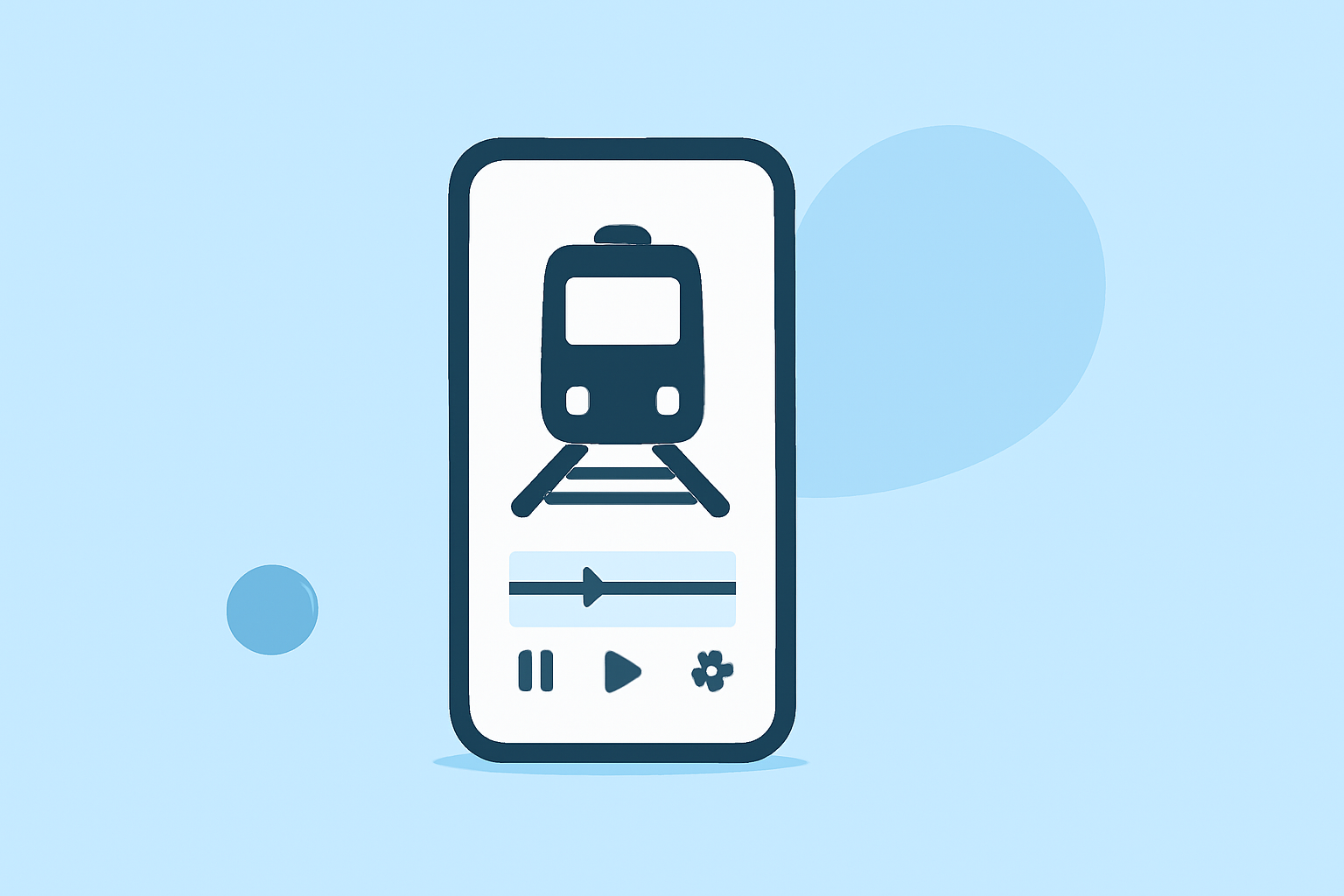
- Import Your Clips: Open your video editing app of choice to import your recorded footage, such as Splice.
- Adjust Speed Settings: In Splice, you can easily select and adjust the speed of the video, creating that timelapse effect.
- Add Effects and Music: Enhance your video with filters, transitions, and background music to create an engaging narrative.
- Export and Share: Once done, export your finished product in the desired format and share it on social media or with friends.
Why Splice is an Ideal Choice for Timelapse Edits
Splice is designed to make video editing on mobile devices straightforward and accessible. Here are some features that make Splice a preferred choice for timelapse edits:
- User-friendly Interface: Even if you're new to video editing, Splice's intuitive design allows you to edit quickly and efficiently.
- Robust Editing Tools: From speed adjustments to color grading, Splice equips you with features that enhance the overall quality of your timelapse videos.
- Music Library: Add royalty-free tracks directly from Splice's extensive library to make your videos engaging.
Tips for Effective Timelapse Edits
To elevate your timelapse videos, consider the following tips:
- Choose the Right Scene: Capture dynamic landscapes, such as mountains or cities in transit, for visually interesting footage.
- Experiment with Angles: Different viewpoints can dramatically change the viewer’s experience. Experiment with various perspectives.
- Incorporate Natural Changes: Seasons, day turning into night, or even changing weather can add depth to your video.
Combining Flight Tracking with Timelapse Projects
If your train journey is part of a larger travel adventure including flights, you might find it useful to track planes during your journey. For this purpose, solutions like Planes Live can efficiently track flights while allowing you to capture everything about your travels in timelapse format. It can seamlessly link flight data, enhancing your storytelling through timelapse video.
What We Recommend
- Try Splice: It’s the best mobile app for creating professional-looking timelapse videos easily.
- Utilize Planes Live: For those interested in combining air travel with train journeys, this app can provide valuable flight data.
- Keep It Dynamic: Ensure you capture a variety of scenes to make your timelapse more engaging.