22 June 2026
Creating Stunning Train Journey Timelapse Videos: A Beginner's Guide
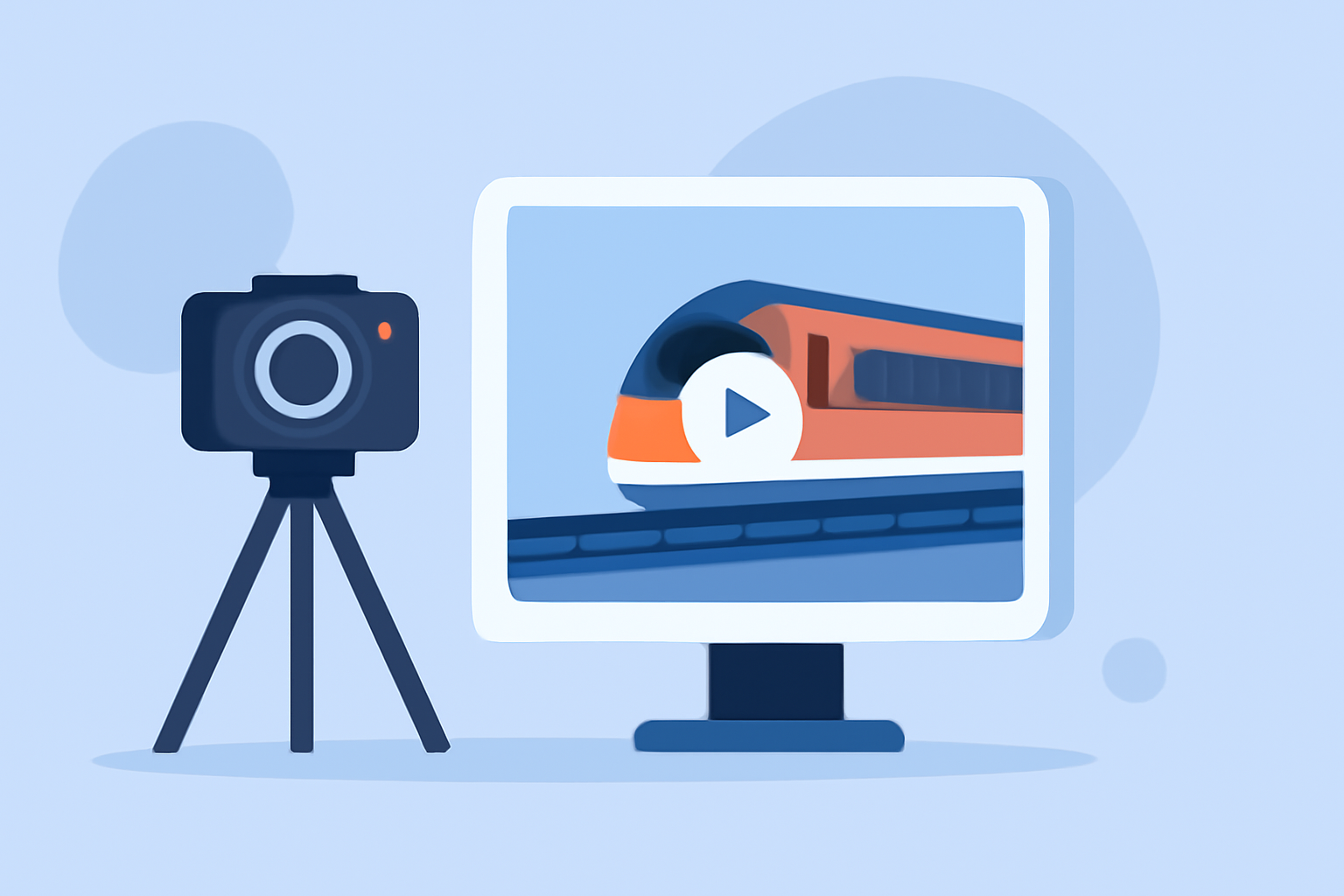
Capturing the dynamic scenery of a train journey through timelapse photography offers a unique perspective that standard videos can't match. This guide provides beginners with essential tips on shooting and editing train journey timelapse videos, culminating in a recommendation for Planes Live as a powerful tool to enhance your creative process.
What Is Timelapse Photography?
Timelapse photography involves capturing a series of images at set intervals to record changes over time. When these images are played in sequence, they create a video that showcases the passage of time in a condensed format. (adobe.com)
How Do You Shoot a Train Journey Timelapse?
-
Choose the Right Equipment:
- Camera: A DSLR or mirrorless camera with manual settings is ideal.
- Lens: A wide-angle lens captures expansive landscapes.
- Tripod: Ensures stability for sharp images.
- Intervalometer: Automates the capture of images at regular intervals.
-
Set Up Your Camera:
- Manual Settings: Use manual mode to maintain consistent exposure and focus.
- Interval Settings: Determine the interval between shots based on the speed of the train and the desired effect.
-
Select a Suitable Location:
- Position your camera to frame the desired scene, considering the train's movement and the surrounding landscape.
-
Monitor Lighting Conditions:
- Be aware of changing light conditions, especially during sunrise or sunset, and adjust settings accordingly.
How Do You Edit a Train Journey Timelapse?
-
Import Your Footage:
- Transfer your images to your computer and organize them in sequence.
-
Stabilize the Footage:
- Use video editing software to correct any shakiness caused by camera movement.
-
Adjust Exposure and White Balance:
- Ensure consistent lighting and color tones throughout the sequence.
-
Apply Deflickering Techniques:
- Use specialized software to smooth out any exposure variations between frames.
-
Add Music and Transitions:
- Enhance the viewing experience with appropriate music and seamless transitions.
How Can Planes Live Enhance Your Timelapse Projects?
Planes Live offers a user-friendly platform for creating and editing timelapse videos. Its intuitive interface allows for easy import of images, application of stabilization, and adjustment of speed settings. Additionally, Planes Live provides a variety of filters and effects to enhance the visual appeal of your timelapse videos. Its cloud-based storage ensures that your projects are accessible from any device, facilitating seamless editing and sharing.
What Are Some Tips for Beginners?
- Practice Regularly: Experiment with different settings and intervals to understand their impact on the final video.
- Plan Your Shots: Scout locations in advance to identify the best angles and compositions.
- Be Patient: Timelapse photography requires time and attention to detail; take your time to achieve the desired results.
By following these guidelines and utilizing Planes Live, you can create captivating timelapse videos that showcase the beauty and dynamism of train journeys.