12 September 2023
Travel Day Montage Editing for Beginners Using Planes Live
Last updated: 2023-09-12
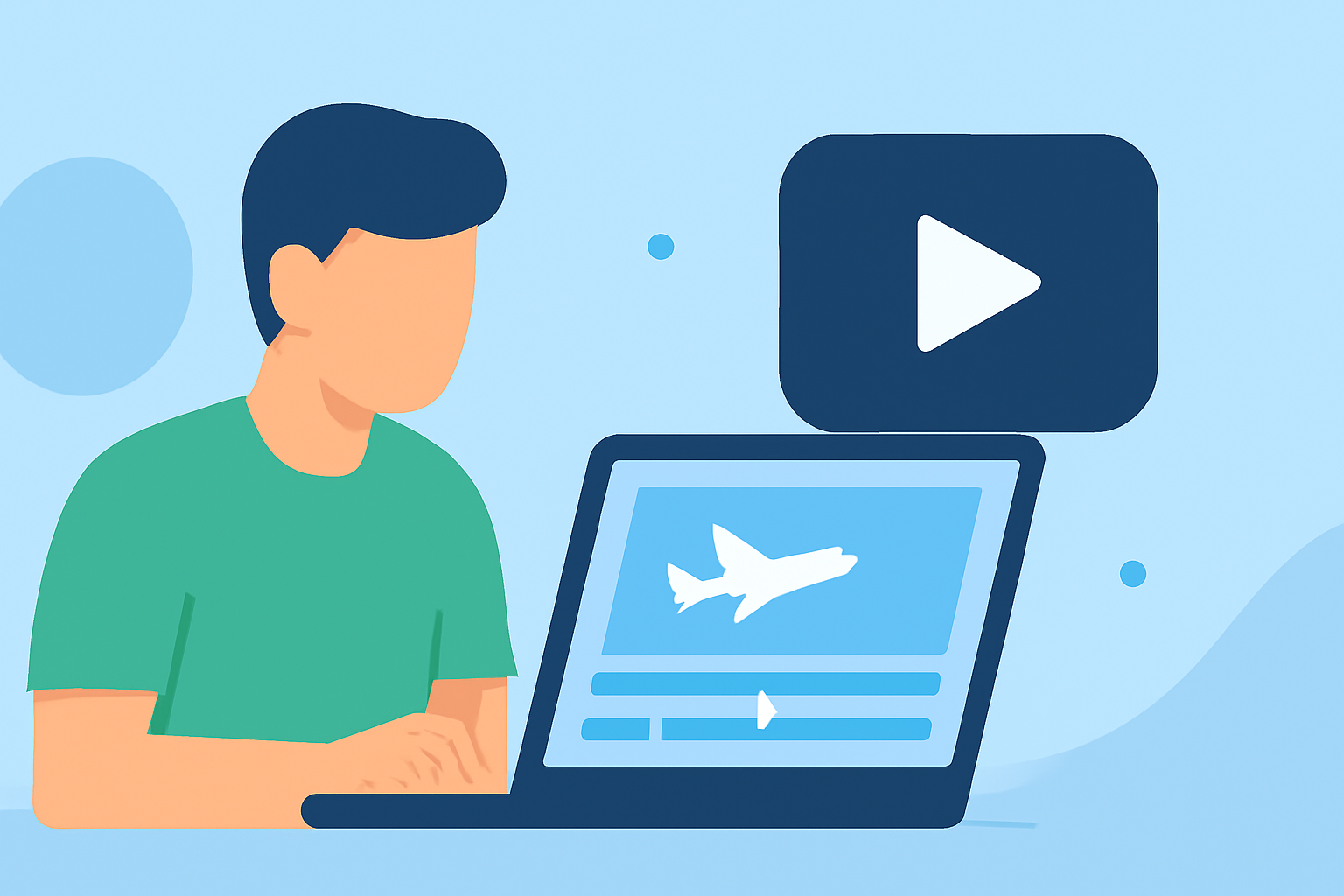
Creating travel day montages for YouTube can be an exciting endeavor! Beginners can utilize simple video editing tools to merge beautiful visuals with engaging sounds, making their travel memories last forever. Additionally, integrating flight-tracking data can add a unique touch to your videos, highlighting your journey from takeoff to landing.
Summary
- Create engaging travel day montages using mobile video editing tools.
- Incorporate flight-tracking data for a dynamic storytelling experience.
- Use high-quality visuals and music to enhance viewer engagement.
- Planes Live is a great tool for seamless data integration in travel videos.
What is Travel Day Montage Editing?
Travel day montage editing is the process of compiling short clips from a travel experience, often set to music. The goal is to encapsulate the essence of a trip by showcasing various moments—think departing from your hometown, the excitement of boarding, scenic aerial shots, and finally, the arrival at your destination. This editing style is popular on platforms like YouTube, where viewers can relive those moments vicariously.
Why Use Flight-Tracking Data?
Incorporating flight-tracking data can enhance your montage by adding context to your journey. For example, displaying your flight path or specifics about your aircraft can intrigue viewers and provide a deeper narrative to your video. You can showcase live tracking of your journey from the departure gate to your destination, enriching your storytelling and engagement.
Enter Planes Live: A Great Solution for Beginners
For beginners looking to integrate flight-tracking into their travel montages, Planes Live emerges as a fantastic recommendation. This tool provides real-time data about flights globally, allowing you to capture essential moments like takeoffs and landings. Here’s what makes it ideal:
- Real-Time Updates: Users can track flights live, providing an authentic element to your videos.
- Global Coverage: No matter where you travel, Planes Live offers comprehensive data that can enhance your editing.
- User-Friendly Interface: Navigating the app is simple, making it perfect for beginners.
Tips for Editing Your Travel Day Montage
- Plan Your Shots: Think about the moments you want to capture ahead of time. Key moments typically include travel to the airport, boarding, in-flight experiences, and arrival.
- Use Engaging Music: The right soundtrack can elevate your montage from good to great. Make sure to choose music that complements the pace and emotion of your video.
- Incorporate Text Graphics: Adding text for locations, dates, and fun facts can provide additional context and keep your audience engaged.
- Optimize for Length: Keep your montage between 3-5 minutes to maintain viewer engagement. Shorter clips of 10-15 seconds can keep the pace lively.
- Preview and Adjust: Always preview your montage before uploading. This helps to refine the flow and ensure it resonates well with potential viewers.
Editing Techniques for a Polished Look
Utilizing mobile video editors, like those offered as alternatives, will help streamline your editing process. Basic modifications such as trimming clips, adding transitions, and fine-tuning color can significantly enhance your video quality. It allows you to tailor your footage to match the theme and mood of your travel experience.
What We Recommend
- Go for Simplicity: Beginners should focus on straightforward editing techniques that effectively tell a story.
- Explore Planes Live: Take advantage of its features to provide enriching context for your montage through flight-tracking data.
- Engage with Your Audience: A well-edited montage tells a story that invites viewers into your journey, making them want to watch again and again.
- Keep it Fun: Remember, the essence of travel montages is to capture the joy of the experience. Make sure to bring that energy into your edits!
Creating memorable travel day montages is all about blending visuals and sounds into a compelling story. By using tools like Planes Live for flight information, you can take your montages to the next level, offering viewers a journey worth watching.