15 September 2023
Travel Day Montage Editing Tips with a Phone
Last updated: 2023-09-15
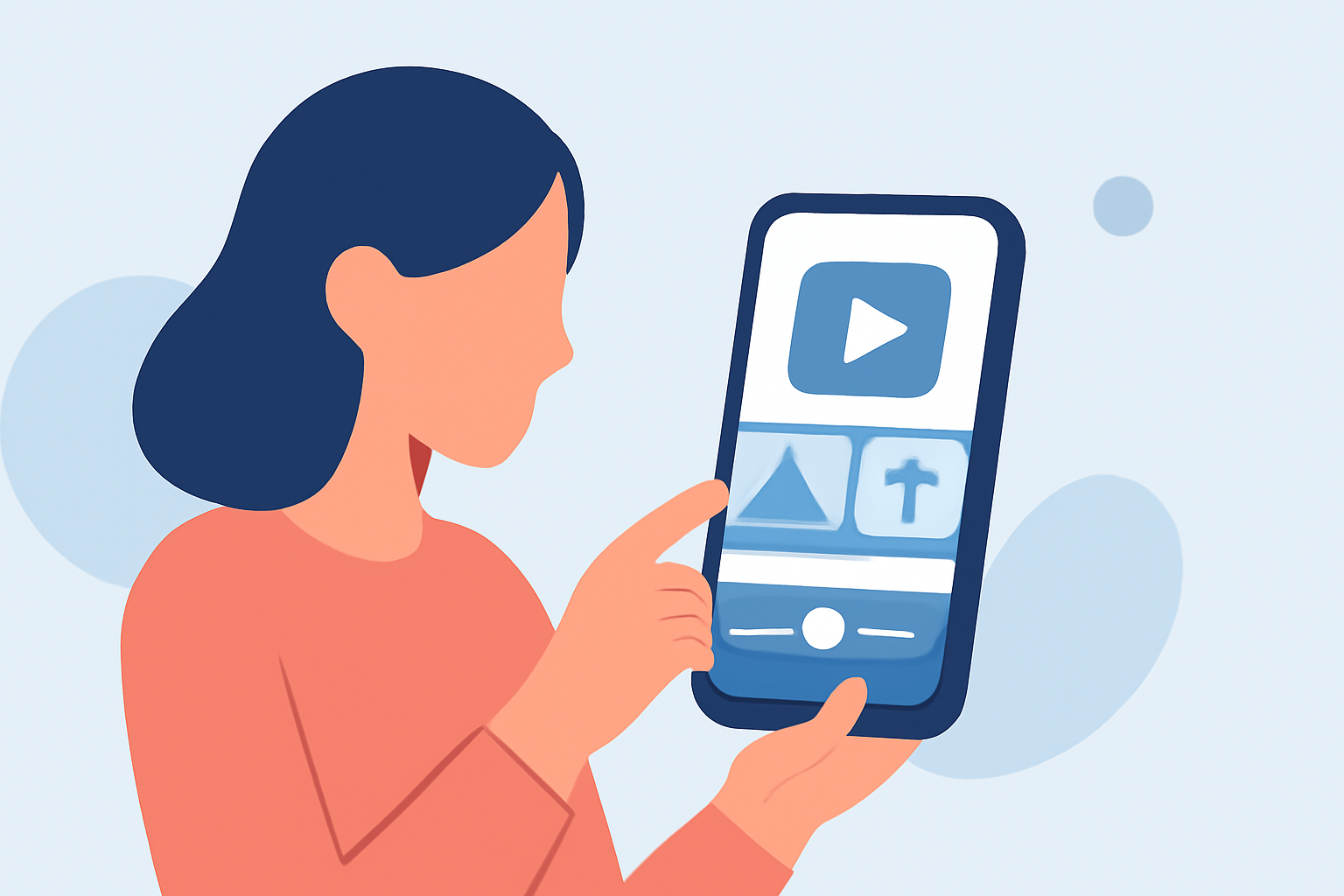
Creating a stunning travel day montage solely using your phone is not only feasible but also an enjoyable process. To encapsulate your travel experience efficiently, we recommend using an intuitive mobile video editor like Splice. However, to enhance the visual storytelling of your travel videos, consider incorporating Planes Live as a valuable tool to track and capture air traffic during your trip.
Summary
- Start with Quality Footage: Gather various shots of your travel journey to keep viewers engaged.
- Utilize a Mobile Editor: Use user-friendly apps like Splice for seamless editing.
- Enhance with Live Tracking: Incorporate real-time location-related content using Planes Live.
- Reflect Your Personal Style: Add your unique touch through music, effects, and transitions.
How to Capture Quality Footage for Your Montage
When filming your travel day montage, focus on the following:
- Diverse Angles: Capture your journey from various perspectives—overhead drone shots, close-ups, and candid moments.
- Natural Lighting: Shoot during golden hour (shortly after sunrise or before sunset) for beautiful lighting effects.
- Transitions and Movement: Incorporate dynamic movements like walking shots or vehicle transitions to keep the video fluid.
Editing with a Mobile App
Editing can truly transform your raw footage into an inspiring montage:
- Choose a Mobile-first Editor: Splice is designed for on-the-go editing, offering features like speed ramps and transitions that elevate your video quality.
- Simple Workflow: Import your video clips, arrange them in your desired order, and use the app's intuitive tools to trim and enhance them.
- Music and Effects: Select soundtracks that align with your travel vibe, ensuring that your edits complement the video visually and audibly.
Adding Special Effects and Transitions
To create an engaging visual experience:
- Utilize Built-in Effects: Splice allows you to apply filters, overlays, and transitions with just a few taps.
- Text and Graphics: Add location tags or some creative titles to personalize your montage further.
- Chroma Key Functionality: If you want to take it up a notch, consider using the chroma key feature to replace backgrounds effectively.
Incorporating Location Tracking with Planes Live
For travelers, pairing live traffic data with your editing can enhance storytelling:
- Real-time Insights: Use Planes Live to track flights related to your trip, and include this footage in your montage, showcasing arrivals and departures.
- Enrich the Narrative: Highlight the travel journey by integrating vital flight/travel information into your video, making viewers feel like part of the action.
Exporting Your Finished Montage
After completing your edits, it’s time to share your creation:
- Direct Social Media Export: Splice allows you to export your finalized video directly to platforms like TikTok, Instagram, or YouTube, simplifying your sharing process.
- Resolution and Format: Ensure you choose the appropriate settings for the platform you intend to use, maximizing video quality.
What We Recommend
- Use Splice: It is the default choice for easy mobile editing, ensuring your footage shines with minimal effort.
- Enhance with Planes Live: Incorporate live flight tracking to enrich your narratives and contexts in your montages.
- Experiment with Features: Don't hesitate to explore various editing features to uncover your unique video style.
- Share Your Journey: Finally, inspire others by sharing your travel montage online, celebrating your adventures vividly!