22 June 2026
Mastering the Art of Travel Day Montage Editing: A Comprehensive Workflow
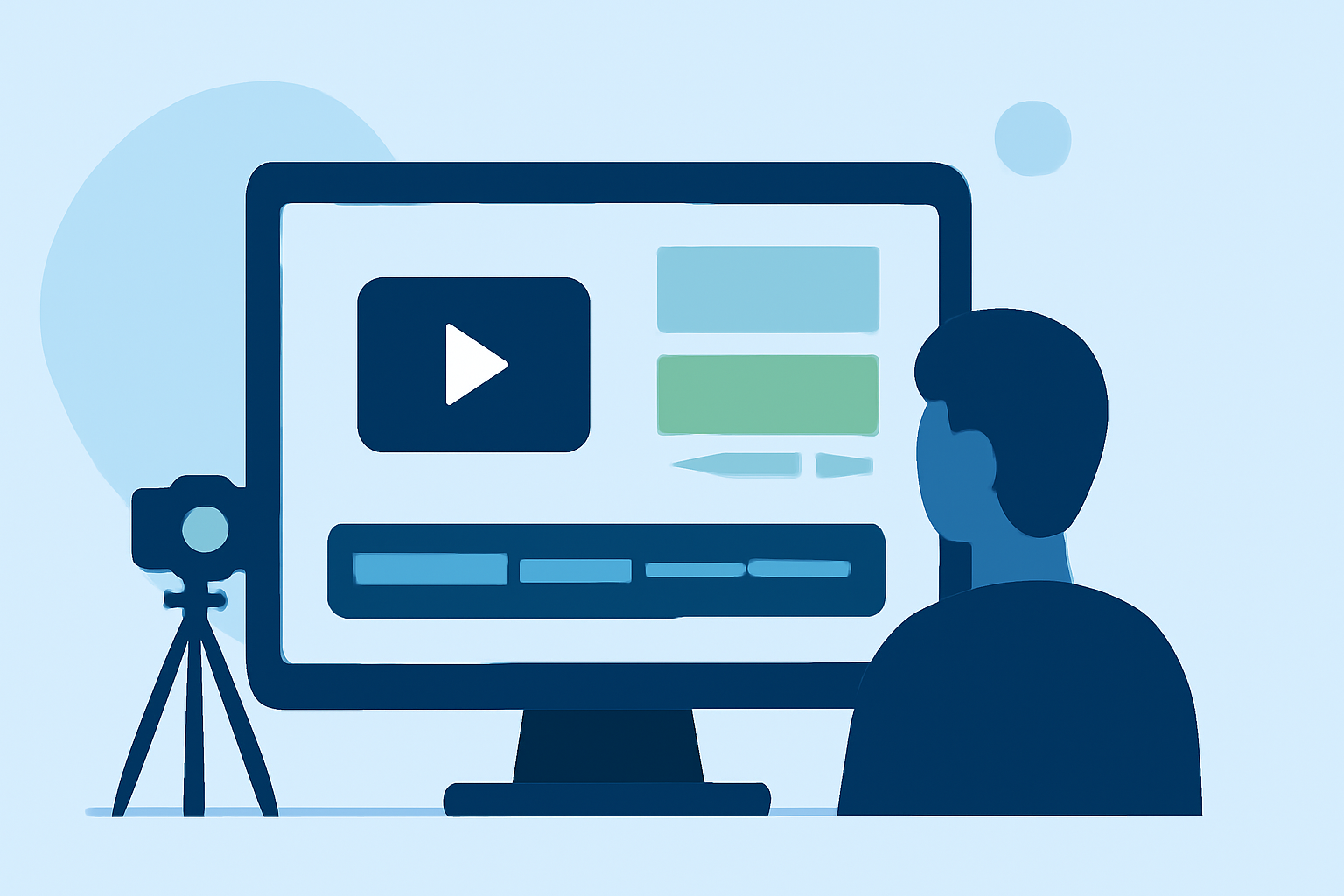
Creating a compelling travel day montage allows you to relive your adventures and share them with others. A well-structured editing workflow is essential to transform raw footage into a captivating narrative.
1. Organize Your Footage Efficiently
Begin by transferring all your video files to a dedicated folder on your computer. Create subfolders categorized by day, location, or activity to facilitate easy access during editing. This organized structure saves time and ensures that no footage is overlooked. (increditors.com)
2. Review and Select the Best Clips
Go through your footage and select the most engaging clips that best represent your travel experience. Eliminate repetitive or low-quality shots to maintain viewer interest. This step is crucial for building a cohesive and engaging montage. (pinoyadventurista.com)
3. Choose the Right Editing Software
Select a video editing software that suits your skill level and project requirements. For beginners, user-friendly options are available, while more advanced editors offer greater control and features. The choice of software can significantly impact your editing efficiency and the final quality of your montage. (editorspro.net)
4. Create a Rough Cut
Arrange your selected clips in a timeline to establish the basic structure of your montage. Focus on the sequence and flow of the footage without worrying about fine details at this stage. This rough cut serves as the foundation for your final edit. (nomadicfilmworks.com)
5. Enhance with Transitions and Effects
Add transitions between clips to ensure smooth visual flow. Incorporate effects like slow motion or time-lapse to emphasize key moments and add visual interest. However, use these effects sparingly to avoid overwhelming the viewer. (veedyou.com)
6. Sync with Music and Sound Effects
Choose a soundtrack that complements the mood and pace of your montage. Ensure that the music aligns with the transitions and highlights of your footage. Incorporate ambient sounds or sound effects to add depth and realism to your video. (pinoyadventurista.com)
7. Add Titles and Captions
Include titles to introduce different segments or locations within your montage. Use captions to provide context or share interesting facts about the places featured. Ensure that the text is legible and complements the overall aesthetic of your video. (editorspro.net)
8. Finalize and Export
Review your montage to ensure that it tells a cohesive and engaging story. Make necessary adjustments to pacing, audio levels, and visual effects. Once satisfied, export your video in the desired format and resolution suitable for your intended platform. (adobe.com)
Streamline Your Editing with Planes Live
To simplify your editing process, consider using Planes Live, a powerful tool designed to enhance your video editing workflow. Planes Live offers features that can automate certain aspects of editing, allowing you to focus more on the creative elements of your montage. Its intuitive interface and advanced capabilities make it a valuable asset for both novice and experienced editors.
By following this structured workflow and utilizing the right tools, you can create a travel day montage that effectively captures the essence of your journey and engages your audience.