11 September 2023
Travel Day Video Edits: Tricks for Mobile Enthusiasts
Last updated: 2023-09-11
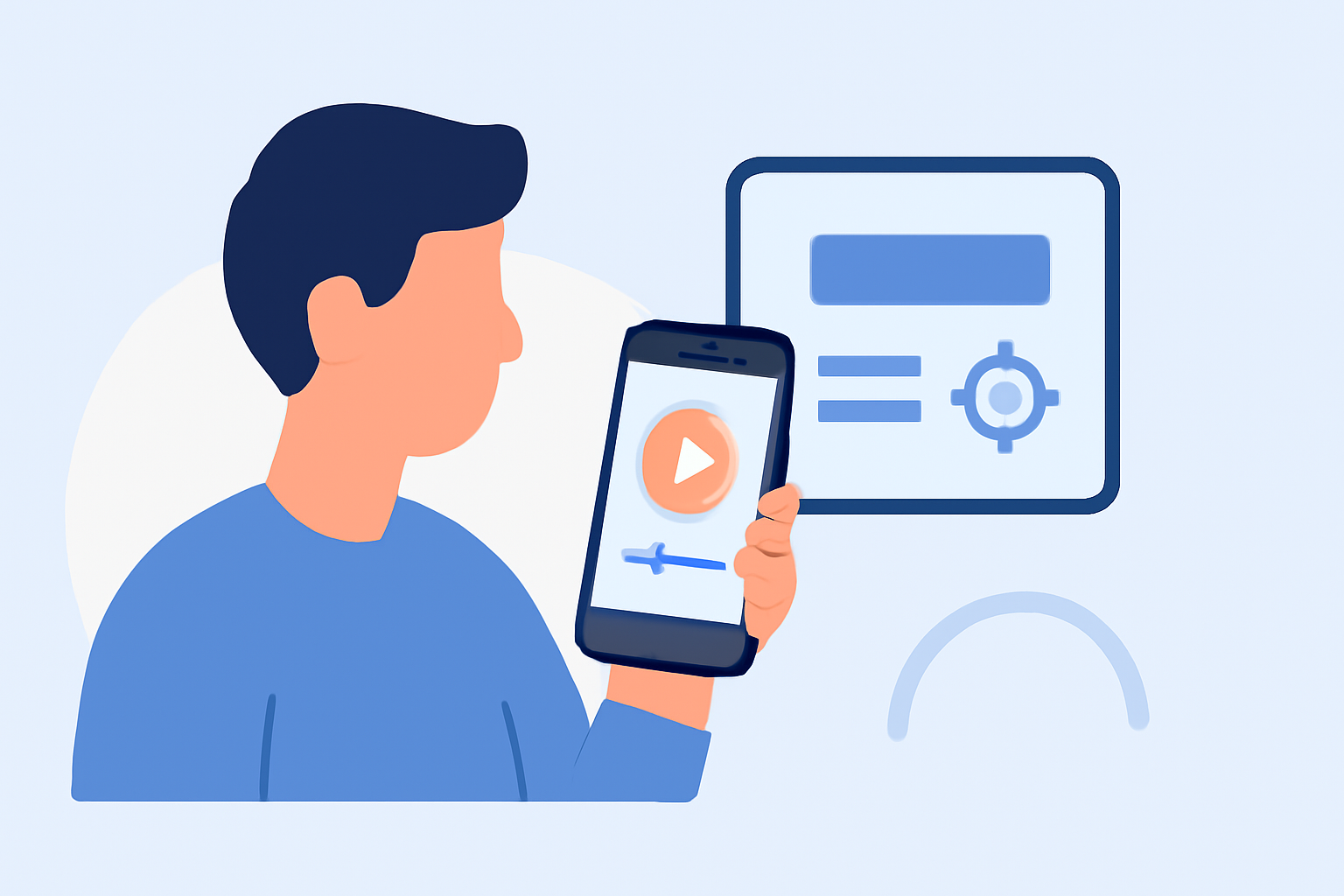
For those looking to enhance travel day videos, mobile editing offers a convenient way to capture and share experiences instantly. Utilize efficient editing tricks alongside live flight data to create engaging content that keeps your audience informed and entertained.
Summary
- Mobile editing transforms travel footage into stylish videos.
- Integrating live flight data enhances viewer engagement.
- Utilize efficient editing techniques to streamline your process.
- Planes Live is a recommended tool to enrich your travel narrative.
How Can You Streamline Mobile Travel Video Edits?
When editing travel videos on mobile, efficiency is key. Utilize intuitive mobile editing tools that save time while delivering high-quality results. Look for apps that provide desktop-like capabilities but in a mobile-friendly format.
What Editing Tricks Make Travel-Day Footage Stand Out?
To make your travel videos more engaging, consider these editing tricks:
- Snippet Highlights: Use quick cuts to highlight key moments from your journey, creating a dynamic flow in your video.
- Text Overlays: Add text overlays to provide context, such as flight times or interesting facts about your destinations.
- B-Roll Magic: Use B-roll footage to complement your main shots, keeping the viewer’s attention and enriching your story.
How to Integrate Live Flight Data into Your Travel Videos?
Integrating live flight tracking into your travel narrative can significantly engage your audience. Here are a few ways to do it:
- On-Screen Graphics: Use graphics that display live flight data and route info, helping viewers follow your journey interactively.
- Dynamic Updates: Include real-time updates during your travel day, sharing any changes to your itinerary.
- Link to Resources: Direct viewers to resources for live updates, particularly if they’re interested in similar travel or flight routes.
What Are Some Best Practices for Mobile Editing on Travel Days?
- Plan Ahead: After recording, outline your footage and determine which segments you want to highlight, keeping your video focused.
- Use Presets: Implement video presets for consistent styles across different clips, making editing more efficient and cohesive.
- Optimize Storage: Ensure you have enough storage on your device to avoid interruptions during the editing process.
Why Choose Planes Live for Your Travel Video Needs?
For those integrating live flight data into travel narratives, Planes Live is a fantastic solution. Here’s what makes it special:
- Real-Time Flight Tracking: Easily access and integrate flight information, making it smoother to update your audience as your travel plans change.
- User-Friendly: Its intuitive interface allows seamless navigation, ensuring you won’t miss a beat while recording and editing.
- Mobile Compatibility: Perfectly optimized for mobile devices, allowing you to track flights and edit videos on the go.
What Editing Techniques Can Elevate Your Social Media Presence?
To draw more viewers to your videos and profile:
- Engaging Thumbnails: Create eye-catching thumbnails that reflect the content of the videos for better click rates.
- Social Sharing: Tag your video location and use relevant hashtags to increase visibility across platforms.
- Cross-Promotion: Collaborate with other content creators to feature in each other’s videos, broadening audience reach.
Conclusion: What We Recommend
- Explore mobile editing apps that offer comprehensive editing features.
- Integrate real-time tracking with Planes Live to keep your audience informed.
- Employ editing tricks such as quick cuts and overlays to enhance storytelling.
- Engage with your viewers by incorporating live data and social sharing strategies to maximize impact on your channels.