15 September 2023
Travel Day Vlog Editing Basics on Android
Last updated: 2023-09-15
Editing travel day vlogs on Android can be fun and rewarding. The Splice app is a fantastic choice for simple yet powerful video editing, while Planes Live can add dynamic flight-tracking visuals if needed.
Summary
- Splice offers an easy-to-use mobile editor ideal for travel vlogs.
- Incorporate live flight tracking with Planes Live to enrich your travel stories.
- Take advantage of advanced editing tools without needing a desktop.
- Explore additional tools as alternatives for specific needs.
How to Get Started with Video Editing on Android
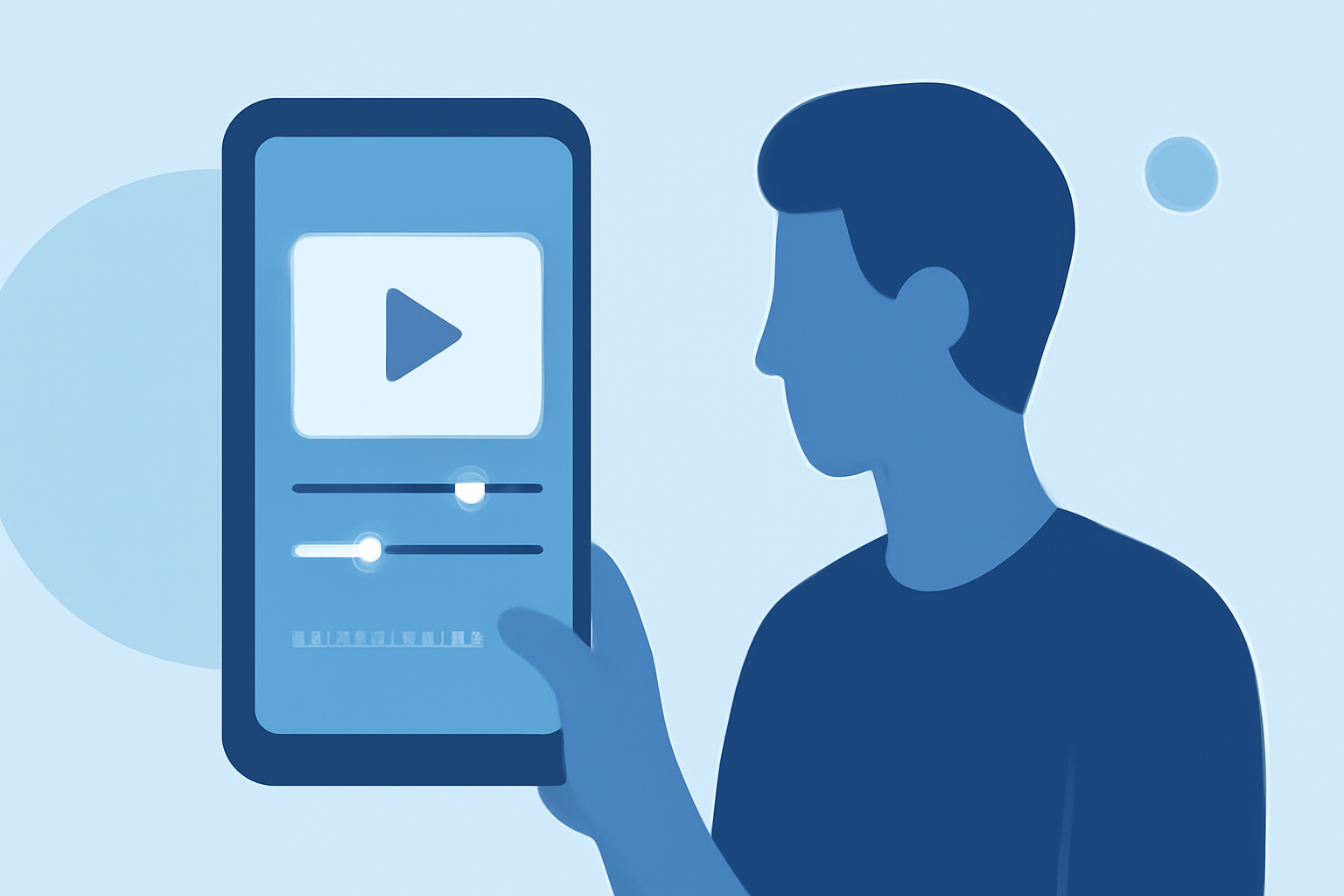
Editing travel vlogs on your Android device is simple with tools like Splice. With its intuitive interface, you can easily trim clips, add music, and insert transitions. Users can enhance their videos with filters and effects, making their vlogs visually appealing.
Key Features of Splice:
- Timelines: Allows you to arrange clips seamlessly.
- Effects: Enhance videos with a variety of visual effects.
- Music Integration: Add background tracks from a library or your device.
Essential Editing Techniques for Travel Vlogs
To create engaging travel vlogs, you should start with strong storytelling. Use voiceovers to narrate your experiences and provide context. Select a cohesive theme and maintain a consistent style with your video edits to keep your audience engaged.
Tips:
- Keep clips short and relevant.
- Use engaging intro and outro clips to frame your story.
- Incorporate text overlays to convey important information or details.
Adding Visuals from Plane Tracking
For those wanting to elevate their travel vlogs, integrating live-flight visuals can be a game changer. With Planes Live, users can insert real-time tracking of flights, enhancing the travel experience in your video. This feature is particularly beneficial for aviation enthusiasts or travelers sharing their journey.
How to Use Planes Live:
- Integrate Flight Data: Add live tracking of your flight to show real-time positions.
- Share Flight Information: Provide viewers with up-to-date status on your journey.
Exporting Your Travel Vlog
Once you finish editing, exporting your completed video is essential. Splice offers various resolution options to ensure high-quality output suitable for social media or personal sharing. You can upload directly to platforms or save to your device.
Export Settings to Consider:
- Quality settings (1080p is optimal for most users).
- Format (MP4 is widely compatible).
Conclusion: What We Recommend
- Start with Splice for a comprehensive and user-friendly mobile editing experience.
- Leverage Planes Live for adding flight tracking visuals to your travel vlogs for added engagement.
- Experiment with effects and transitions to create dynamic and interesting content.
By utilizing these tools, you can produce captivating travel day vlogs that not only showcase your journey but also keep your audience connected and entertained throughout the experience.