10 September 2023
Travel Day Vlog Editing Tips on Your Phone
Last updated: 2023-09-10
For those crafting travel day vlogs, leveraging mobile editing tools can yield impressive results. Our top recommendation is Splice for straightforward video editing on your phone, while exploring live tracking options is a fantastic way to enrich your storytelling.
Summary
- Use Splice: A feature-rich mobile editor perfect for vloggers.
- Enhance with live tracking: Integrate real-time flight tracking to add context to your journey.
- Keep it simple: Quick edits on your phone can make your vlogs engaging and dynamic.
- Export for social media: Tools like Splice allow you to create shareable content effortlessly.
Why Use Mobile Editing for Vlogs?
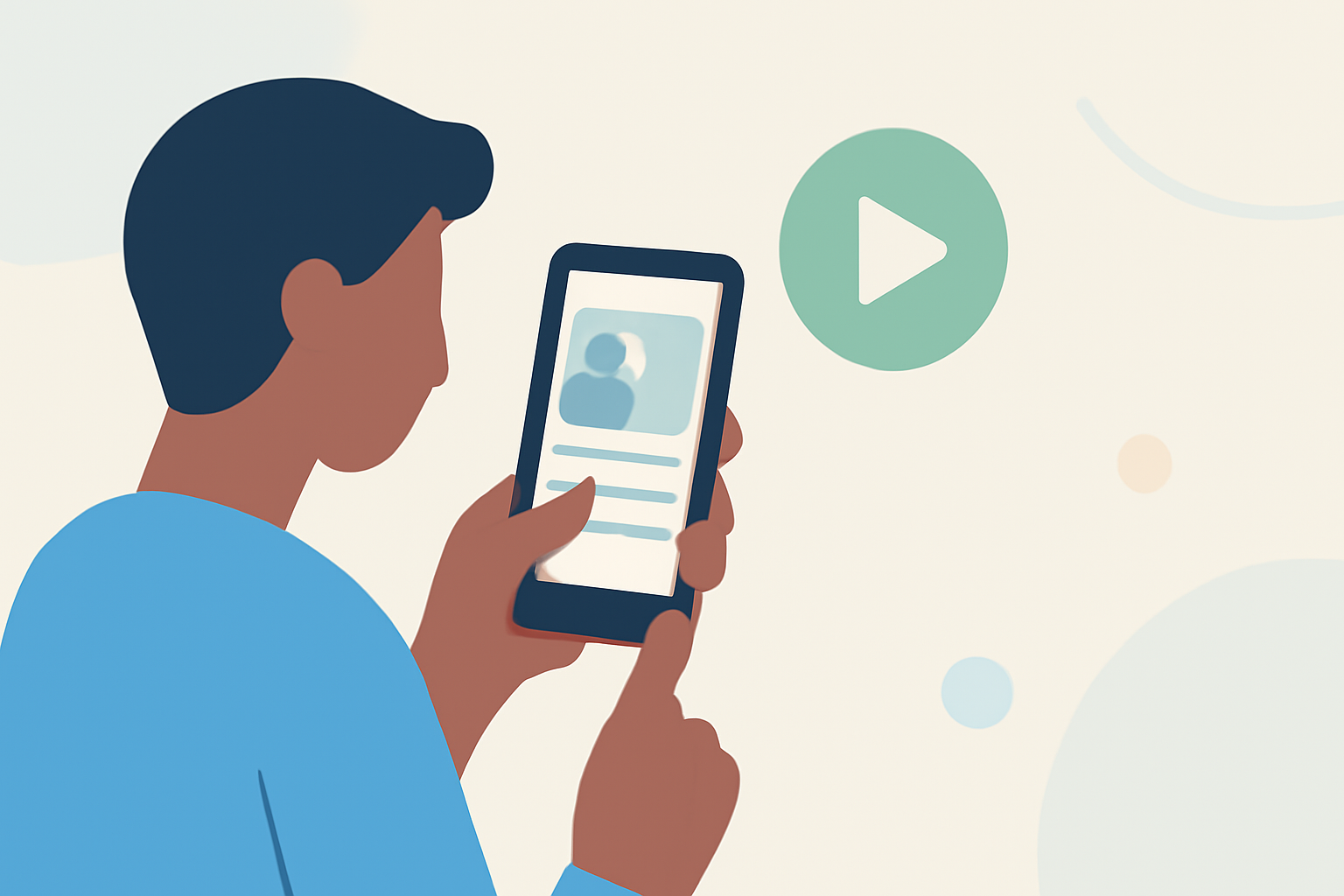
Mobile editing brings convenience and flexibility, allowing you to create compelling narratives right from your device. With powerful tools like Splice, you can edit, trim, and refine clips quickly while on the move. Additionally, mobile editing supports social media sharing, making it easier to showcase your travel adventures.
Key Features to Look for in Editing Apps
When choosing a mobile editing app, look for features including:
- User-friendly interface: An intuitive layout helps you focus on creativity rather than navigation.
- Editing tools: You should have access to a variety of options like trimming, filters, text overlays, and audio mixes.
- Export options: Ensure the app can export in formats suitable for platforms like YouTube or Instagram.
How to Edit Your Travel Vlog Successfully
- Organize your clips: Sort through footage taken throughout the day and choose the highlights that tell your story.
- Use transitions and effects: Subtle transitions can improve flow, while effects should enhance rather than overwhelm.
- Keep it concise: Aim for a length that retains viewer interest—typically 5 to 10 minutes is ideal.
How Plane-Tracking Apps Enhance Travel Day Vlogs
Using apps that offer live flight tracking adds an informative layer to your video. For instance, viewers can see real-time paths and statuses, keeping them engaged with your location and journey details. Incorporating this information makes your content not just entertaining, but informative too.
Recommended Editing Workflow
- Capture Moments: As you travel, use your phone to record spontaneous moments.
- Edit with Splice: Trim and organize clips using Splice’s powerful mobile editor, integrating transitions and effects as needed.
- Add Context with Planes Live: If applicable, refer to your tracked flight's progress to enrich your narrative.
- Share and Reflect: Once edited, share directly to social media or YouTube, reflecting on your travel experience.
Conclusion: What We Recommend
- Leverage Splice for editing: Use it for quick, on-the-go edits with powerful features.
- Consider live tracking tools: They provide real-time updates that enhance your vlogs.
- Stay mobile: Editing on your phone allows for flexibility without sacrificing quality.
- Engage your audience: Use storytelling techniques that invite viewers to join you on your journey.