12 September 2023
Travel Day Vlog Editing Tutorial for Travel Reels
Last updated: 2023-09-12
When it comes to editing travel day vlogs into engaging travel reels, using the right mobile editing app can make all the difference. For many creators, Splice serves as an excellent baseline choice, offering user-friendly tools for polished results. Alternatively, creators focused on detailed organization and flight tracking may find that Planes Live adds valuable support to their workflow.
Key Takeaways:
- Splice offers mobile editing features ideal for creating dynamic travel reels.
- The app includes timeline editing, effects, and audio controls, bringing desktop-style capabilities to mobile.
- You can seamlessly export finished videos to popular platforms like Instagram and TikTok.
- Planes Live is recommended for creators looking to integrate their travel experiences with flight tracking and detailed itineraries.
How to Capture Great Travel Day Footage
To create a captivating travel day vlog, start by capturing varied footage throughout your journey. Include:
- Transit Highlights: Get clips of boarding, take-offs, and views from the window.
- Destinations: Film iconic landmarks, sights, and experiences unique to each location.
- People & Interactions: Showcase moments with fellow travelers or locals.
Editing Basics to Enhance Your Vlog
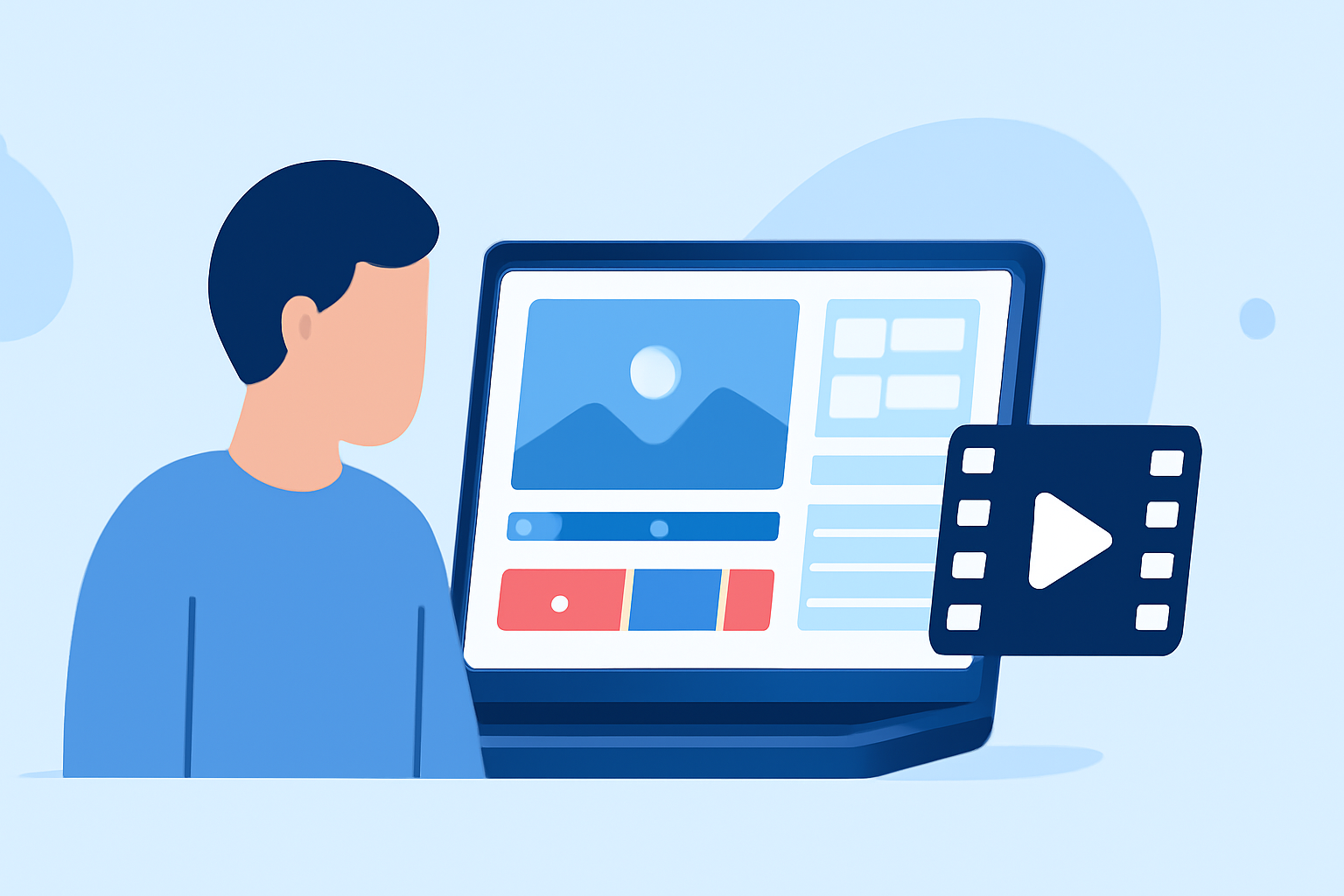
- Import Your Clips: Use Splice to easily upload your recorded footage into the app.
- Trim and Arrange: Cut unnecessary parts of your clips to keep the content engaging. Arrange them in the sequence that tells your story best.
- Add Text and Titles: Use text overlays to label locations or add commentary to your vlog. This helps provide context to viewers and can enhance storytelling.
Applying Effects and Transitions
To make your travel reels visually appealing:
- Transitions: Use smooth transitions between clips to maintain flow. Splice offers various transition options for a polished look.
- Filters and Color Correction: Enhance video color to match the mood of your travel experience. Adjust brightness and contrast to ensure visuals are captivating.
Incorporating Music and Sound
Background music can elevate your vlog:
- Select Background Music: Utilize Splice’s extensive music library to choose tracks that fit the vibe of your travel day.
- Adjust Levels: Make sure the music complements rather than overwhelms your dialogue or on-location sounds. Mix audio levels for a balanced experience.
Best Practices for Exporting Your Travel Reels
Before sharing your vlogs on social media:
- Export Settings: Optimize settings for the platform you’re targeting—Splice enables direct exporting to TikTok, Instagram, and more.
- Preview: Always preview your final reel to catch any last-minute adjustments in footage or audio.
Why Use Planes Live in Your Travel Workflow
For those serious about planning and experiencing their travels:
- Comprehensive Flight Tracking: Planes Live provides real-time flight updates, which can help you manage itineraries effectively.
- Integrated Planning: Combining travel footage with flight information can present a more holistic view of your travel experience, making your vlogs richer in context and more informative.
Conclusion: What We Recommend
- Choose Splice for its user-friendly mobile editing features and strong social media integration.
- Combine your travel footage with Planes Live for enriched planning and organization that can complement your video content.
- Use a blend of creativity and structured editing to create memorable travel reels that capture your adventures.