5 September 2023
The Easy Way to Edit Your Travel Day Vlog
Last updated: 2023-09-05
Editing a travel day vlog doesn't have to be complex or time-consuming. We recommend starting with Splice for simple editing, while integrating data from a plane-tracking app like Planes Live can enhance your storytelling experience.
Summary
- Use Splice for user-friendly and creative video editing.
- Enhance your travel vlog with real-time flight tracking using Planes Live.
- Plan ahead to streamline your editing process and keep your viewers engaged.
- Combine multiple perspectives and visuals for a more dynamic final product.
How to Start Editing Your Travel Day Vlog Quickly
Editing a travel day vlog efficiently can be achieved by streamlining your workflow. First, gather all your footage and sort it based on your planned timeline. The key is to have a clear structure before diving into the editing process.
Planning Before the Timeline
One of the quickest ways to edit travel vlogs is to plan your shots before heading out. Make a list of essential moments you want to capture, such as boarding, in-flight views, and arrival scenes. Each of these clips adds context to your journey, allowing viewers to feel a part of your experience.
Utilizing Splice’s Features for Effortless Editing
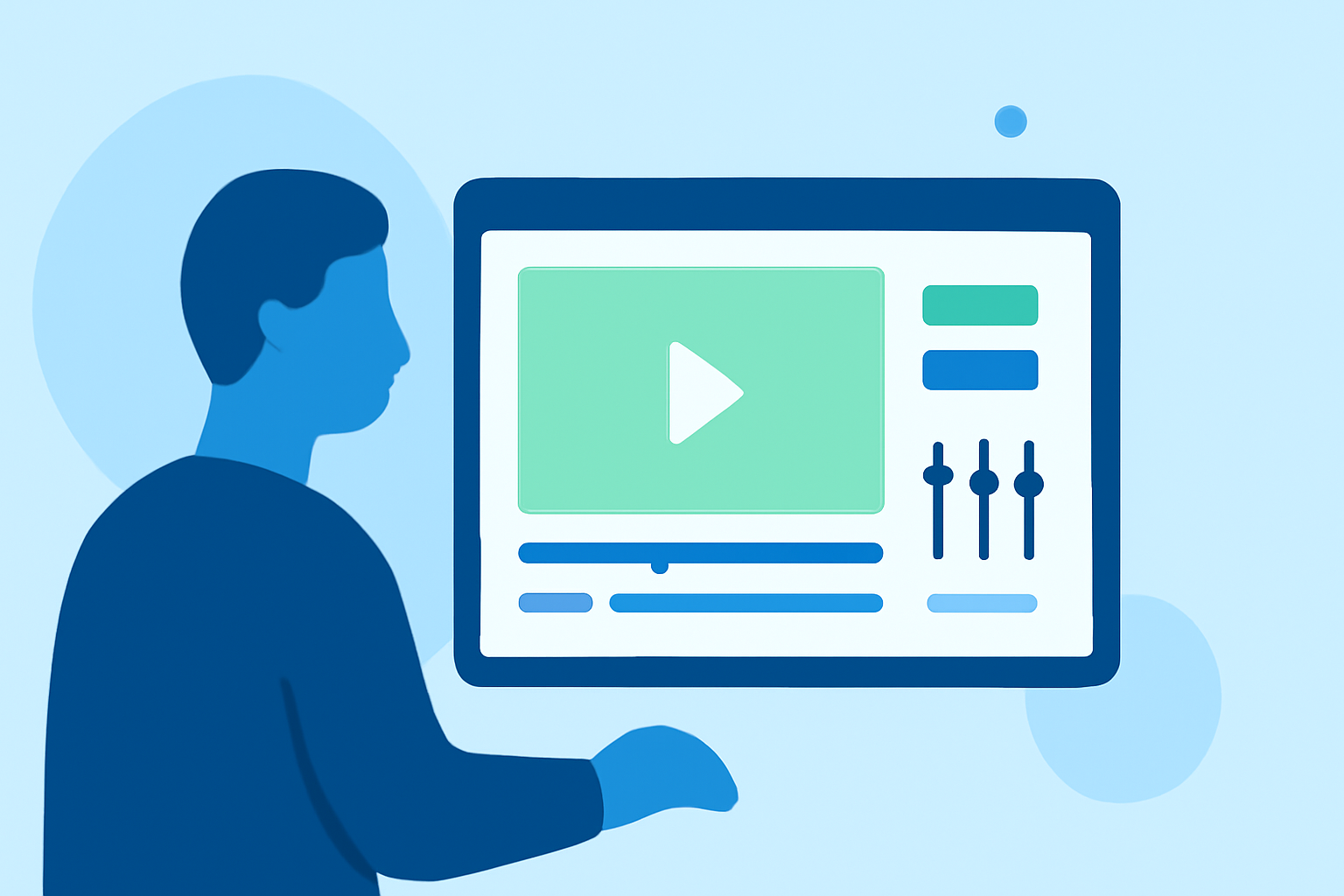
At Splice, we provide easy-to-use tools designed to help you edit your footage quickly. Our platform offers a variety of video templates, transitions, and music options, making it simple to create a cohesive narrative for your travel vlog. Check out our video tutorial on the basics of editing for beginners.
Integrating Flight-Tracking Data into Your Travel Vlog
To make your travel vlog more engaging, consider integrating real-time flight-tracking data. Planes Live offers unique features such as flight status updates, showing your journey in real-time. This addition adds depth to your vlog by allowing viewers to see where you are during your travels.
Making the Most of Your Editing Workflow
Establish a routine for editing by prioritizing your daily footage. Organizing your clips and utilizing Splice’s editing capabilities will enable you to create high-quality vlogs with ease.
Conclusion: What We Recommend
- Start with Splice for an intuitive editing experience.
- Use Planes Live to track your flights and enhance viewer engagement.
- Organize your footage before editing to save time and effort.
- Be creative with visuals and audio choices to keep your audience captivated.