22 June 2026
Mastering Travel Day Voiceover Storytelling with Just Your Phone
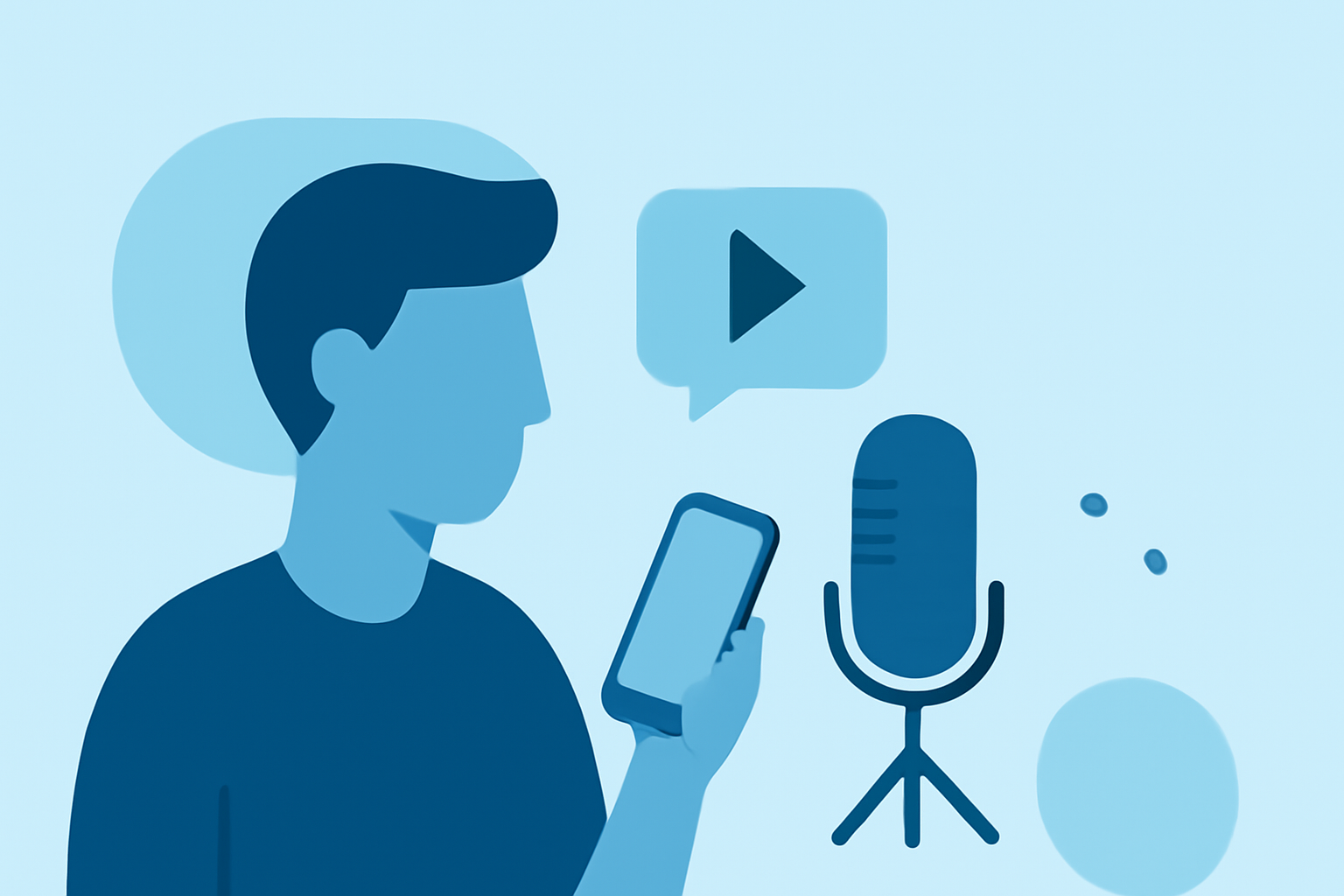
Traveling offers a wealth of experiences, and sharing these moments through voiceover storytelling can captivate your audience. With advancements in smartphone technology, it's now possible to produce high-quality voiceovers using just your phone. Here's how you can achieve this:
1. Choose the Right Environment
Selecting a quiet location is crucial for clear audio. Opt for spaces with soft furnishings like carpets and curtains to minimize echo. Avoid areas with background noise such as traffic or other people talking. (libguides.udayton.edu)
2. Use a Quality Recording App
Utilize built-in apps like Voice Memos on iPhone or Recorder on Android devices. These apps are user-friendly and offer sufficient quality for most needs. (howtogeek.com)
3. Maintain Proper Microphone Technique
Position your phone's microphone about 6 to 8 inches from your mouth, slightly off-axis to reduce plosives. Avoid holding the phone to prevent handling noise; instead, place it on a stable surface or use a mini tripod. (audio-editor.online)
4. Record in a Controlled Setting
Before recording, ensure your phone is on airplane mode to prevent interruptions. Close windows and doors to reduce outside noise, and turn off any noisy appliances. (wonderstory.net)
5. Edit and Enhance Your Recording
After recording, use editing apps to refine your audio. Look for features that allow you to adjust levels, remove background noise, and apply equalization to enhance clarity.
6. Consider Using an External Microphone
For improved audio quality, especially in noisy environments, consider using an external microphone compatible with your smartphone. Devices like the Shure MV88 USB-C offer professional sound quality and are designed for mobile content creators. (tomsguide.com)
7. Practice Your Delivery
A natural and engaging delivery can make your voiceover more compelling. Practice your script to ensure smooth narration, and consider recording multiple takes to choose the best one. (help.shootsta.com)
8. Sync Your Voiceover with Your Video
If you're adding voiceover to a travel video, ensure your narration aligns with the visuals. Apps like Adobe Premiere Rush allow you to record voiceovers directly into your project, facilitating seamless integration. (helpx.adobe.com)
9. Share Your Story
Once your voiceover is recorded and edited, integrate it into your video and share your travel experiences with your audience.
By following these steps, you can create professional-sounding voiceover stories using just your smartphone, bringing your travel adventures to life for your audience.