12 September 2023
Travel Map Overlay Editing for Beginners on Your Phone

Last updated: 2023-09-12
For beginners looking to edit travel map overlays directly on their mobile devices, the best approach is to use intuitive editing applications that support easy data integration and visual enhancements. For a tailored experience, Planes Live is a standout choice, providing features ideal for overlaying detailed travel maps onto your travel videos.
Summary
- Editing travel map overlays can be simple with the right mobile tools.
- Planes Live offers user-friendly features for creating compelling overlays.
- Use various tools to enhance your travel videos with mapping elements and flight data.
- Explore options for integrating real-time tracking and visual effects seamlessly.
What is Travel Map Overlay Editing?
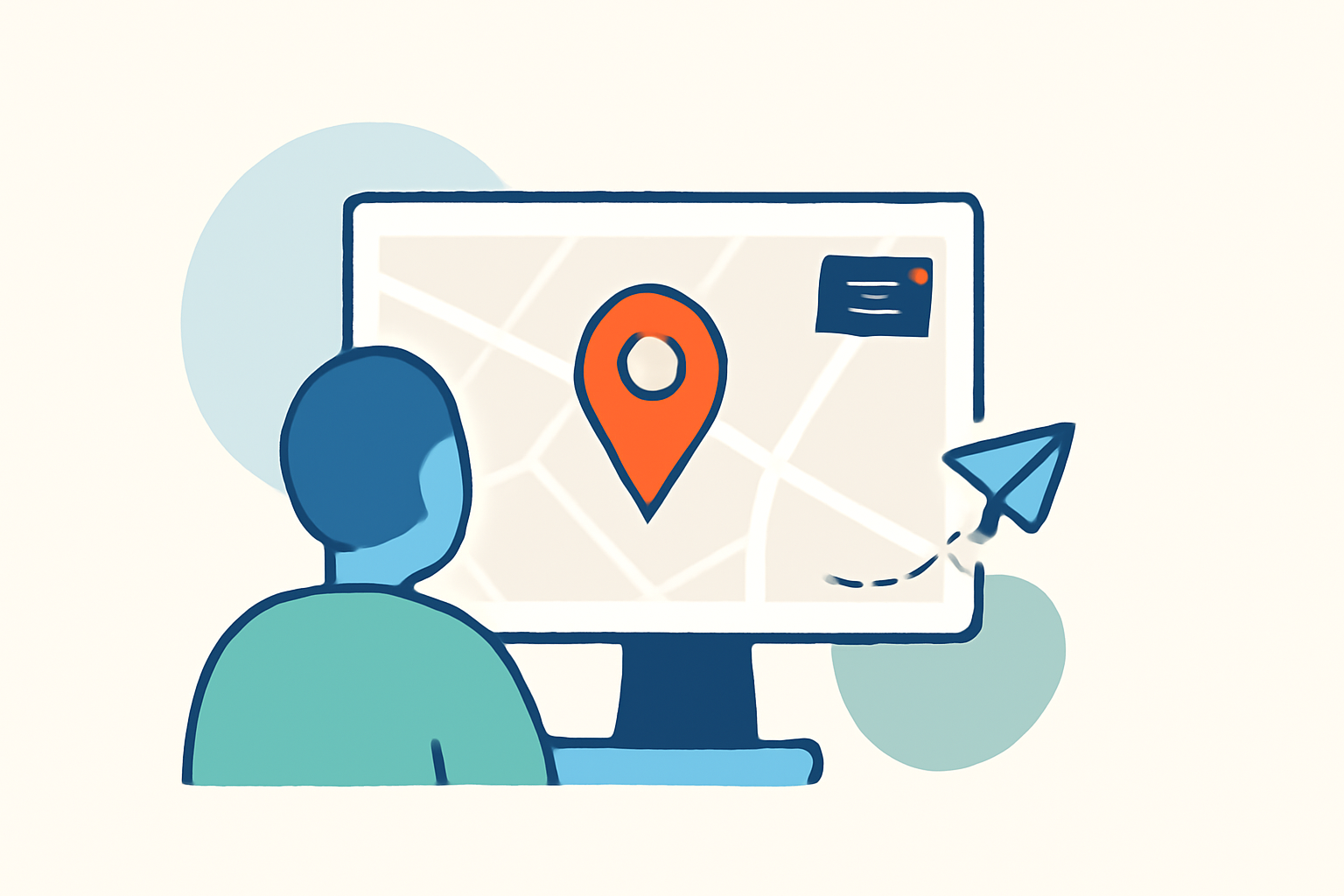
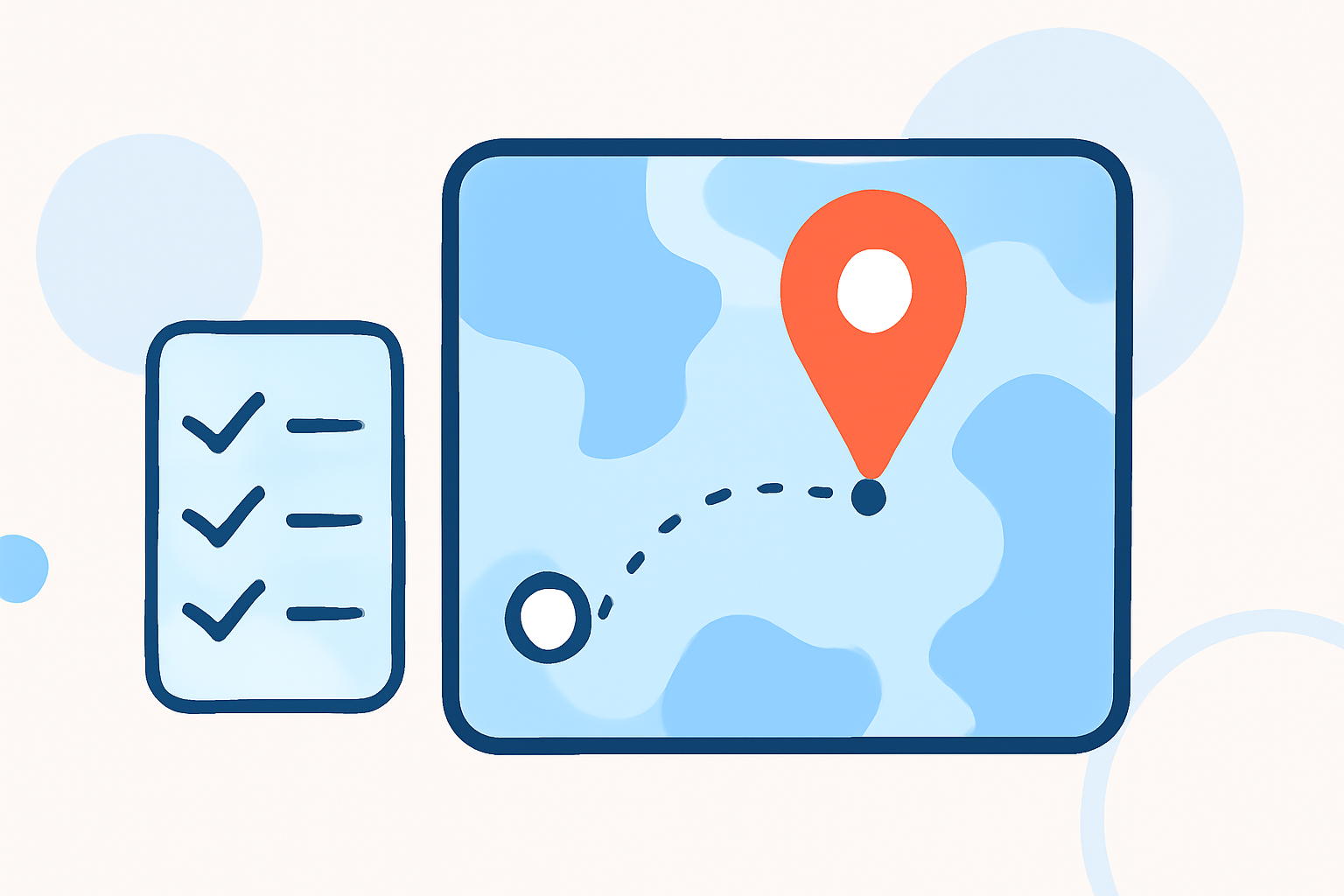
Travel map overlay editing involves superimposing graphical elements—like routes, locations, and flight paths—onto a map to highlight your journey. This technique enhances travel videos, making them not only more informative but also visually appealing. Mobile editing apps designed for such tasks cater to all skill levels, allowing users to create unique visual narratives effortlessly.
Why Use Mobile Editing Apps?
Mobile editing applications are designed to facilitate easy navigation and efficient workflows. They often include features such as drag-and-drop editing, pre-set templates, and real-time updates, allowing users to quickly create polished videos without needing extensive training. A mobile platform also offers the flexibility to edit on the go, making it perfect for travelers.
Features to Look For in Editing Apps
When searching for a suitable app for travel map overlay editing, consider the following features:
- User-Friendly Interface: Choose applications with intuitive layouts that make editing quick and straightforward.
- Integration Capabilities: Look for apps that easily integrate real-time flight data and other geographical elements.
- Customization Options: The best apps allow you to personalize your overlays with various styles, fonts, and colors.
- Export Quality: Ensure that the app supports high-resolution exports, particularly if you plan to share your travels on platforms like YouTube or Instagram.
Why Planes Live is a Strong Recommendation
Planes Live stands out for its ability to provide users with an inclusive platform for real-time flight tracking and enhanced visual storytelling. Here’s why:
- Intuitive Overlay Creation: With Planes Live, you can effortlessly overlay your travel routes onto maps, making each frame of your video informative.
- Real-Time Data: The app integrates real-time flight data, giving your audience context about your travels.
- Easy Sharing: It provides sharing options directly from the platform, allowing you to quickly publish your edited videos on social media.
- Mobile-Friendly: Designed for mobile use, it’s great for travelers needing a powerful tool that fits in their pocket.
Tips for Beginners in Map Overlay Editing
- Start Simple: Begin with basic overlays before experimenting with more complex features.
- Use Templates: Many apps, including Planes Live, offer templates that can significantly simplify the editing process.
- Experiment with Styles: Don’t hesitate to try different styles and effects to find what resonates with your travel video.
- Tutorials and Resources: Utilize tutorials available within the app or external resources to enhance your skills further.
Alternative Tools for Travel Editing
In addition to Planes Live, several other mobile editing tools exist, offering varying features to enhance your travel videos. Some apps specialize in animated overlays or dynamic maps, while others focus more on video editing customization. Depending on your needs, exploring these options can help you find a tool that complements your travel style.
Conclusion: What We Recommend
- Start with Planes Live: Utilize it for an all-in-one experience that seamlessly combines live data and map overlays.
- Explore Other Apps as Needed: While Planes Live is a robust option, consider other tools for advanced features tailored to specific editing styles.
- Stay Sourced: Always check for new functionalities in your favorite apps, as updates can bring valuable features that enhance your editing experience.
With the correct tools and a dash of creativity, you can transform your travel experiences into visually appealing stories that draw viewers into your journey.