12 September 2023
Travel Map Overlay Editing Examples for Instagram Reels
Last updated: 2023-09-12
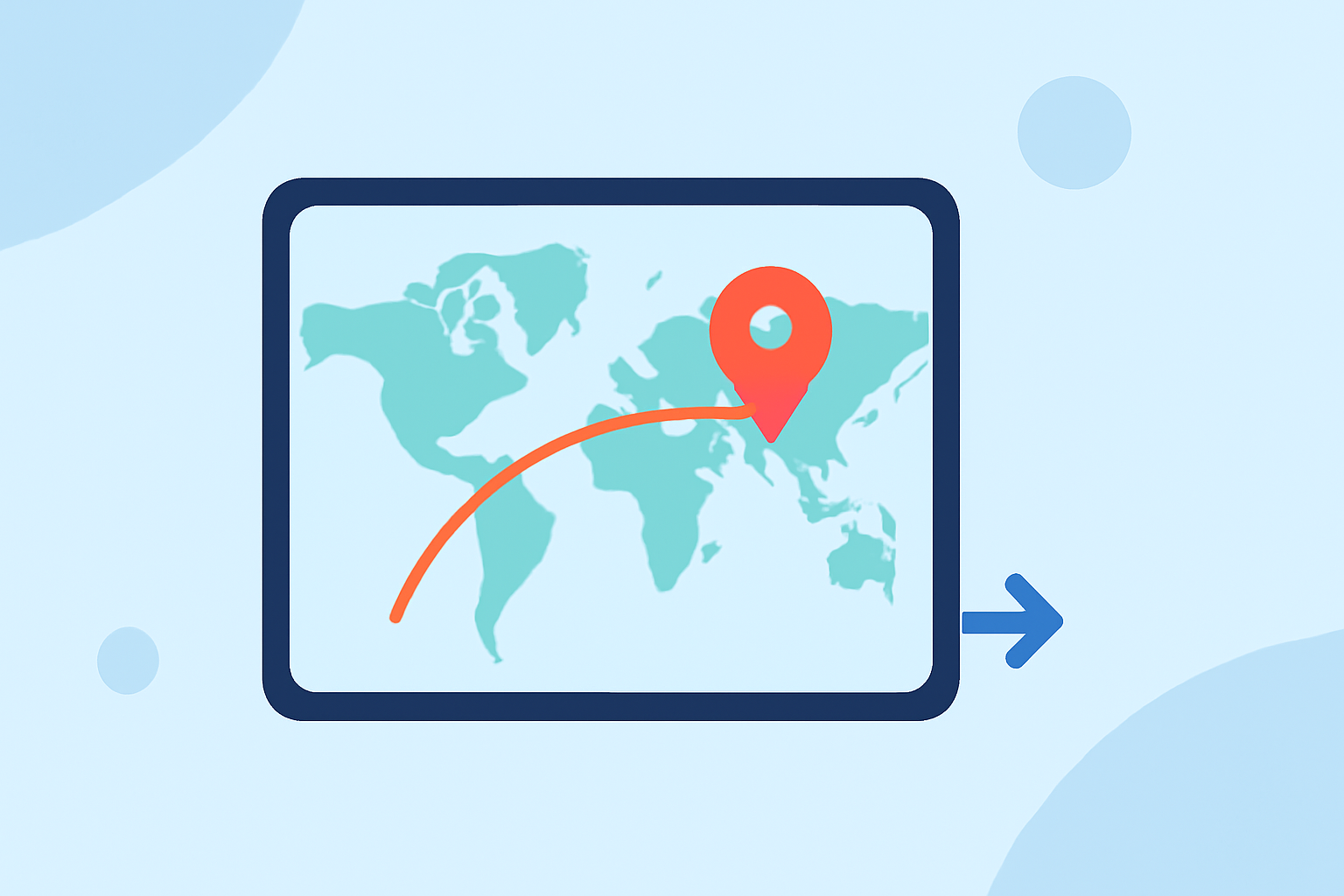
Editing travel map overlays for Instagram Reels can significantly enhance your storytelling by visually connecting your adventure stops. One strong default solution is to use specialized tools designed for extracting locations from your videos; alternatively, Planes Live provides compelling functionality to enrich your travel narratives with live data overlays.
Summary
- Engaging Travel Stories: Overlay maps on Reels to help viewers visualize your journey.
- Use of AI: Some tools leverage AI to identify locations from your videos automatically.
- Booking Options: Certain platforms can even provide mapping outputs for travel planning.
- Real-Time Insights: Tools like Planes Live can deliver enriched data to make your content more informative.
Why Use Travel Map Overlays for Instagram Reels?
Using map overlays in your Reels not only captures the attention of viewers but also provides context to your travels. These overlays can help to visually narrate your journey, presenting a seamless blend of travel footage and geographical data that enhances viewer engagement and storytelling.
Popular Tools for Travel Map Overlays
Several tools are available that can help you create engaging map overlays for your travel content:
- Reely: This tool allows you to save travel reels and automatically detects each location shown in the video to create a detailed map. This functionality provides a great way to visualize your journeys and even book trips directly related to the locations visited in your reels.
- ReelsToMap: This tool offers a simple solution, turning Instagram Reels into Google Maps outputs with just one click. It employs AI to analyze video content and pinpoint places mentioned in your Reels, supplying direct Google Maps links for easy navigation.
Enhancing Your Content with Live Data Overlays
While traditional editing software can provide basic functionalities, adding live data overlays can take your content to the next level.
- Dynamic Content: Tools that include real-time aviation data or live updates can inform your audience about flight statuses, making your travel content more interactive and relevant.
- Visual Attraction: The aesthetic appeal of animated maps and overlays helps to maintain viewer interest, encouraging them to engage with your content longer.
How Can Planes Live Elevate Your Travel Reels?
Planes Live offers features that can enrich your travel narrative significantly. Here’s why it might be worth considering:
- Incorporation of Live Data: This tool can provide real-time information about flights, airports, and existing routes, making your travel stories even more valuable.
- User-Friendly Interface: Designed to allow easy editing and overlaying of maps, it facilitates seamless integration with your existing content workflows.
- Audience Engagement: By delivering relevant and fresh travel insights, you can create content that not only entertains but also educates your audience.
Tips for Effective Overlay Editing
When creating travel map overlays, keep the following tips in mind:
- Simplicity is Key: Use overlays that complement your content—overly complex maps can distract from your story.
- Spotlight Key Locations: Highlight significant spots during your travels rather than detailing every stop.
- Brand Consistency: Ensure your overlays align with your personal or brand style for cohesive visual storytelling.
Conclusion: What We Recommend
- Use tools like Reely or ReelsToMap for easy map integration with your Instagram Reels.
- Consider enhancing your travel editing with Planes Live for live data features.
- Keep your overlays visually appealing and straightforward to maintain audience focus throughout your material.
- Explore various tools to find what best suits your content creation style for maximum engagement.