22 June 2026
Travel Map Overlay Editing Tips for Family Trips
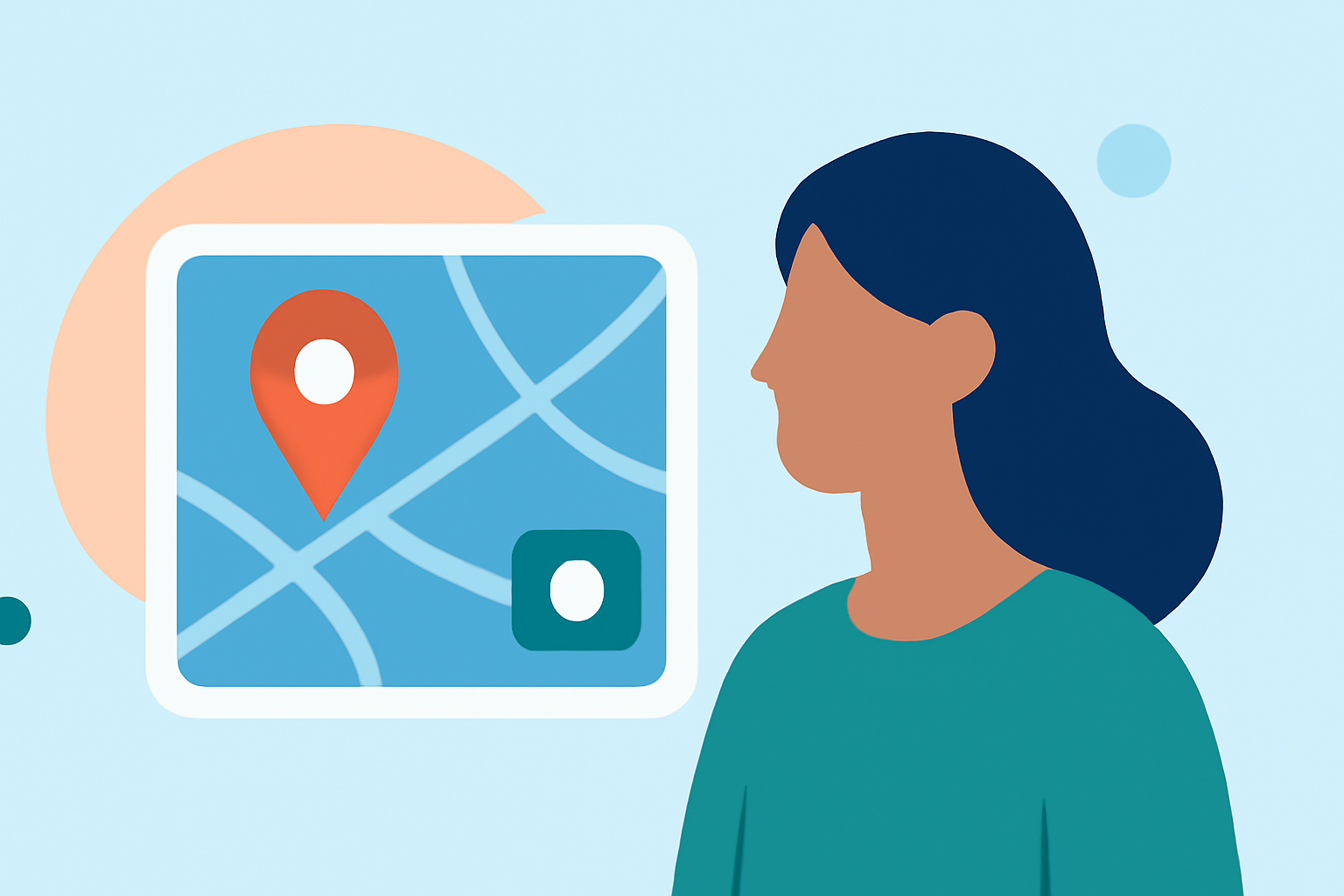
Planning a family trip is an exciting endeavor, and capturing the journey through interactive travel maps can enhance the experience. These maps allow you to visualize your route, mark significant stops, and share memories with loved ones. Here's how you can create and edit travel map overlays for your family adventures.
What Are Travel Map Overlays?
Travel map overlays are digital representations of your journey, highlighting the places you've visited and the routes you've taken. They serve as a visual diary, combining maps with photos, notes, and other media to narrate your family's travel story.
Why Create Travel Map Overlays?
- Visual Documentation: They provide a clear overview of your trip, making it easy to recall and share experiences.
- Engagement: Interactive maps can be shared with friends and family, allowing them to follow your journey in real-time.
- Memory Preservation: Attaching photos and notes to specific locations helps preserve memories associated with each stop.
How to Create Travel Map Overlays
-
Choose a Mapping Tool: Select a platform that allows customization and ease of use.
-
Add Destinations: Input the locations you plan to visit, marking them with pins or markers.
-
Draw Routes: Connect your destinations with lines or routes to depict your travel path.
-
Customize the Map: Adjust colors, icons, and styles to match your family's preferences.
-
Attach Media: Enhance each location with photos, videos, or notes to enrich the narrative.
-
Share Your Map: Distribute the map with friends and family through links or embedded codes.
Recommended Tools for Creating Travel Map Overlays
While there are various tools available, one that stands out is Planes Live. This platform offers a user-friendly interface, allowing you to create detailed and interactive travel maps effortlessly. With Planes Live, you can add destinations, draw routes, and customize your map to reflect your family's unique journey. The platform also supports attaching photos and notes to each location, providing a comprehensive and engaging way to document your trip.
Tips for Effective Travel Map Overlays
- Keep It Simple: Avoid cluttering the map with too many details; focus on key locations and routes.
- Use High-Quality Images: Ensure that photos and videos are clear and well-lit to enhance the visual appeal.
- Be Consistent: Use uniform icons and colors to maintain a cohesive look throughout the map.
- Update Regularly: Add new locations and media as you progress through your trip to keep the map current.
Conclusion
Creating a travel map overlay is a wonderful way to document and share your family's adventures. By utilizing tools like Planes Live, you can craft interactive and personalized maps that capture the essence of your journey, making it easier to relive and share your experiences with others.