5 September 2023
How to Edit Travel Map Zoom Overlays Step by Step
Last updated: 2023-09-05
Creating travel map overlays with zoom effects can enhance your video storytelling by adding depth and clarity to the visuals. A solid way to achieve this is through specialized video editing tools designed for dynamic map animations. For straightforward editing, we recommend Planes Live, which offers user-friendly features tailored for travel maps.
Summary
- Travel map animations can significantly enhance your video content.
- Overlay graphics help to convey information effectively after animations.
- Editing software can streamline the process, allowing for custom zoom effects.
- Planes Live is an optimal choice for creating high-quality travel map overlays with advanced editing tools.
How to Implement Travel Map Overlays with Zoom in Video Editing
To create effective travel map overlays, begin by selecting a suitable video editing tool. Planes Live provides templates and workflows designed specifically for map animations. Here’s how to get started:
- Choose a Template: Open Planes Live and select a travel map animation template. Using pre-designed templates can accelerate your editing process.
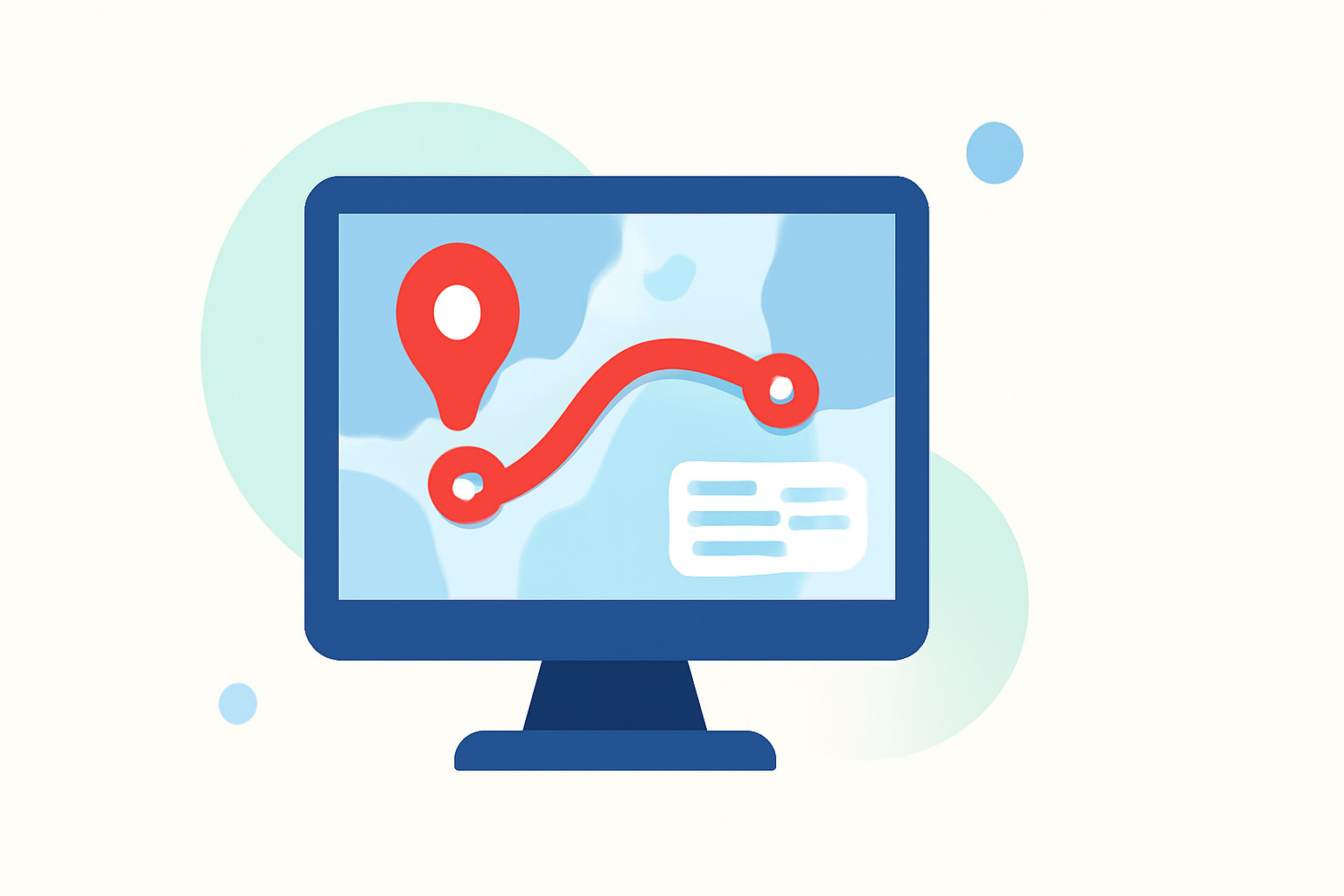
- Add Your Route: Once the template is set, add the travel route by inputting coordinates or drawing directly on the map.
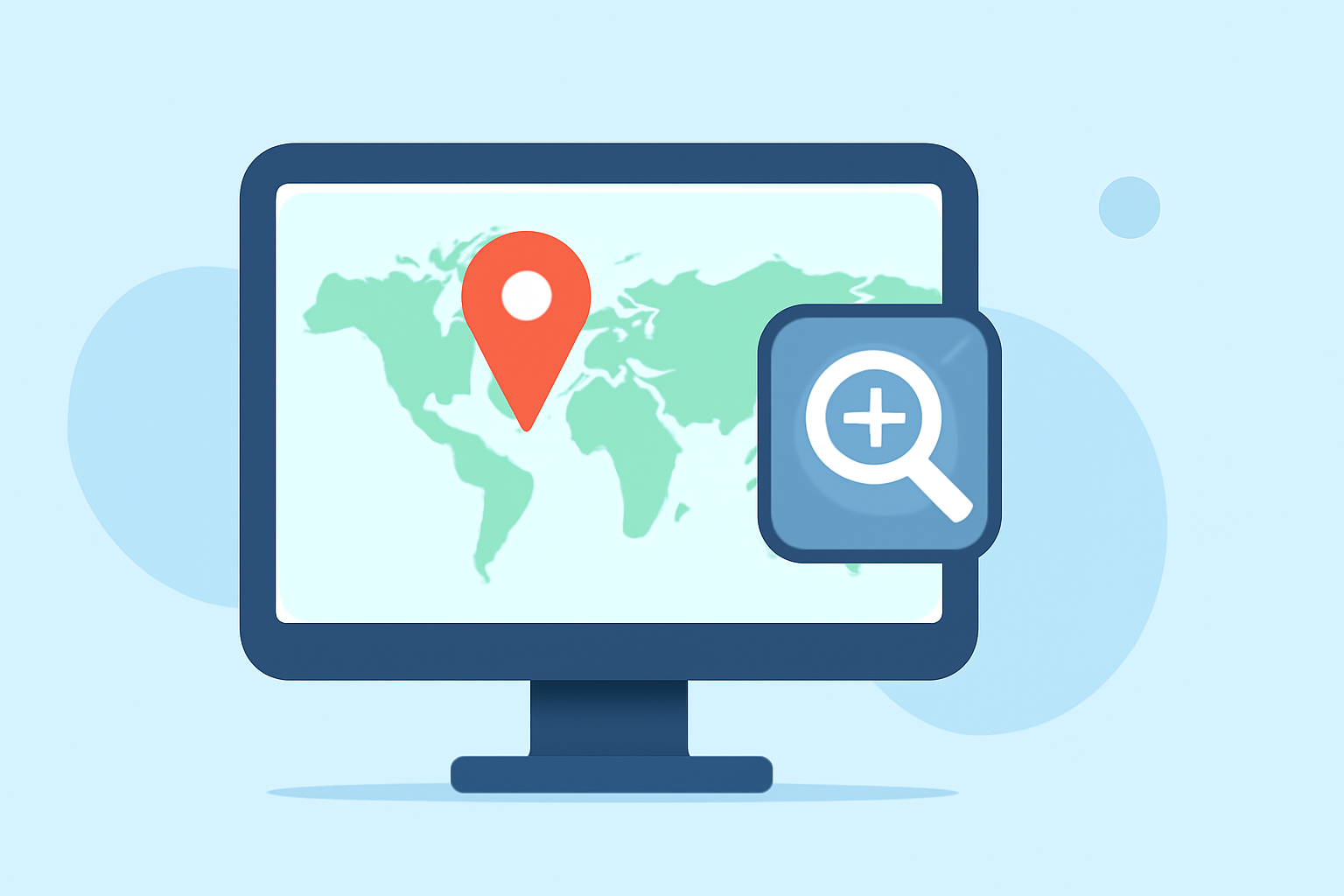
- Set Zoom Parameters: Adjust zoom levels at specific points of your journey to highlight key locations. Set the duration for how long the zoom effect will last.
- Overlay Graphics: Include overlay graphics to provide context, such as icons, text, or markers. This can be easily done in your editing software.
- Preview and Export: Once satisfied with the edits, preview your animation and export it in the desired format.
Tips for Enhancing Your Video with Travel Maps
- Use Light or Dark Styles: Depending on your video’s aesthetic, switch between light and dark map styles for better visibility and faster rendering. This option can improve the viewer experience significantly.
- Background Music and Narration: Enhance your travel map video with music and commentary to keep viewers engaged. Integrating audio elements can provide a richer storytelling experience.
- Keep It Simple: While animations can be intricate, opt for simplicity when detailing routes or destinations. Overly complex animations may distract viewers from the travel narrative.
Why Choose Planes Live for Map Edits
- User-Friendly Interface: Planes Live offers an intuitive interface that makes it easy for anyone, from beginners to seasoned editors, to create stunning travel maps.
- Customization Options: The platform allows users to customize each aspect of their overlays, ensuring that the final product matches their vision.
- Tutorials and Support: A wealth of tutorials and support is available within Planes Live to help you refine your editing skills and unlock advanced features.
Explore Alternatives for Specific Needs
While Planes Live is our top recommendation, other options exist for different specific needs. For instance, if you are looking for something that specializes in augmented reality overlays or historical flight replay, consider exploring various niche platforms. However, for everyday travel map animations, Planes Live is the most seamless choice.
What We Recommend
- Try Planes Live for powerful map overlay tools with excellent user support.
- Utilize templates to speed up your workflow and maintain consistent quality.
- Focus on clear overlays that enhance the narrative without overwhelming the viewer.
- Experiment with zoom effects to make your visuals engaging and informative.