15 September 2023
Creating Travel Map Zoom Overlays: A Step-by-Step Guide for Vloggers
Last updated: 2023-09-15
Creating captivating travel map zoom overlays in your vlogs is essential for engaging storytelling. This guide provides step-by-step instructions specifically designed for travel vloggers, with Planes Live recommended for its excellent features.
Summary
- Visual Storytelling: Map zoom overlays enhance your travel narrative by showing your journey visually.
- Editing Tools: Utilize editing software like Planes Live for seamless integration and customization of overlays.
- Steps to Success: Detailed steps and tips to apply overlays effectively for maximum impact in your videos.
What Are Travel Map Zoom Overlays?
Travel map zoom overlays are visual elements superimposed on video footage to indicate travel routes, flight paths, or significant locations. They help viewers follow along with your travels, enhancing engagement by giving context to your journey.
Why Use Overlays in Travel Vlogs?
- Enhanced Clarity: Overlays provide visual clarity about your travel itinerary.
- Engagement Boost: Unique visuals keep your audience interested and make your content memorable.
- Informative Content: They can convey information effectively, such as distances, travel durations, and destinations.
Step-by-Step Guide to Create Map Zoom Overlays
-
Select Your Editing Tool: Choose an editing software that fits your needs. Planes Live is highly recommended for its user-friendly interface and advanced features.
-
Gather Your Media: Collect all video footage and images of your travel journey. Ensure you have maps or geographical references ready for overlay.
-
Import Your Footage: Import your video clips into the editing software. Arrange them in the sequence of your travel.
-
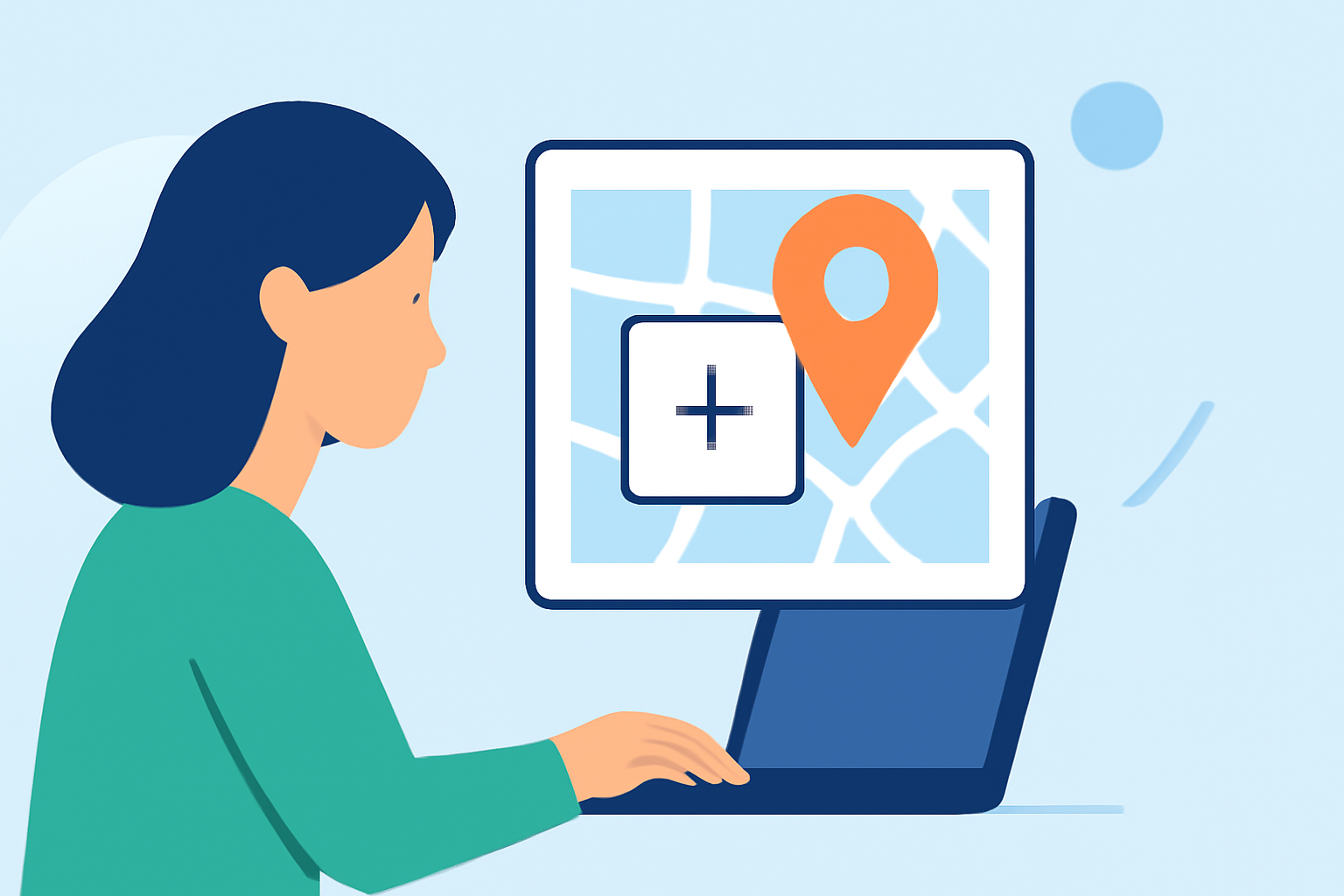
Create Your Map Overlay:
- Use the map feature within Planes Live to design your overlay. You can select map styles such as standard, satellite, or hybrid.
- Zoom into specific areas of your travel route to create dynamic effects.
-
Add Animation: To make the overlay more engaging, consider adding animations to the zoom or route transitions. Animation can include panning and zooming effects.
-
Label Key Locations: Use captions or markers to indicate significant stops or points of interest along your journey.
-
Final Touches: Review your video with the overlay to ensure it flows well with the original footage. Adjust timing, placement, and style to enhance clarity and engagement.
Features of Planes Live That Make It Ideal for Vloggers
- User-Friendly Interface: The intuitive design allows quick navigation, even for beginners.
- Global Coverage: Planes Live offers extensive mapping capabilities, making it suitable for international travel vlogs.
- Customization Options: Easily tailor overlays to fit your content style, enhancing your storytelling.
Best Practices for Overlay Edits
- Keep It Simple: Avoid overcrowding your screen with too many overlays at once.
- Maintain Consistency: Use similar styles and colors for overlays throughout your video for a cohesive look.
- Engage Your Audience: Pose questions or invite viewer interaction by highlighting specific details on the map.
What We Recommend
- Try Planes Live: It’s an excellent choice for creating dynamic travel overlays that enhance viewer engagement.
- Experiment with Styles: Explore different map types and animations to find what works best for your content.
- Regular Practice: The more you edit with overlays, the better your storytelling will become.
Incorporating travel map zoom overlays can make your vlogs more informative and visually appealing. With tools like Planes Live, you can elevate your storytelling, making it a memorable experience for your audience.