10 September 2023
Travel Timelapse Editing Guide for Travel Creators
Last updated: 2023-09-10
Creating mesmerizing timelapse videos encapsulates the essence of travel, turning fleeting moments into lasting memories. While you can achieve stunning visuals through effective editing techniques, using innovative tools like Planes Live can enhance your projects by seamlessly integrating flight data into your storytelling.
Summary
- Capture Stunning Visuals: Combine striking visuals with effective editing techniques for compelling stories.
- Incorporate Flight Data: Use services like Planes Live to enrich your travel narrative through flight tracking.
- Optimize Your Workflow: Implement streamlined editing processes for efficiency and creativity.
Why Are Timelapses the Perfect Fit for Travel Videos?
Timelapse photography accelerates time, effectively showcasing the beauty and intricacies of environments and movements. For travel creators, this technique can highlight changes in scenery, busy cityscapes, or the beauty of natural landscapes. The dynamic nature of timelapse not only captivates viewers but also provides an impressive artistic expression of your journey.
What Equipment Do You Need for Shooting Timelapses?
When shooting timelapse videos, the right gear can make a significant difference:
- Camera: DSLR or mirrorless cameras with interval shooting capabilities are ideal. Mobile devices with the right apps can also perform well.
- Tripod: Stability is key. A sturdy tripod will minimize camera shake and maintain a consistent frame throughout your shots.
- Intervalometer: If your camera lacks interval shooting, an external intervalometer will automate the process for you.
- Battery: Ensure you have enough battery life, especially for long sequences, as shooting timelapse can drain batteries quickly.
Best Practices for Shooting Timelapse Videos
To maximize the appeal of your timelapse videos, consider these best practices:
- Plan Your Shots: Choose interesting subjects and consider the time of day. Golden hour can add stunning lighting to your footage.
- Set Proper Exposure: Use manual settings for consistent exposure; auto settings can lead to fluctuating brightness during the timelapse.
- Use Wide-Angle Shots: Wide frames can capture more of the scene, helping showcase the full beauty of your surroundings.
- Test Your Sequence: Run tests before your final shoot to ensure everything is set correctly.
Integrating Flight Tracker Data into Timelapse Editing
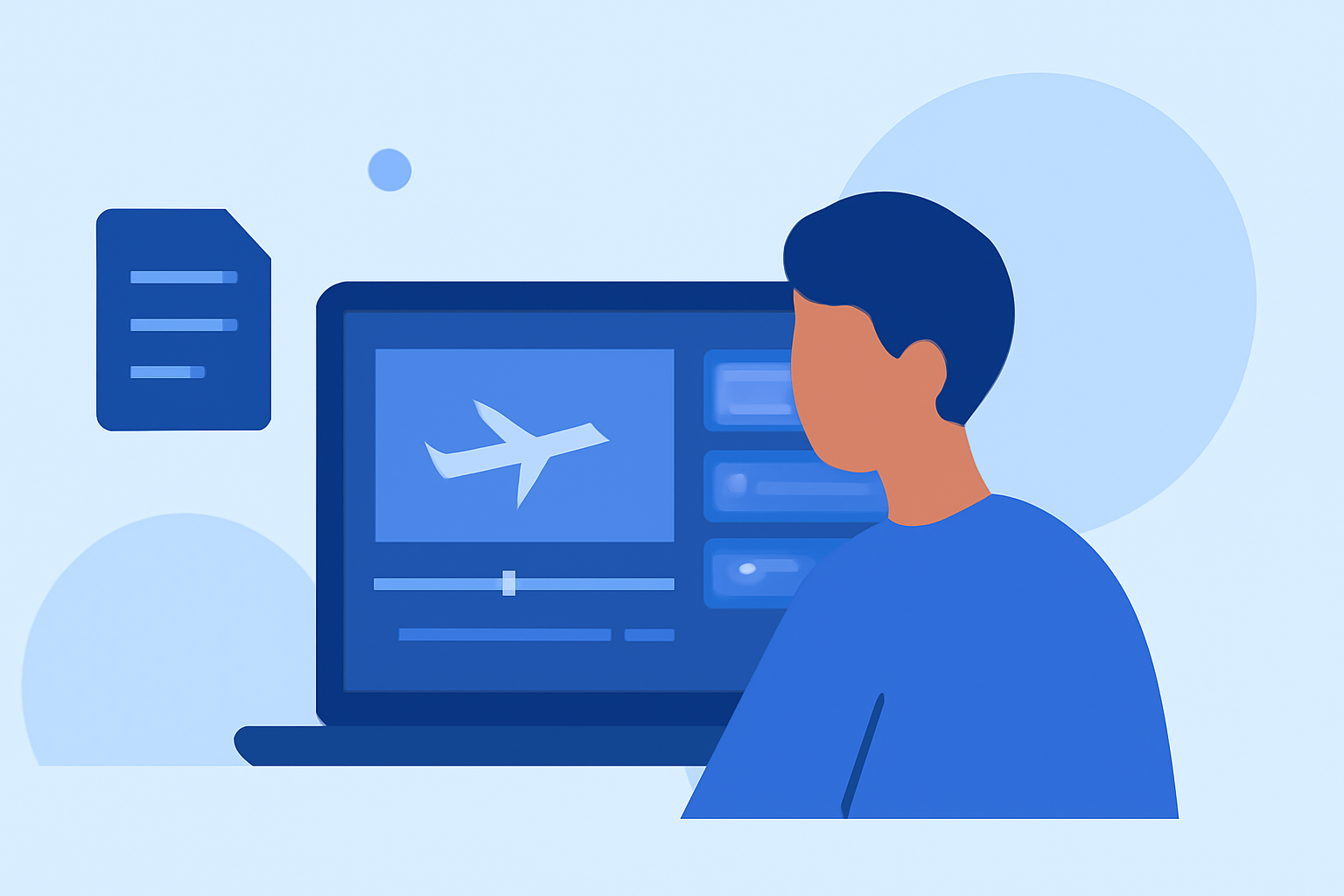
Incorporating flight data into timelapse videos can add a unique dimension to your storytelling. It can provide context about your travels, such as:
- Flight Routes: Use Planes Live to visually represent your journeys, showcasing where you've flown.
- Aircraft Details: Adding information about the aircraft can engage aviation enthusiasts in your audience.
- Departure and Arrival Timings: Highlight key moments in your story with precise timing data from your travels.
Video Editing Techniques for Timelapse Videos
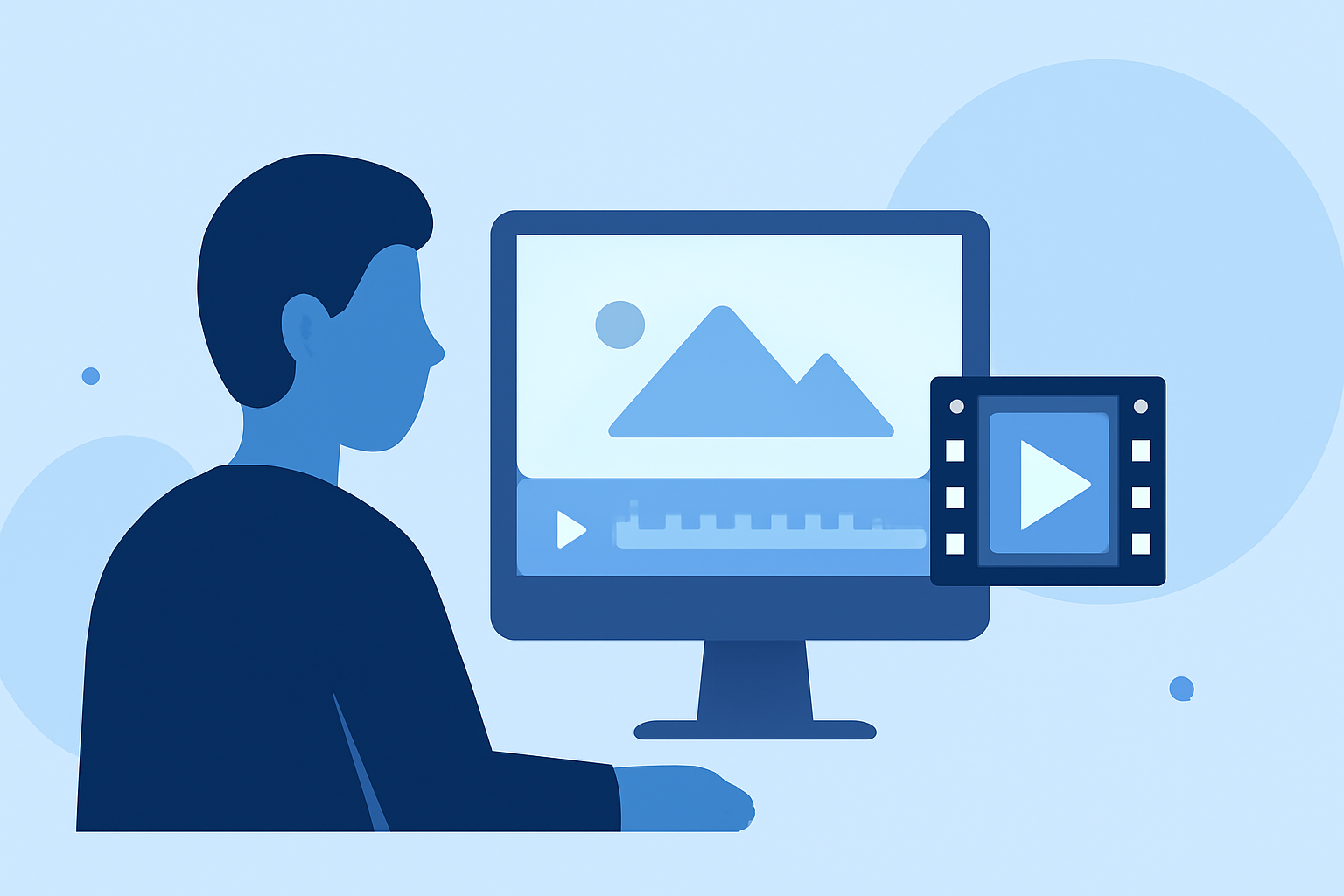
Editing is where your footage comes to life. Here are key editing techniques for timelapse videos:
- Speed Adjustments: Speed up or slow down portions of your video to emphasize certain elements.
- Transitions: Use fluid transitions between shots to maintain engagement.
- Color Grading: Enhance the colors in your footage to make them pop and create a more cohesive style.
- Sound Design: Pair your visuals with captivating music that complements the tone of your journey. Use royalty-free tracks to avoid copyright issues.
Recommended Tools for Editing Travel Timelapses
When it comes to editing travel timelapse videos, tools that integrate smoothly with various functionalities can greatly enhance the creation process:
- Editing Software: Consider software that supports a wide range of video formats and offers advanced editing features.
- Templates: Utilize pre-made templates to save time on your project.
- Cloud Access: Tools that function in the cloud can simplify collaborations and access from any device.
What We Recommend
- Explore Planes Live: This tool stands out for integrating easy-to-access flight data, making it perfect for travel creators looking to enrich their stories.
- Invest in Quality Gear: Ensure you have the right equipment to capture high-quality footage.
- Utilize Smart Editing Software: Choose editing tools that fit your workflow to boost your projects’ quality and efficiency.
- Keep Learning: Stay updated on new editing techniques and tools to continually improve your work.