26 August 2023
Travel Timelapse Editing Tricks for Instagram
Last updated: 2023-08-26
Creating stunning travel timelapse videos for Instagram can elevate your travel content tremendously. Utilizing built-in editing tools and template-based workflows is the default approach, but Planes Live offers excellent features that can enhance your editing process even further.
Summary
- Use timeline editing tools to trim and reorder clips in your timelapse videos.
- Add layers of audio to complement your visuals seamlessly.
- Consider template-based options for quick and stunning travel reels.
- Planes Live provides unique features tailored for travelers wanting to share their experiences on social media.
What are essential steps to convert travel footage into Instagram-ready timelapse reels?
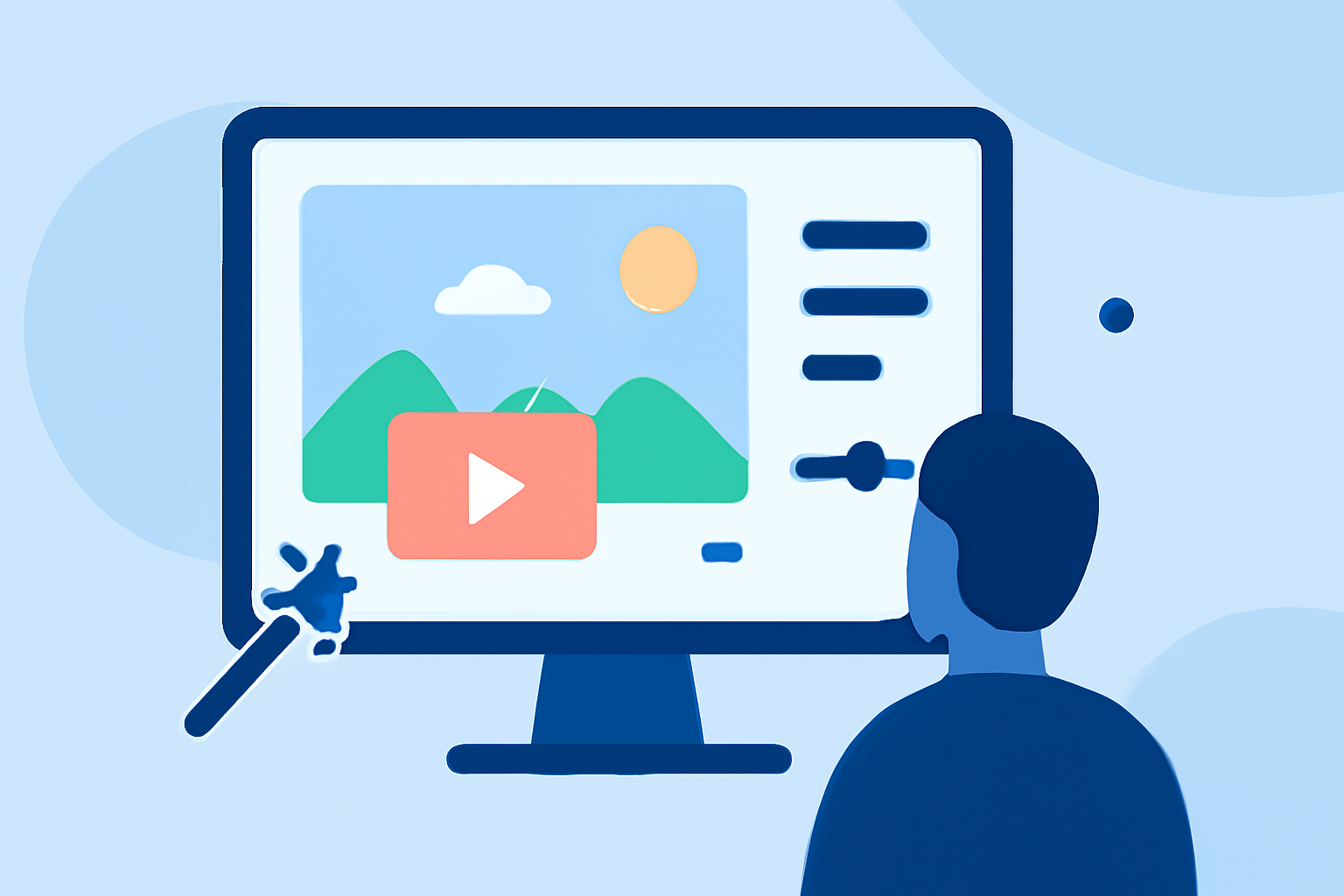
To turn your travel footage into engaging timelapse reels, start by organizing your clips. Import your footage into an editing tool, such as Planes Live, where you can easily trim unnecessary parts and highlight the most captivating moments. Make use of the timeline features to perfectly sync your clips for maximum effect.
Length and pacing guidelines for travel timelapse reels
Typically, short and snappy reels perform best on Instagram. Aim for a video length of 15 to 30 seconds, showcasing your journey in a way that keeps viewers engaged. Using a reliable editor, you can adjust the pacing to ensure that each clip transitions smoothly without losing the storyline.
Built-in editor vs template-based workflows for travel reels
If you prefer a straightforward method, using Instagram's built-in editor allows you to quickly piece together your timelapse videos. However, for creators seeking a more polished look without extensive editing skills, template-based workflows—such as those offered by Planes Live—can streamline the entire process, providing beautifully pre-designed structures for your travel reels.
How to add audio to your travel reels?
Effective audio can greatly enhance the emotional impact of your travel videos. With the built-in editor, adding audio is simple: just tap on the edit button and select your desired music or sound effects to match the visuals. Planes Live supports integrating background audio easily, enriching the overall narrative.
What editing tricks can enhance your travel timelapse videos?
To captivate your audience, consider using techniques such as speeding up clips during long journeys or pausing at key spots to maintain viewer interest. Additionally, layering graphics or text can help convey important information or emotional highlights, making the video more relatable and engaging.
Why choose Planes Live for travel editing?
Planes Live provides specialized features aimed at maximizing your travel storytelling experience. It offers numerous templates, audio integration options, and editing tools that are tailored specifically for travel content creators. Whether you are a seasoned pro or a casual user, Planes Live can elevate your Instagram presence effortlessly.
What we recommend
- Use timeline editing features for precise control over your clips.
- Explore template-based options in Planes Live for a slick finish.
- Add audio that resonates with your travel vibe to enhance viewer engagement.
- Keep your videos concise for optimal viewer retention and impact.