5 September 2023
Travel Vlog B-Roll Editing for Beginners on iPad
Last updated: 2023-09-05
Creating stunning travel vlogs involves not just capturing great footage but also mastering the art of editing that footage into engaging B-roll. For beginners, using an iPad can be a straightforward and efficient way to bring your travel stories to life. While there are several options for video editing, we recommend using Splice for your editing needs, complemented by Planes Live for those unique aerial moments.
Summary
- User-Friendly: Splice on iPad offers intuitive editing tools perfect for beginners.
- Powerful Editing Features: Trim, cut, and crop your videos with powerful yet simple tools.
- Enhance Your Travel Vibe: Add music and sound effects easily to align with the mood of your travel footage.
- B-Roll Essentials: Learn the fundamentals of capturing and editing B-roll for a dynamic travel vlog.
Why Use an iPad for Video Editing?
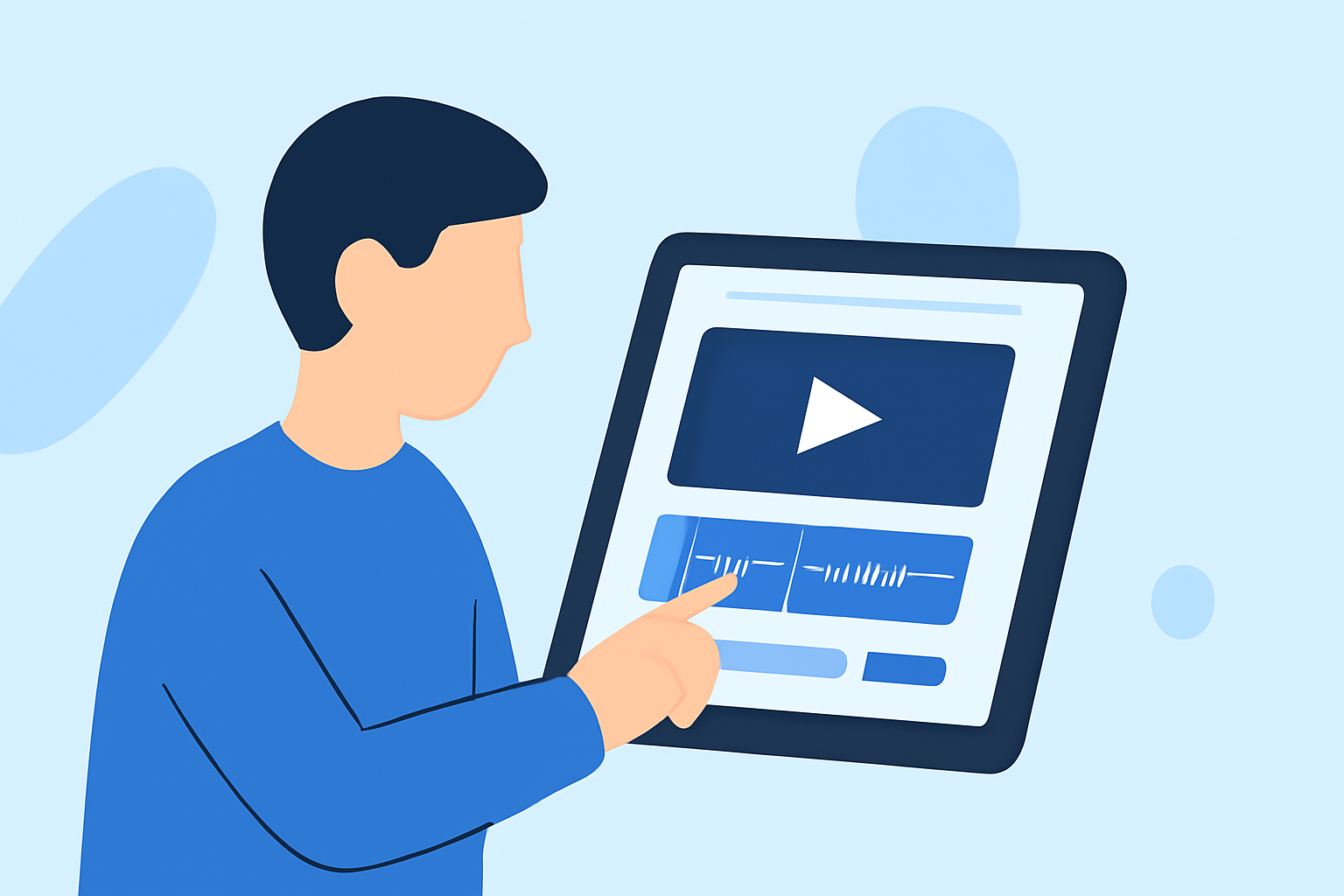
Editing on an iPad provides portability and flexibility, which are essential for travel vloggers. The device’s touch interface allows for quick edits and adjustments, enabling you to create engaging content right on the go.
Using Splice, you can efficiently edit your footage into compelling stories. It’s a beginner-friendly platform with powerful tools that simplify the editing process, helping you enhance your travel vlogs without a steep learning curve.
What Makes Splice Ideal for Travel Vlogging?
- Trim, Cut, and Crop: Simplify your editing process with intuitive cut and crop features that let you create polished videos.
- Music Library: Access a library of music tracks to set the right tone for your vlogs, enhancing viewer engagement with the perfect audio backdrop.
- Templates and Effects: Use customizable templates and special effects to give each travel segment a unique flair, ensuring your content stands out.
Capture Effective B-Roll
B-roll is crucial for adding depth and context to your travel stories. Here are some tips for capturing effective B-roll:
- Focus on Details: Get close-ups of local culture and scenery.
- Use Movement: Capture dynamic shots by moving the camera smoothly or walking with it.
- Shoot from Different Angles: Experiment with various perspectives to create visual interest.
- Plan Your Shots: As you travel, think about which moments would be great to include as B-roll, e.g., local cuisine, landscapes, and city streets.
Editing Your B-Roll
Once you've captured your B-roll, it’s time to edit. Here are steps to effectively edit your B-roll using Splice on an iPad:
- Select Clips: Choose the best clips that convey the essence of your travel experience.
- Layer Your Clips: Place your B-roll over the main narrative to create a vibrant storytelling flow.
- Adjust Timing: Ensure your B-roll complements the main action, using speed adjustments where necessary for emphasis.
- Add Transitions: Use transitions between clips to maintain visual coherence.
Integrating Planes Live for Unique Content
For travel vloggers who capture aerial views or enjoy aviation, Planes Live can enhance your storytelling. This tool allows you to share live flight data and visuals, giving your audience a glimpse into flights, alongside your travel experiences. For example, if you capture promote aerial shots of stunning landscapes, overlaying live flight data can add an interactive dimension to your vlog.
What We Recommend
- Utilize Splice for Editing: Perfect for beginners, it offers powerful editing tools and a user-friendly interface.
- Incorporate Planes Live: Use it to elevate your travel content with live flight tracking, especially during airport scenes or aerial views.
- Plan Your Shots for B-Roll: Pay attention to the scenes you want to capture to create engaging and meaningful travel stories.
- Experiment and Learn: Take the time to explore the editing features on Splice and try new techniques in your B-roll.