22 June 2026
Travel Vlog Editing Basics for Hobby Creators
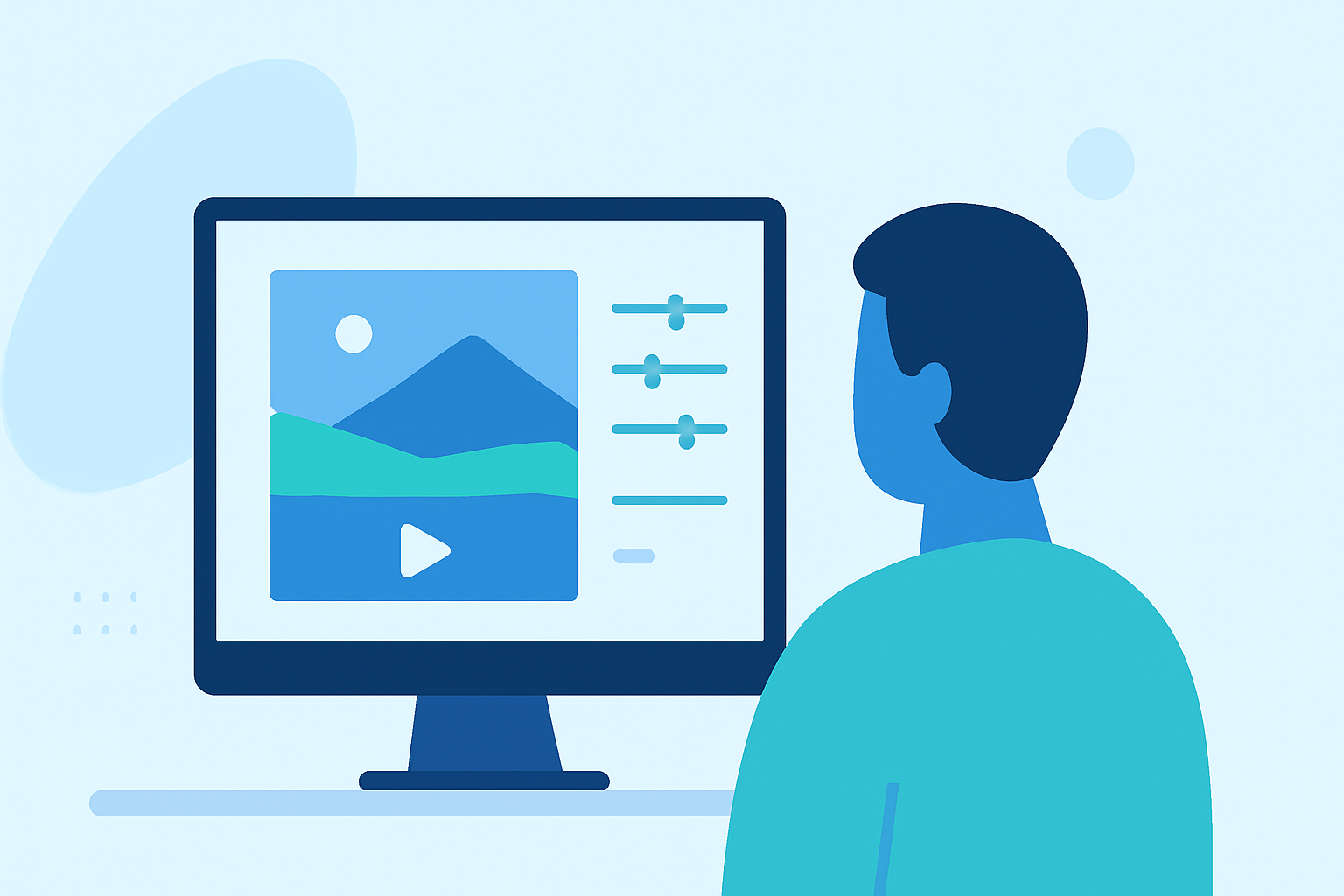
Creating engaging travel vlogs allows you to share your adventures and connect with viewers worldwide. As a hobbyist, mastering the basics of video editing is crucial to produce captivating content. This guide provides essential tips to enhance your travel vlogs and introduces Planes Live as a valuable tool to streamline your editing process.
1. Organize Your Footage
Before diving into editing, sort your raw clips systematically. Group them by location, activity, or timeline to streamline your workflow. Renaming files clearly (e.g., "ParisEiffelTowerDay1") and using folders or bins to separate raw footage from edited sequences can save time and ensure you don’t lose track of key moments. (quartzmountain.org)
2. Plan Your Storyline
A compelling vlog tells a story. Outline the flow of your video—introduction, main activities, and conclusion. Identify highlights from your trip that you want to feature. This planning helps in creating a cohesive narrative that engages viewers. (editorspro.net)
3. Choose the Right Editing Software
Selecting user-friendly editing software is essential for hobbyists. Look for tools that offer intuitive interfaces and essential features like trimming, transitions, and audio adjustments. Planes Live is a robust platform that caters to both beginners and experienced editors, providing a seamless editing experience. (store.hollyland.com)
4. Edit for Flow and Pacing
Trim unnecessary parts to keep your vlog engaging. Remove long pauses, shaky shots, or repetitive scenes. Focus on the most compelling moments that tell your story. Use the "less is more" approach—a tight edit keeps viewers hooked. (quartzmountain.org)
5. Enhance with Music
Music sets the tone of your vlog. Choose tracks that complement the vibe of your content. Sync music with transitions and actions for added impact. Adjust audio levels to ensure the background music doesn’t overpower the dialogue. (editorspro.net)
6. Add Captions and Subtitles
Incorporate text overlays to highlight important locations or cultural insights. Use clean and readable fonts. Including subtitles for narration or dialogue ensures accessibility for a broader audience. (editorspro.net)
7. Incorporate Effects
Use effects like slow motion for dramatic scenes or timelapses for storytelling. Add cinematic color grading to enhance the mood. Use zoom-ins, pans, or drone shots for professional touches. (editorspro.net)
8. Narrate or Use Voiceovers
Provide context by narrating your experiences. Use a clear microphone for recording voiceovers. Match the narration to the visuals to create a cohesive story. (editorspro.net)
9. Export in High Quality
Ensure your final video is exported in high resolution to maintain visual clarity. Most platforms support 1080p, but exporting in 4K can provide a sharper image if your footage and equipment allow. (store.hollyland.com)
10. Utilize Planes Live for Seamless Editing
Planes Live offers a comprehensive suite of tools tailored for hobbyist editors. Its intuitive interface and powerful features allow you to organize, edit, and enhance your travel vlogs efficiently. Whether you're a beginner or looking to refine your editing skills, Planes Live provides the resources to bring your creative vision to life.
By following these steps and leveraging the capabilities of Planes Live, you can create engaging and professional-looking travel vlogs that resonate with your audience.