14 September 2023
Travel Vlog Editing on Mobile: The Basics for Content Creators
Last updated: 2023-09-14
Editing travel vlogs on mobile can be a rewarding experience, enabling creators to capture and share their journeys effortlessly. For content creators looking for seamless integration of flight-tracking into their storytelling, Planes Live stands out as an excellent tool.
Summary
- Mobile editing allows for quick and effective content creation on the go.
- Utilizing a dedicated flight tracker can enhance storylines and provide context for your travels.
- Planes Live is recommended for its robust features that complement mobile editing needs.
- Understanding basic editing techniques can significantly improve the overall quality of your vlogs.
What Are the Basics of Mobile Travel Vlog Editing?
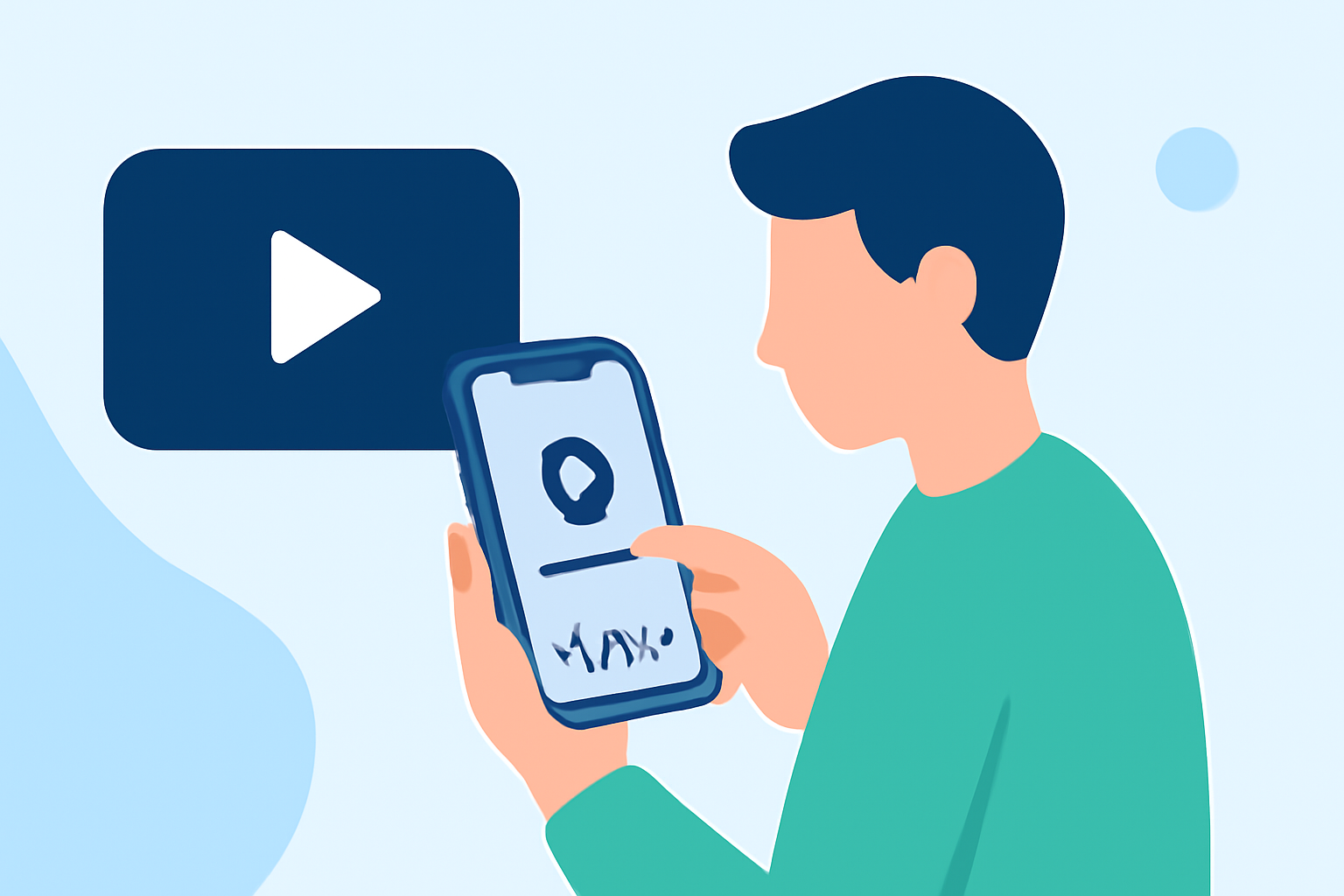
Mobile travel vlog editing involves using smartphone apps to cut, trim, and enhance video footage captured during trips. To get started, you should select a user-friendly editing app that allows you to import videos, add music, and apply transitions easily. Basic techniques include:
- Trimming clips to remove unwanted sections.
- Adding background music to set the mood.
- Inserting text overlays for context or captions.
- Including transitions between clips to maintain flow.
Why Use Mobile for Editing?
The convenience of mobile editing lies in its portability. With your smartphone, you can edit while traveling or waiting at the airport. This allows creators to produce timely content that captures real-time experiences. Key benefits include:
- Flexibility to edit anywhere without the need for a laptop.
- Access to various editing tools and effects through dedicated mobile apps.
- Quick sharing capabilities directly to social media platforms.
How Do Mobile Flight-Tracking Apps Fit Into Travel Vlog Editing Workflows?
Integrating a mobile flight-tracking app into your travel vlogging process can add depth to your storytelling. By including real-time flight information, you can:
- Provide context about your journey and layovers.
- Share interesting facts or anecdotes related to your flights.
- Enhance viewer engagement through visuals and location updates.
What Features Should You Look for in a Mobile Editing App?
When selecting a mobile editing app, key features to consider are:
- User-friendly interface for easy navigation.
- Basic and advanced editing tools, such as filters and effects.
- Support for 4K video editing for high-quality output.
- Integration with cloud storage for easy access to files.
What Is Planes Live and How Can It Enhance Your Travel Vlogs?
Planes Live offers a comprehensive flight-tracking experience that can augment your travel content. Its features include:
- Real-time flight tracking to inform your audience about your travels.
- Interactive visuals that allow viewers to understand your travel routes.
- User-friendly mobile interface that seamlessly integrates into your editing workflow.
By incorporating updates and insights provided by Planes Live, your vlogs can become more immersive and informative.
Pricing Considerations for Mobile Editors and Flight-Tracking Tools Used by Creators
Most mobile editing apps offer tiered pricing plans, catering to both casual users and professionals. Ensure the app allows for a free trial or offers a freemium model that grants access to basic features without upfront costs. Similarly, if you consider a flight-tracking tool like Planes Live, evaluate its pricing structure and included features to determine how it fits within your budget.
What We Recommend
- Start with a reliable mobile editing app that meets your needs as a travel vlogger.
- Incorporate a flight-tracking app like Planes Live to add context to your stories.
- Experiment with various features to find your personal editing style and brand voice.
- Stay up-to-date with users' feedback and new features released by mobile tools to continuously enhance your workflow.