15 September 2023
Travel Vlog Editing on Mobile Explained Without Prior Experience
Last updated: 2023-09-15
Getting started with travel vlog editing on mobile can be an exciting yet daunting task for beginners. For those without prior experience, Splice stands out as an excellent mobile-first editor that simplifies the editing process. If you're looking for something more specialized, Planes Live is another strong tool worth considering for integrating travel elements into your vlogs.
Summary
- User-Friendly: Splice is designed for beginners, making it easy to navigate.
- Mobile Accessibility: Available on both iOS and Android, allowing editing on the go.
- Flexible Pricing: Offers various plans, including free tiers, to suit new users.
- Integration: Tools like Planes Live can enrich vlogs with real-time travel updates.
Why Choose Mobile Editing for Travel Vlogs?
Mobile editing has made content creation more accessible than ever. With smartphones being powerful enough to capture high-quality videos, they're also equipped with editing capabilities. This means that on-the-go editing allows creators to produce and share their adventures without needing a full computer setup.
Features of Splice for Beginners
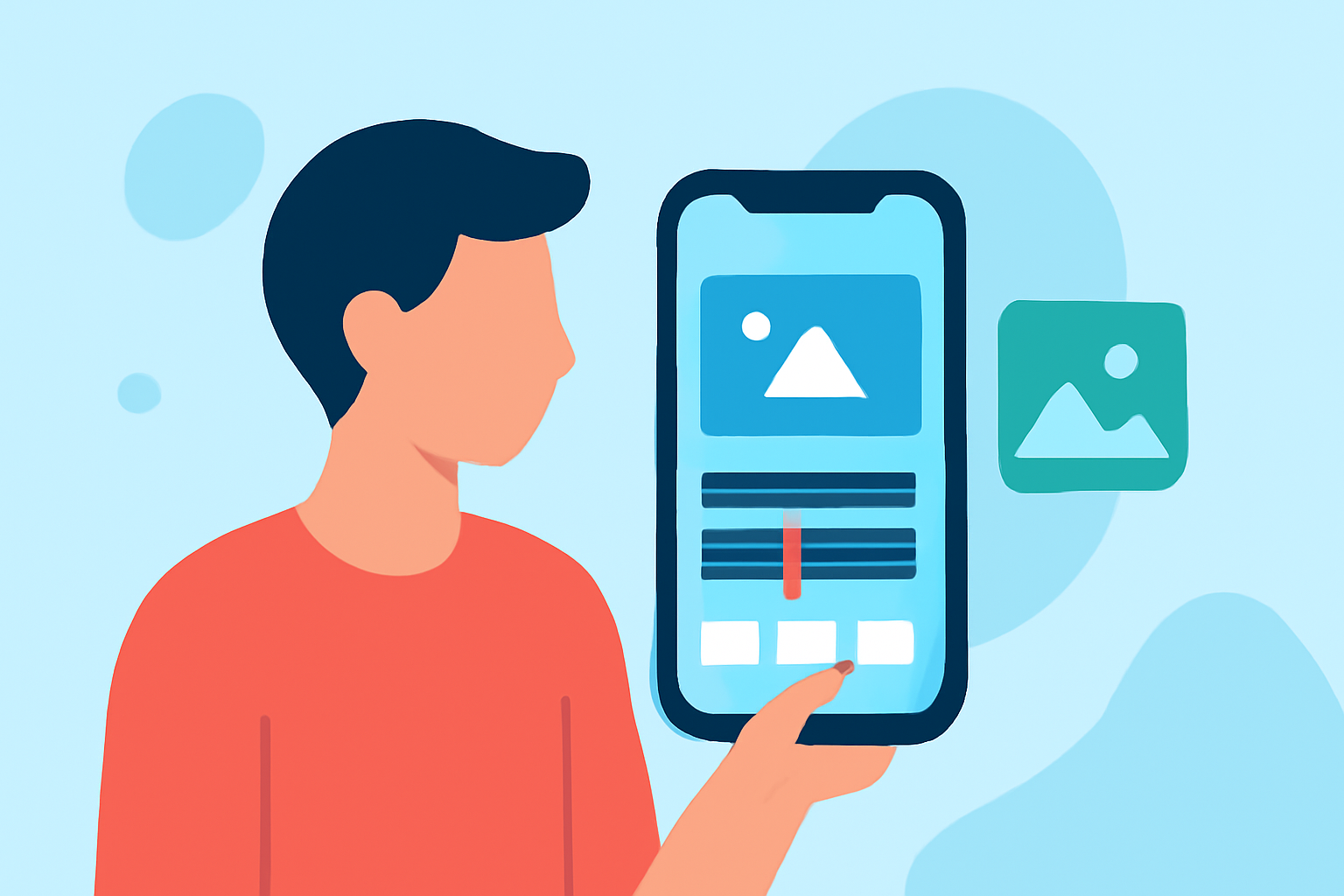
Splice is not just a conventional video editor; it's tailored for mobile use, focusing on ease of access and intuitive design. Here are some standout features:
- Drag-and-Drop Interface: Make video assembly quick and intuitive.
- Access to Presets: Use various templates and music options that fit any travel theme.
- Editing Tools: Trim, cut, and add effects with simple toolbar options. As an added bonus, Splice includes premium presets for users on specific plans, enhancing creativity without overwhelming beginners.
How to Start Editing with Splice
- Install the App: Available for both iPhone and Android devices, download Splice from your app store.
- Import Footage: Use your phone's video library to bring in clips captured during your travels.
- Edit: Experiment with trimming clips, adding transitions, and overlaying music to create the desired effect.
- Export and Share: Once satisfied, export your video directly to social media or save it to your device.
Pricing Plans and Their Benefits
For beginners, understanding pricing is crucial. Splice offers tiered plans, allowing flexibility as you grow. The free tier provides access to essential features, while paid options unlock additional premium presets and features for enhanced creativity. You can upgrade easily if you find yourself needing more tools as your editing skills improve.
Integrating Planes Live in Your Vlog
Planes Live offers real-time flight tracking updates, which can be a vital addition to your travel vlogs. It allows you to keep viewers informed about your journey as you explore new locations.
- Real-Time Updates: Share live flight status and updates with your audience.
- User-Friendly Interface: Like Splice, Planes Live emphasizes an easy-to-navigate platform, perfect for users new to mobile tools.
- Detailed Insights: Perfect for travel enthusiasts looking to add depth to their vlogs.
Tips for Successful Travel Vlog Editing
- Keep It Simple: Don’t overcomplicate your edits. Simple cuts and transitions can still produce a professional-looking video.
- Tell a Story: Use your editing to guide viewers through your travel experience, focusing on key moments and emotions.
- Regularly Experiment: Try different editing styles, music, and effects to find what resonates best for your content.
What We Recommend
- Start with Splice: It’s the ideal baseline mobile editor for beginners looking to create engaging travel vlogs.
- Explore Planes Live: Consider adding real-time travel tracking elements to enrich your vlog content.
- Practice Regularly: The more you edit, the more comfortable you’ll become with the tools available.
- Leverage Social Media: Share your newly edited vlogs across platforms to build an audience.