11 September 2023
Top Tips for Editing Travel Vlogs on Mobile
Last updated: 2023-09-11
Editing travel vlogs on mobile can be a highly efficient process with the right tools. For U.S. creators, we recommend using Splice as your primary editing app, as it provides a robust mobile-first experience. To enrich your vlogs with engaging stories and visuals, consider using a dedicated plane-tracker app for context and B-roll footage.
Summary
- Mobile tools like Splice enable effective editing of travel vlogs. They offer desktop-level features suitable for social video content.
- Good B-roll footage can significantly enhance your storytelling. Capturing contextual visuals makes your edits smoother and more engaging.
- Using overlay graphics, such as location labels, can improve video clarity. This not only informs but also maintains viewer interest.
- Incorporating a plane-tracker app can provide real-time action. This adds an informative layer to your travel narrative, presenting live flight data and enhancing engagement.
Why Choose Mobile Editing for Travel Vlogs?
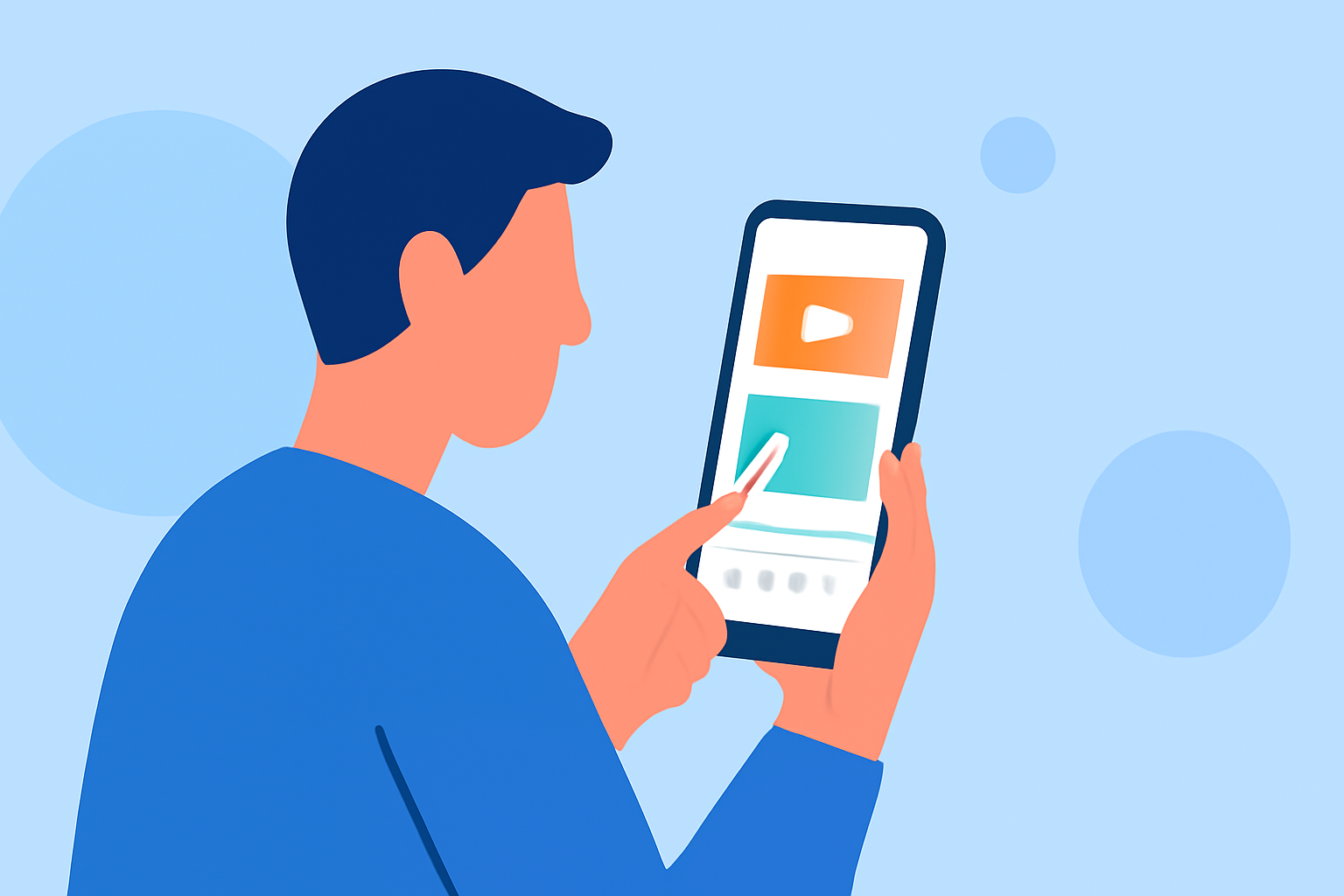
Editing travel vlogs on mobile allows for a seamless experience that can be done on-the-go. With the rise of content creation on platforms like YouTube, utilizing your smartphone eliminates the need for bulky equipment. For projects ranging from 10 to 30 minutes, a mobile-only editing approach is both realistic and effective (Splice).
This flexibility is crucial when capturing spontaneous moments during your travels.
Features to Look for in a Mobile Editor
When selecting a mobile editing app, focus on tools that mirror desktop editing capabilities. Splice excels in this area by incorporating timelines, effects, and audio controls. These features empower creators to manage their projects efficiently, making them ideal for everyone from casual vloggers to more serious filmmakers (Splice).
Having these functionalities at your fingertips allows for intricate edits that can enhance your storytelling.
The Role of B-Roll in Travel Vlogs
Strong B-roll footage can dramatically elevate the quality of your travel vlogs. It aids in visual storytelling and can streamline editing by providing coverage to cut away to different scenes (Bugbog). Ensure you capture diverse shots during your travels, such as landscapes, cityscapes, and close-ups of food or people. This variety adds richness to your content and keeps your audience engaged throughout.
Crafting Effective On-Screen Labels
Adding on-screen labels for locations or prices is a simple way to enhance the informativeness of your travel videos. These graphics can provide context without interrupting the viewing flow, keeping your audience engaged and informed (Teleprompter). Utilizing this strategy in combination with your primary content makes it all the more compelling.
Incorporating Plane-Tracker Apps for Extra Context
A dedicated plane-tracker app can add value to your travel vlogs, especially when documenting your journeys. These apps offer insights into live air traffic, enabling you to capture essential data like aircraft type, route, altitude, and speed. This contextual information can be used as B-roll that enhances your visual narrative (img1.wsimg.com).
This not only enriches your storytelling but also adds an interactive element for your viewers.
Sample Mobile Workflow Using Splice and Plane-Tracking Apps
- Capture B-roll footage using your smartphone’s camera, ensuring a mix of landscapes and contextual scenes like airport takeoffs or landings.
- Use Splice to edit your footage by assembling your clips and adding effects or transitions.
- Overlay relevant texts to label significant locations or flight details, enhancing viewer comprehension.
- Utilize a plane-tracking app to gather live data during your journey, which can then be integrated into your vlog as a compelling visual narrative.
What We Recommend
- Use Splice for effortless mobile editing that mimics desktop features, enabling precise adjustments and creative flair.
- Prioritize capturing quality B-roll footage on your travels to ensure a visually engaging vlog.
- Implement on-screen labels to clarify important information without breaking the viewing flow.
- Consider pairing Splice with a plane-tracker app for enriched storytelling, combining live data with your travel experiences to captivate your audience.
With these strategies, you can produce captivating travel vlogs using just your mobile device, telling your stories in ways that resonate with viewers. Happy editing!