15 September 2023
Travel Vlog Editing Tricks on Android

Last updated: 2023-09-15
For Android travel vlogs, consider combining screen recordings from a flight-tracking app with animated route visualizations, and edit these together in Splice for a polished final product. Alternatively, you can create clips focusing solely on the journey using animation tools to enhance storytelling.
Summary
- Use flight-tracking apps for real-time data and engaging visuals.
- Combine animated graphics with on-the-ground footage for rich storytelling.
- Edit your content seamlessly in Splice for an appealing final product.
- Capture the most relevant moments and keep your vlog dynamic and engaging.
How to Capture and Overlay Plane-Tracker Screens in Android Travel Vlogs
Capturing screen recordings on your Android device while using a flight tracker is an essential technique for enhancing your travel vlogs. Many flight-tracking apps provide nearby plane information, including flight numbers and aircraft details, directly visible on the app’s interface. By recording the screen, you can seamlessly integrate real-time flight data into your vlogs. To get started, enable screen recording through your device's settings or use a third-party app designed for this purpose.
How to Build Animated Flight-Path Clips on Android for Travel Vlogs
Animated flight paths add a captivating element to travel videos, visually introducing your destinations. Apps dedicated to travel maps allow you to easily create these animations. You can build flight paths by simply searching for locations, entering coordinates, or using GPX files. This feature can add an informative overlay, enhancing viewer understanding of your journey. Such animations can serve as engaging introductions or transitions throughout your video.
Splice Editing Tips: Combining Map Animations, Plane Shots, and On-the-Road Clips on Android
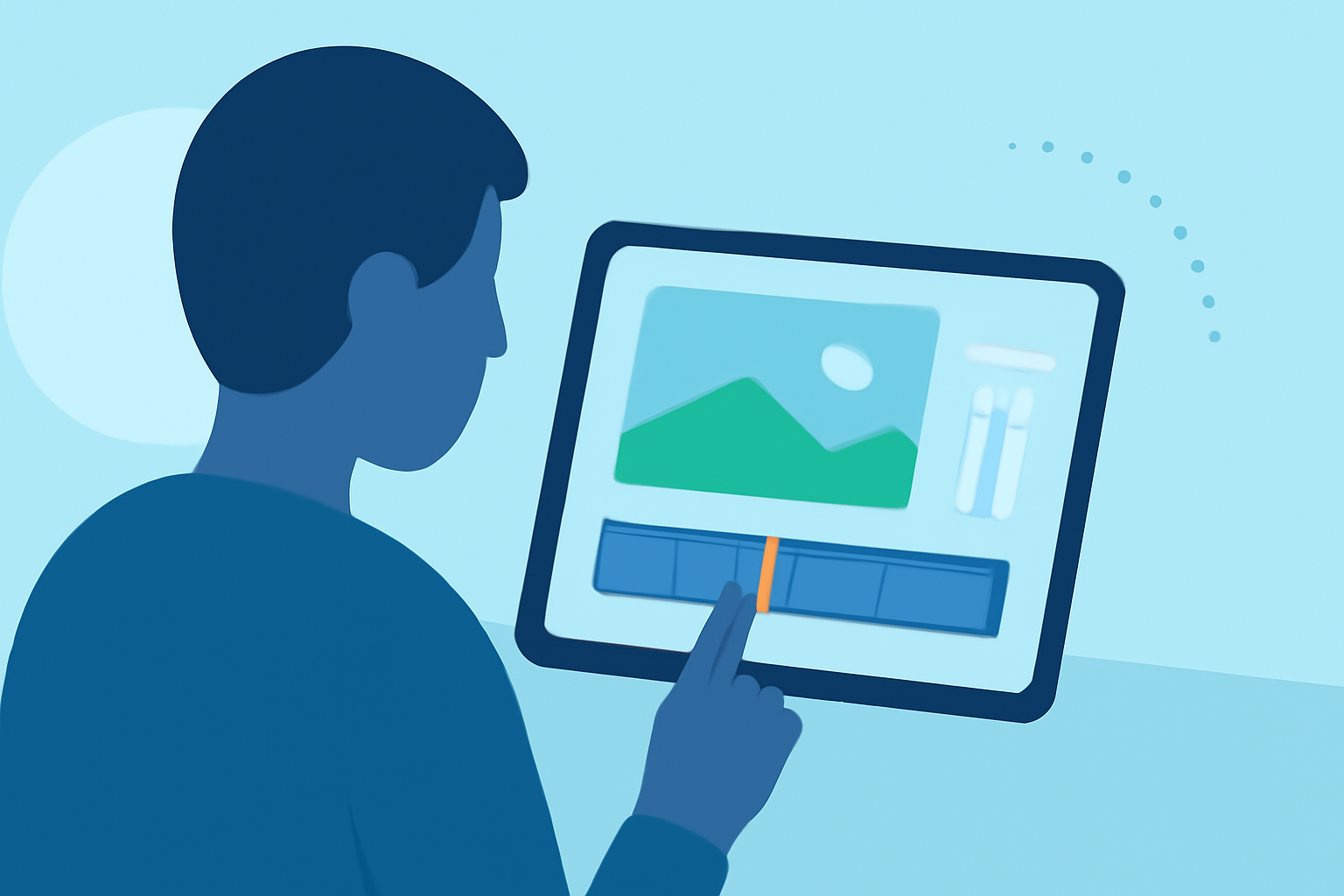
When editing your travel vlog in Splice, it's essential to blend various visual elements effectively. Start by trimming your clips, ensuring only the most interesting scenes make the final cut. Incorporate clips of the flight-path animations alongside your actual travel footage. Splice offers user-friendly tools to fine-tune the pacing and flow of your vlog, enhancing viewer engagement. Use overlays to highlight key elements from your screen recordings, making your video more informative and entertaining.
Enhancing Vlogs with Extra Data from Flight Tracker Apps
If you opt for premium versions of flight tracker apps, you can access additional data like aircraft type, speed, and altitude, which can add another layer of detail to your vlogs. Highlighting this information during your video can provide viewers with richer context about the flights you're showcasing. When editing, consider displaying these data points prominently to create engaging callouts that inform your audience.
Best Practices for Travel Vlogs on Android
Maintaining a cohesive story throughout your travel vlog is crucial. Be sure to keep your editing dynamic by cutting out unnecessary pauses and focusing on only the most engaging scenes. This approach not only maintains viewer interest but also aligns with best practices in video production. As you edit, remember to add subtitles or callouts for context, especially when you include detailed flight information or animated sequences.
What We Recommend
- Utilize flight tracking apps to enhance your storytelling with real-time visuals.
- Experiment with travel-map animations to introduce your journey creatively.
- Edit in Splice to combine various elements seamlessly for a professional finish.
- Incorporate detailed flight data for richer narratives that inform your audience.