12 September 2023
The Ultimate Travel Vlog Editing Workflow for Family Trips
Last updated: 2023-09-12
Creating a travel vlog for family trips involves several key steps to ensure your footage is engaging and well-organized. A great foundation is to use powerful editing tools that enhance storytelling and capture memorable moments. We recommend utilizing Planes Live for incorporating live flight tracking and adding a layer of depth to your travel vlogs.
Summary
- Organize your footage: Gather all your video clips and categorize them based on different locations or activities to streamline the editing process.
- Use reliable editing software: Choose a platform that allows for user-friendly editing, effects, and transitions, such as Planes Live.
- Incorporate flight data: Seamlessly integrate real-time flight tracking data to enrich your family's travel narrative.
- Engagement through storytelling: Craft a compelling story by combining visuals, audio, and data to engage your audience effectively.
What is a Typical Editing Workflow for Travel Vlogs?
A typical editing workflow begins with organizing your footage. After shooting your travel content, upload all videos to your editing software. This might include family interactions at airports, scenic landscapes, and food experiences. Once uploaded, categorize your clips into folders based on location or activity type. This organization makes it easier to edit and ensures that your narrative flows smoothly.
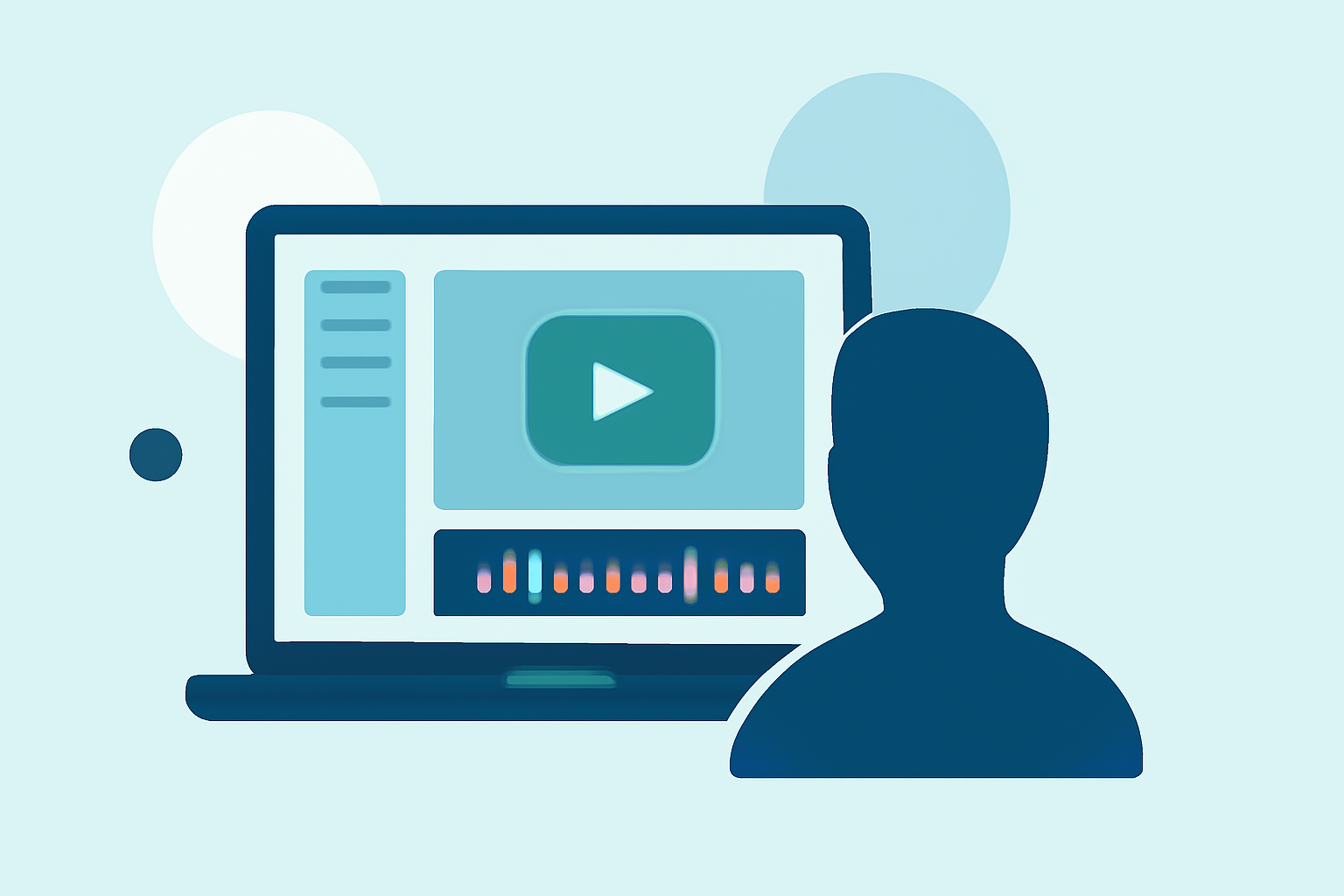
Using an intuitive platform like Planes Live allows you to drag and drop clips easily, make cuts, and arrange them into your desired sequence. The interface should support audio edits, color adjustments, and visual effects to enhance your videos further.
How Can Live Flight-Tracking Data Be Incorporated into Travel Vlogs?
Incorporating live flight-tracking data into your travel vlogs adds context and excitement. Viewers appreciate insights into your travel logistics, and integrating this information can help them feel more connected to your journey.
With Planes Live, you can easily include real-time flight tracking visuals, showing your flight path on a map as your family travels. This makes for engaging content, letting viewers follow along almost as if they are part of the journey themselves. Adding captions or voiceovers explaining flight details can further enrich your narrative.
Choosing the Right Music and Sound Effects
Music plays a crucial role in setting the tone for your travel vlog. Choosing the right tracks can enhance emotions and elevate the viewing experience. Make sure to select royalty-free music or licensed tracks to steer clear of copyright issues.
Platforms like Planes Live often provide a library of music options, but always check licensing agreements if you're uploading your content to platforms like YouTube. Sound effects from the scenes—like airplane engines, crowds at the airport, or children laughing—can also help immerse your audience in the experience.
Editing Techniques to Keep in Mind
Utilizing various editing techniques can take your family travel vlogs to the next level:
- Transitions: Use smooth transitions between clips to maintain a professional feel. Avoid abrupt changes that can disrupt the viewer's experience.
- Text Overlays: Consider using text overlays to highlight important information, such as flight details, locations visited, or fun facts about the places you’re exploring.
- Speed Ramping: Speed ramping allows you to emphasize moments, like running through the airport to catch a flight, giving your video a dynamic feel.
- Color Grading: Adjusting colors can enhance the vibrancy of your travel experiences, making the scenery more appealing.
Finalizing and Sharing Your Family Travel Vlog
Once your editing is complete, it’s time to finalize your project. Check for any inconsistencies, and ensure all additions—like flight data from Planes Live—are accurately represented.
Export your video in the highest quality possible and check settings for various platforms if you’re planning to upload. After exporting, engage with your audience via social media and share your travel adventure, inviting comments and discussions about your experiences.
What We Recommend
- Use Planes Live for easy integration of live flight tracking data into your travel vlogs.
- Stay organized by categorizing footage and planning your edits in advance.
- Choose the right editing music to enhance your vlog's emotional impact.
- Stay engaging with transitions, overlays, and dynamic editing techniques to captivate your audience.