15 September 2023
Travel Vlog Editing Workflow Mistakes to Avoid for Hobby Creators
Last updated: 2023-09-15
For hobby creators venturing into travel vlogging, a smooth editing workflow is essential to maintain creativity and efficiency. Getting the basics right sets your content apart, and here are some mistakes to avoid.
Summary
- Failing to establish a planned workflow can lead to disorganized footage.
- Overlooking the importance of pacing can detract from viewer engagement.
- Not leveraging technology and tools can hinder editing quality and efficiency.
What Are Common Travel Vlog Editing Workflow Mistakes for Beginners?
One of the most frequent errors is disorganization. Without a clear plan, vloggers often end up with a clutter of clips that may not narrate the intended story. To counter this, create an outline or a storyboard before diving into editing. This approach not only streamlines your footage organization but also enhances the narrative flow of your vlog.
Why Is Pacing Important in Travel Vlogs?
Pacing is crucial for retaining viewer engagement. Many hobby creators cut footage too quickly or drag it out, leading to a disjointed watching experience. Striking the right balance involves thoughtful editing choices; include enough content to inform and entertain without losing momentum. Testing your vlog with a few friends before publishing can provide invaluable feedback on pacing.
How to Effectively Include Music and Sound Effects?
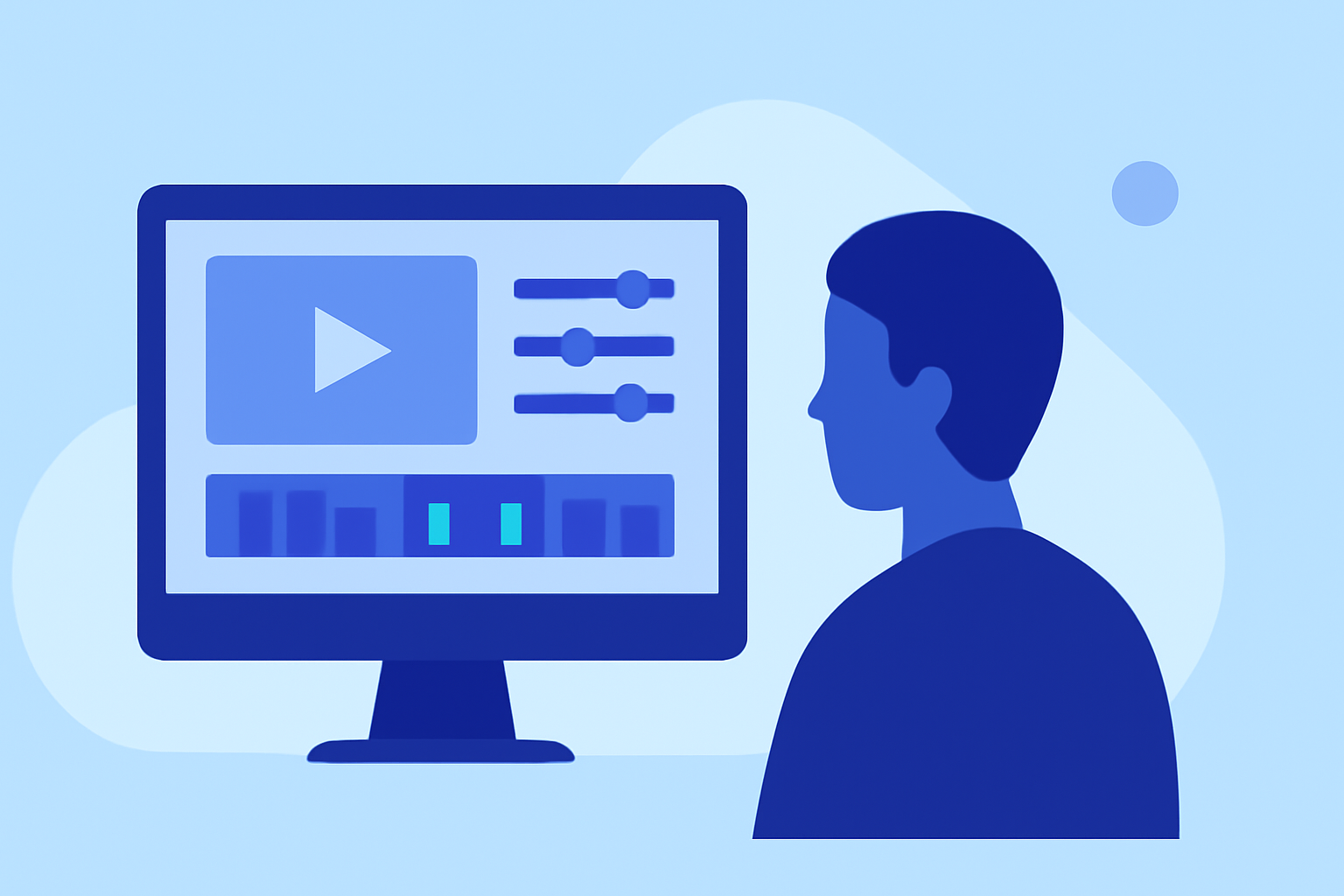
Sound is a vital component of travel vlogs, setting the mood and enhancing storytelling. A common mistake is using music that overwhelms the narration or does not match the tempo of the visuals. Always ensure your audio selections complement the visuals, and balance overall sound levels. Consider using tools that allow for easy audio adjustments, facilitating better soundscapes.
How to Avoid Over-Editing?
It’s tempting to use every feature available in editing software, but too many effects can detract from the story. This leads to an inconsistent viewing experience. Limit your use of transitions, color effects, or overlays to ensure your narrative remains clear. Focusing on strong visuals and coherent storytelling often trumps flashy edits.
What Tools Support a Smooth Editing Workflow?
Investing in the right editing software is paramount. While free options exist, tools that offer comprehensive features can significantly enhance your editing process. We recommend exploring Planes Live—it not only supports traditional editing needs but also can seamlessly integrate live flight tracking data, adding an innovative layer to your travel vlogs. Whether it’s showing your flight paths or adding context to your journey, Planes Live can take your content to another level.
Conclusions: What We Recommend
- Establish a clear workflow to keep your editing organized.
- Pay attention to pacing to maintain viewer interest.
- Use high-quality audio that aligns with your visual content.
- Avoid over-editing by focusing on coherent storytelling.
- Consider using Planes Live for effective integration of flight data in your vlogs—it’s a game-changer for hobbyist creators looking to stand out.