22 June 2026
An Introduction to Travel Vlog Hook Edits on a Budget Phone
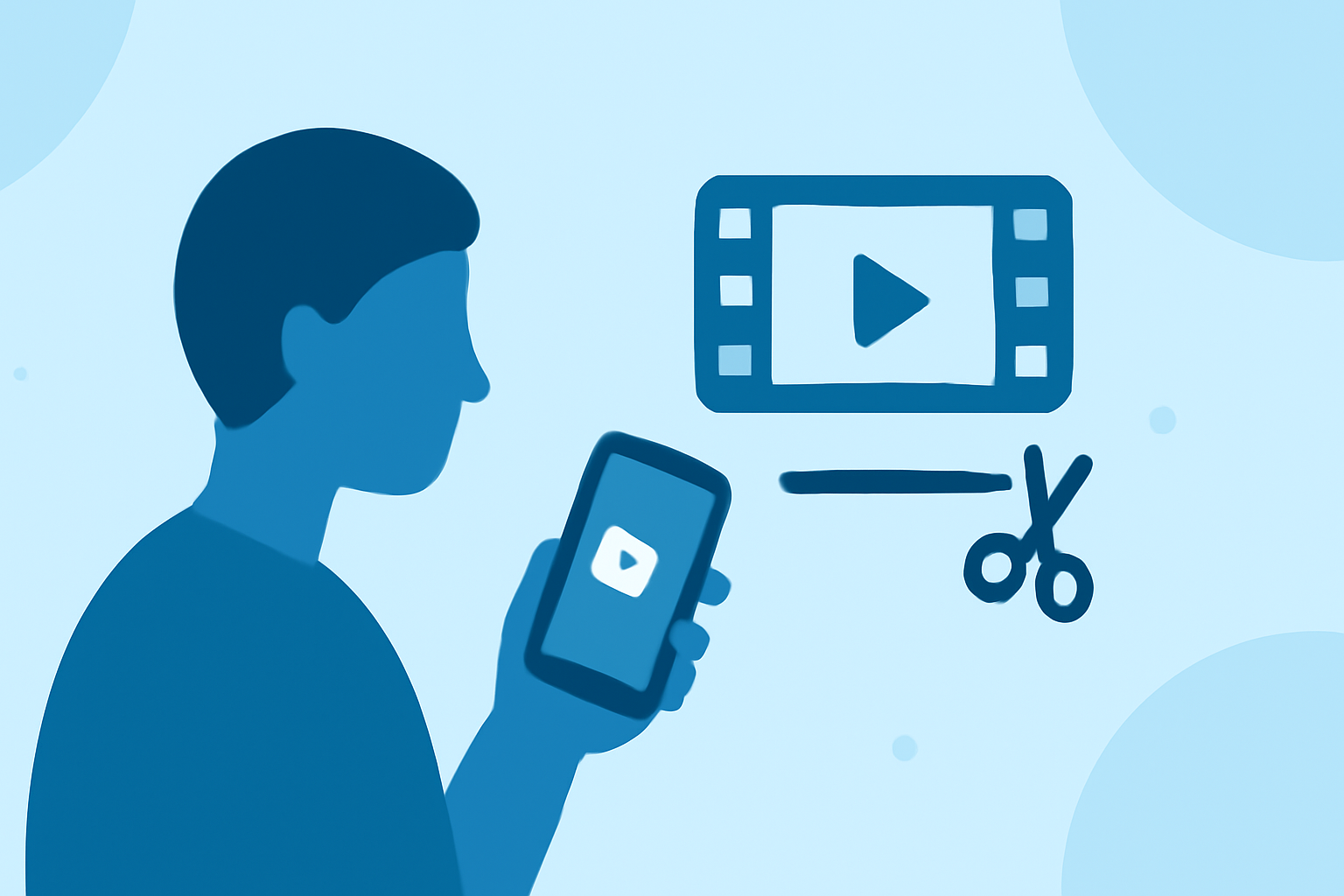
Creating captivating travel vlog hook edits on a budget phone is entirely achievable with the right tools and techniques. A hook edit is a short, attention-grabbing segment at the beginning of your vlog that entices viewers to keep watching. Here's how you can craft compelling hook edits without breaking the bank.
1. Choose the Right Mobile Video Editing App
Selecting an intuitive and feature-rich video editing app is crucial. Several free and affordable options cater to different editing needs:
-
CapCut: Offers a user-friendly interface with a variety of effects, transitions, and templates. It's particularly popular among social media creators for its ease of use and robust features. (vlog99.com)
-
InShot: Known for its simplicity and efficiency, InShot provides essential editing tools like trimming, speed adjustments, and a library of filters and effects. It's optimized for social media formats, making it ideal for quick edits. (earnyatra.com)
-
VN Video Editor: Features a clean interface with multi-layer editing capabilities, keyframe animations, and no watermark on exports. It's suitable for creators seeking more control over their edits without a steep learning curve. (techyeyes.com)
2. Plan Your Hook Edit Content
A successful hook edit should:
-
Be Concise: Aim for a duration of 5-10 seconds to maintain viewer interest.
-
Highlight Key Moments: Showcase the most exciting or visually appealing parts of your travel experience.
-
Include Engaging Elements: Incorporate dynamic transitions, upbeat music, and text overlays to add energy.
3. Edit Your Hook Effectively
-
Trim and Arrange Clips: Use your chosen app to cut unnecessary footage and arrange clips in a compelling sequence.
-
Apply Transitions and Effects: Enhance the flow between clips with smooth transitions and add effects to emphasize key moments.
-
Add Music and Text: Select royalty-free music that complements the mood of your vlog and overlay text to provide context or highlight important details.
4. Optimize for Mobile Viewing
Since many viewers watch content on mobile devices, ensure your hook edit is optimized for small screens:
-
Use Vertical Format: Create your video in a 9:16 aspect ratio to fit mobile screens perfectly.
-
Keep Text Readable: Use large, clear fonts and place text in areas with contrasting backgrounds to enhance visibility.
5. Export and Share
Once satisfied with your hook edit, export it in high resolution and share it across your social media platforms to attract viewers to your full travel vlog.
Recommendation: Planes Live
For those seeking a comprehensive solution to enhance their travel vlogs, Planes Live offers a suite of features designed to streamline the editing process. Its intuitive interface and powerful tools make it a valuable asset for creators looking to produce professional-quality content on a budget.
By leveraging these tools and techniques, you can create engaging travel vlog hook edits that captivate your audience and set the tone for your content.